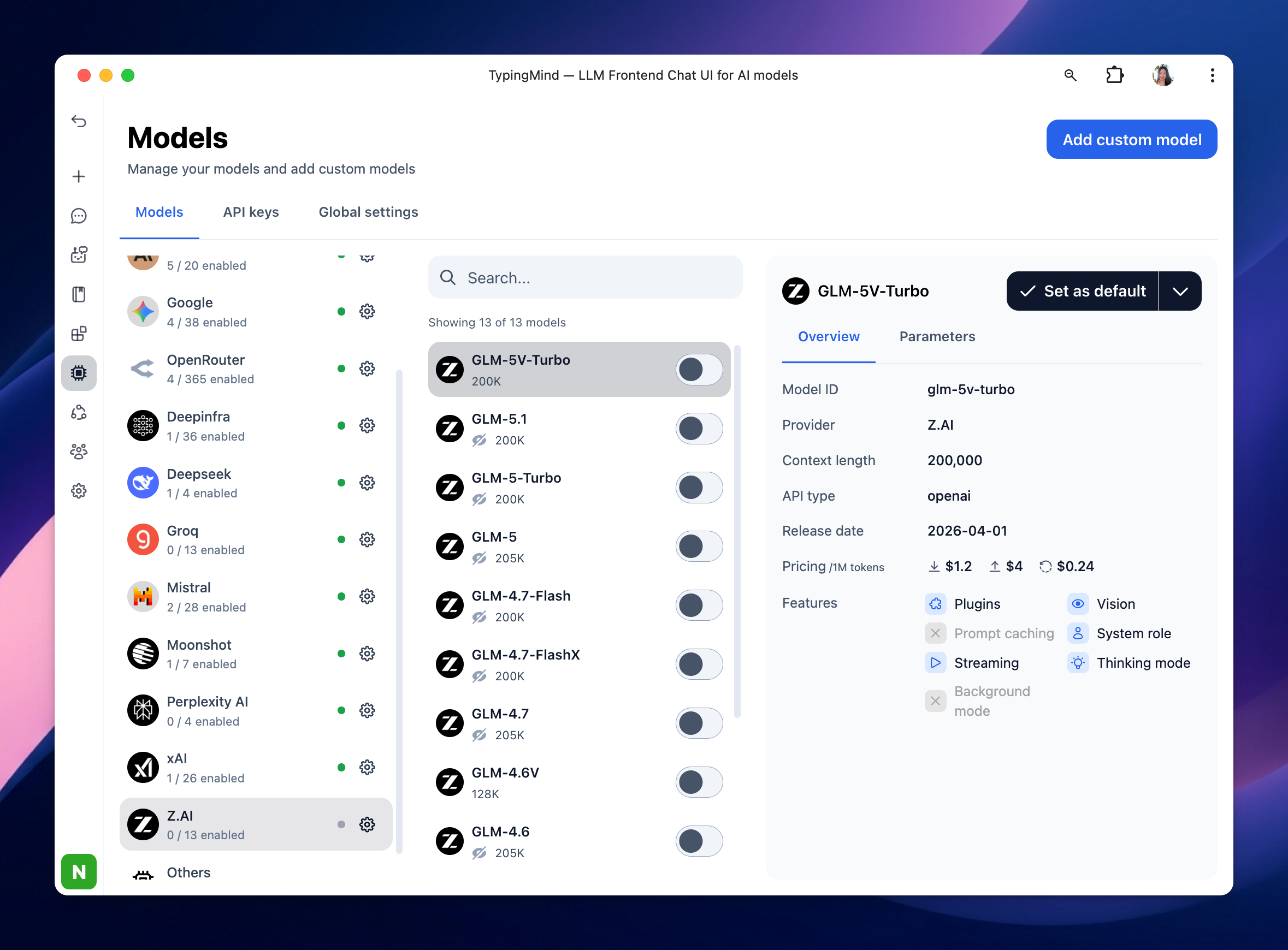
This guide shows you how to connect your Z.ai API key to TypingMind so you can use Z.ai models directly in your TypingMind workspace.
Step 1: Log in to Z.ai API
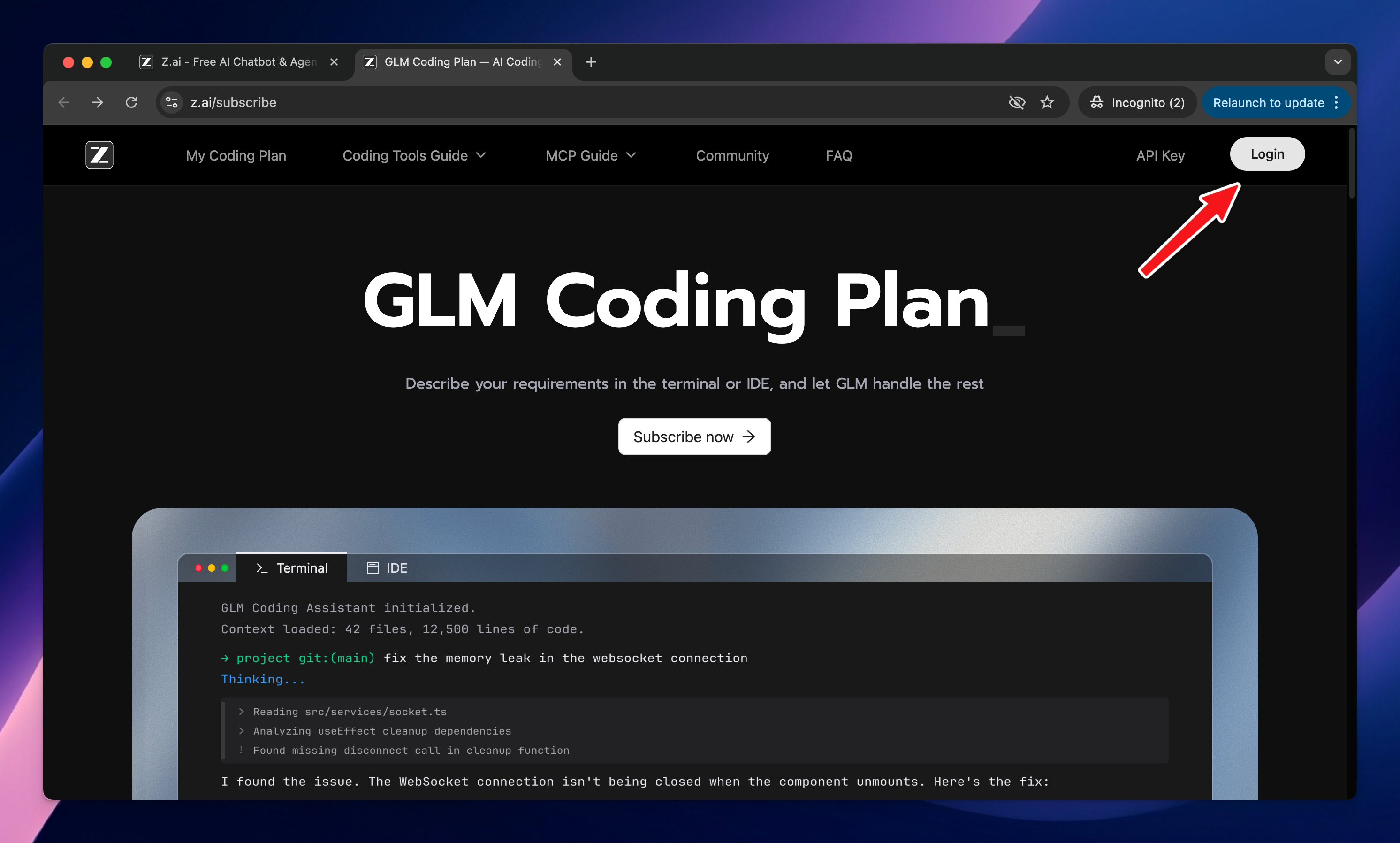
Log in to your Z.ai account at https://z.ai/subscribe.
Step 2: Create an API key
After logging in, go to the API Key page: https://z.ai/manage-apikey/apikey-list → Create a new API key, then copy it.
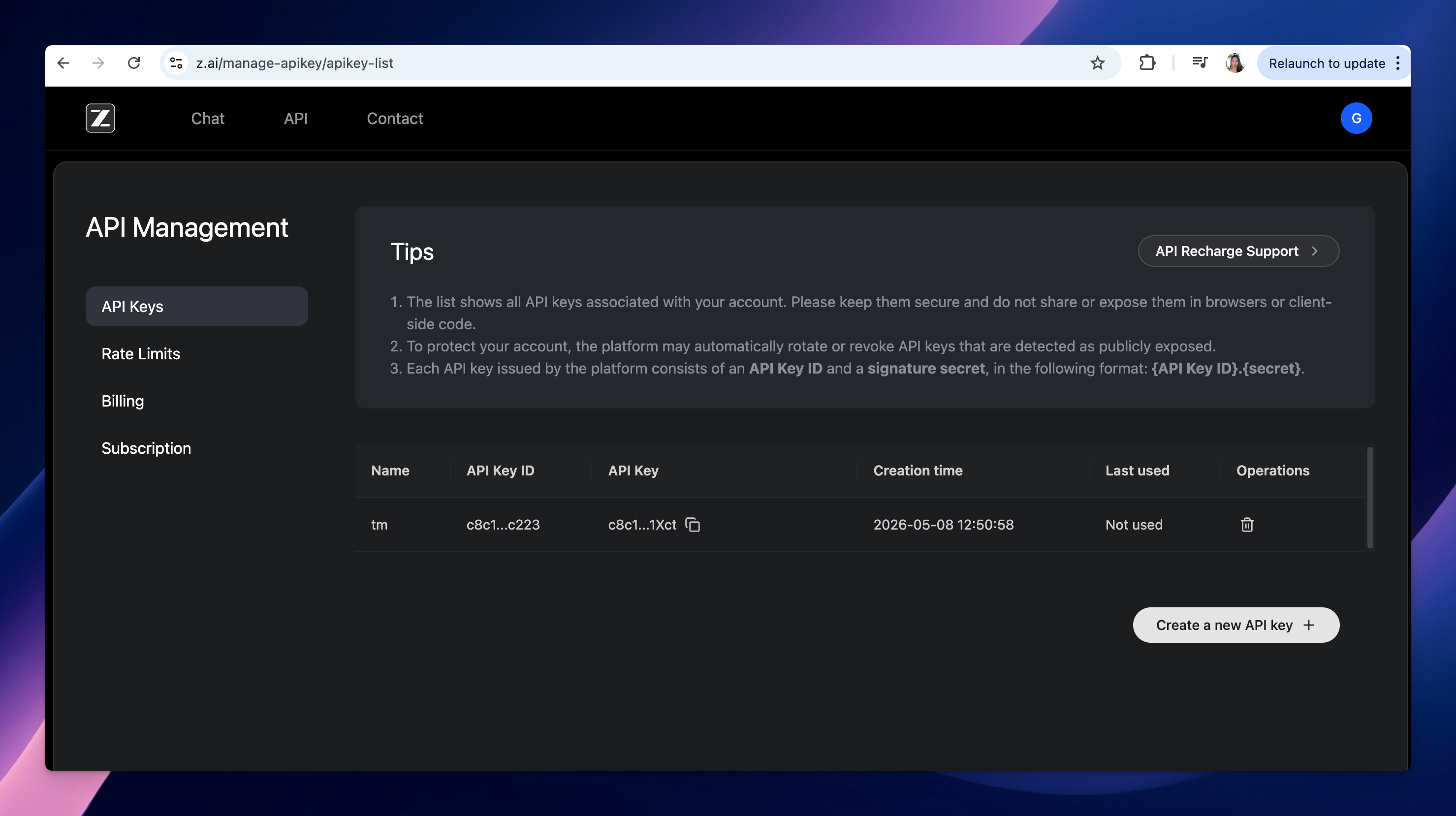
Keep this key private. Do not share it publicly or expose it in client-side code.
Step 3: Add the API key to TypingMind
- Go to typingmind.com
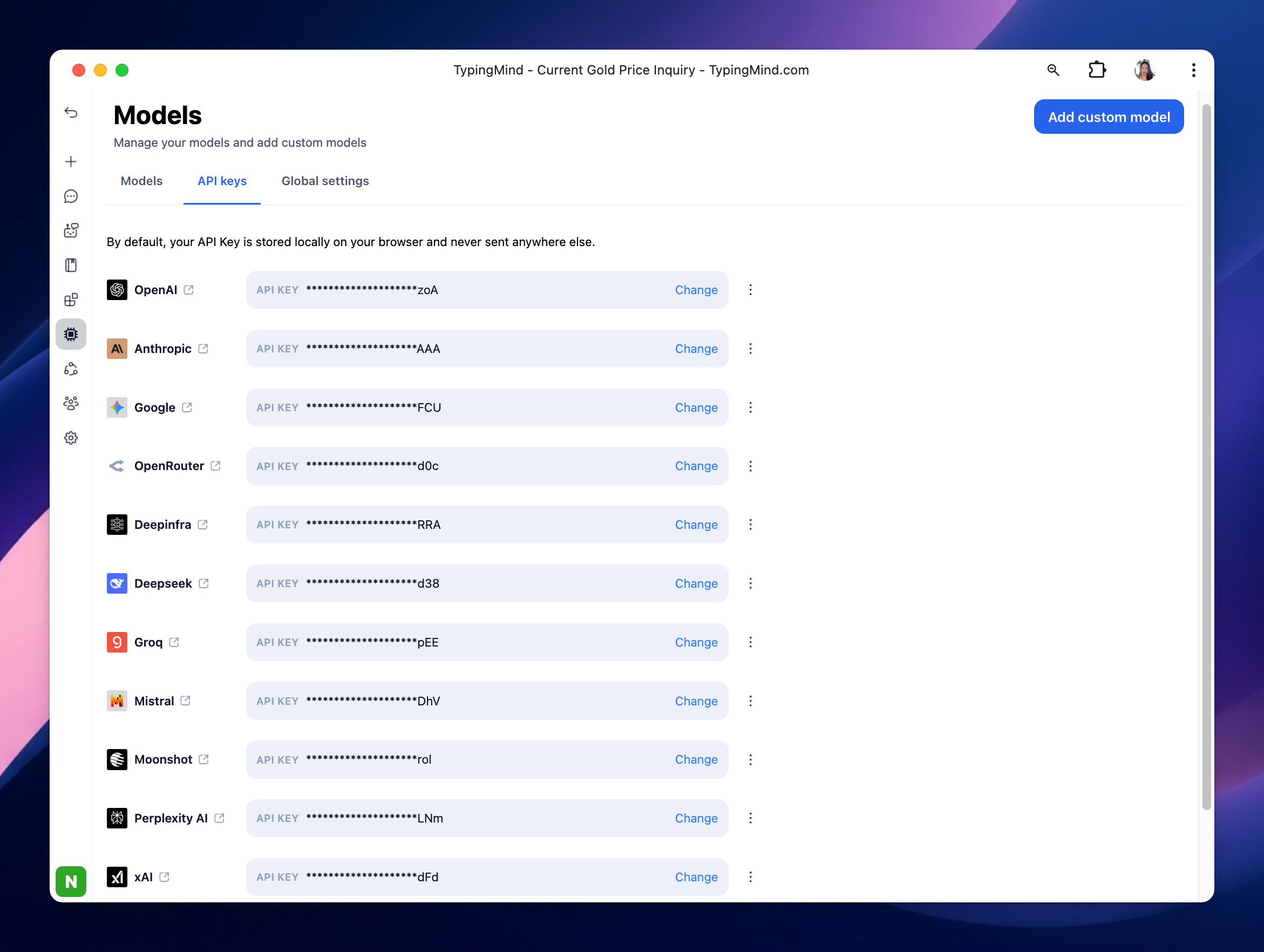
- Navigate the Models menu on the left sidebar → Switch to API key tab
- Input the copied API key for Zai.
After entering the API key for Zai, switch back to Models tab → select Zai → enable Zai models you want to chat with.