.svg?fit=max&auto=format&n=RaTUOQa09vPhW7_D&q=85&s=368f39de7ecc6605f73c43c2017546a3)
.svg?fit=max&auto=format&n=RaTUOQa09vPhW7_D&q=85&s=01a6eb27b4db3af8a1d5557525c579d3)
Get an Azure OpenAI account
If you haven’t already, you must register for an Azure OpenAI Account. You can create one here: https://oai.azure.com/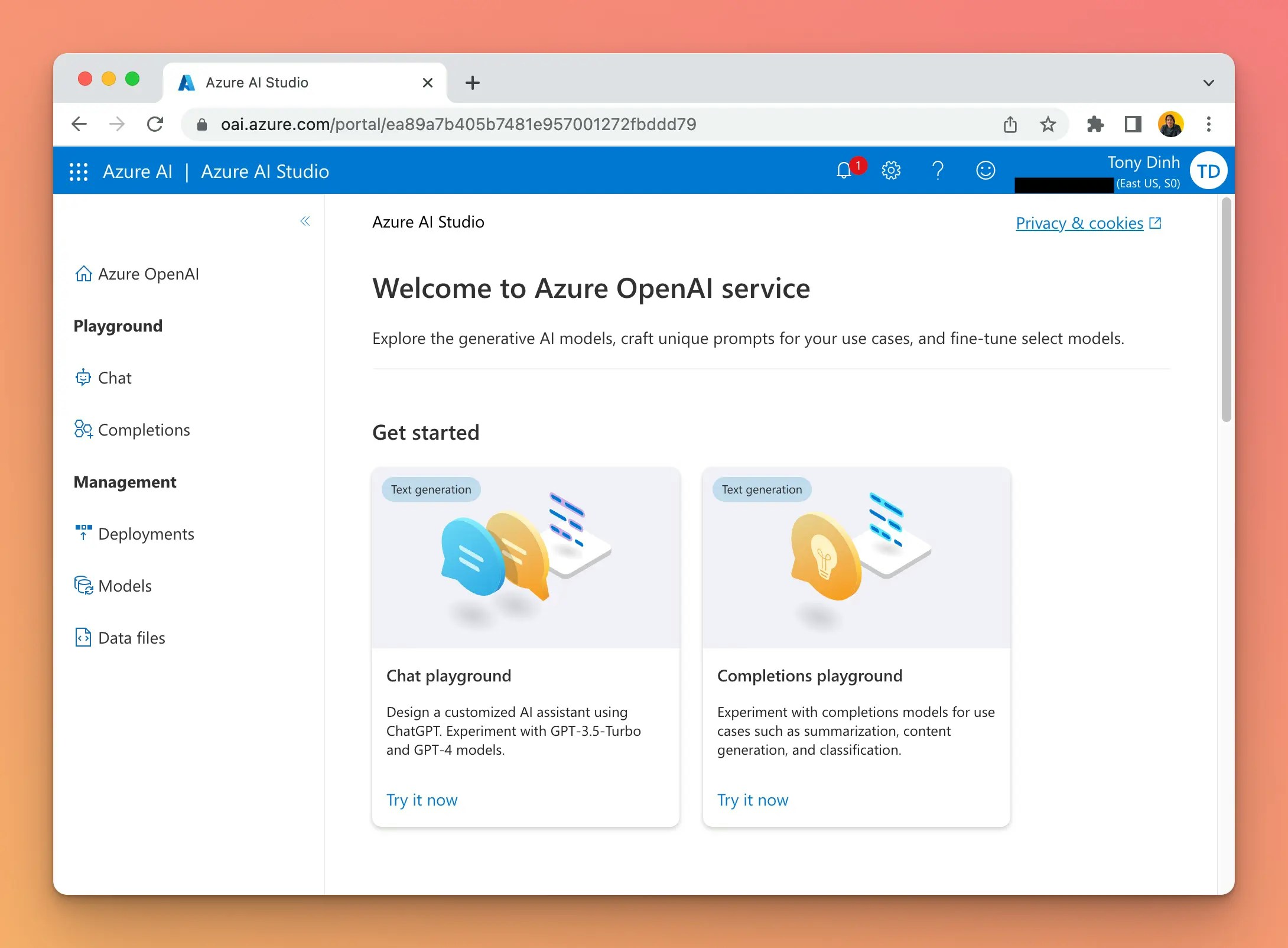
Get a Deployment, Endpoint, and API Key
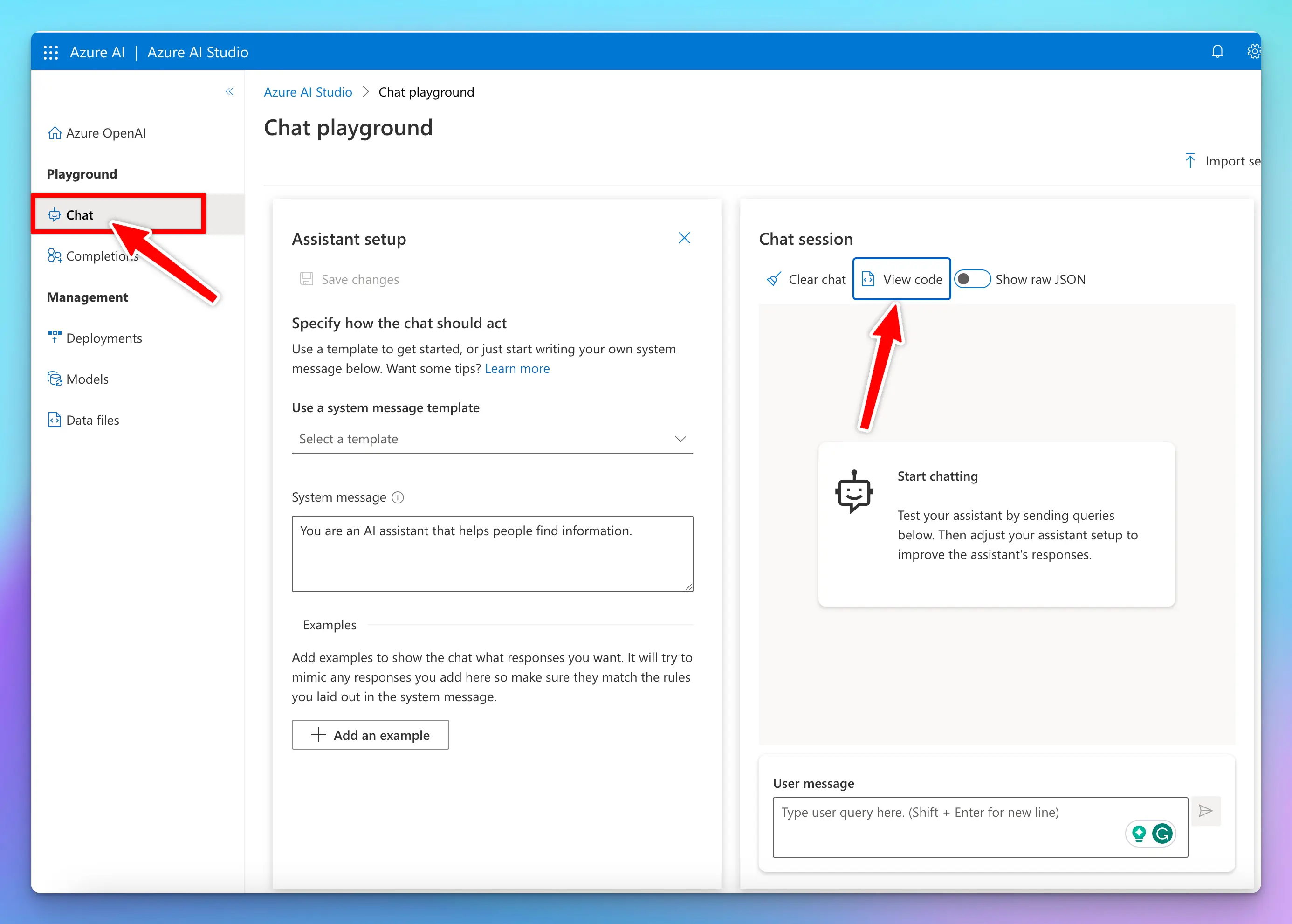
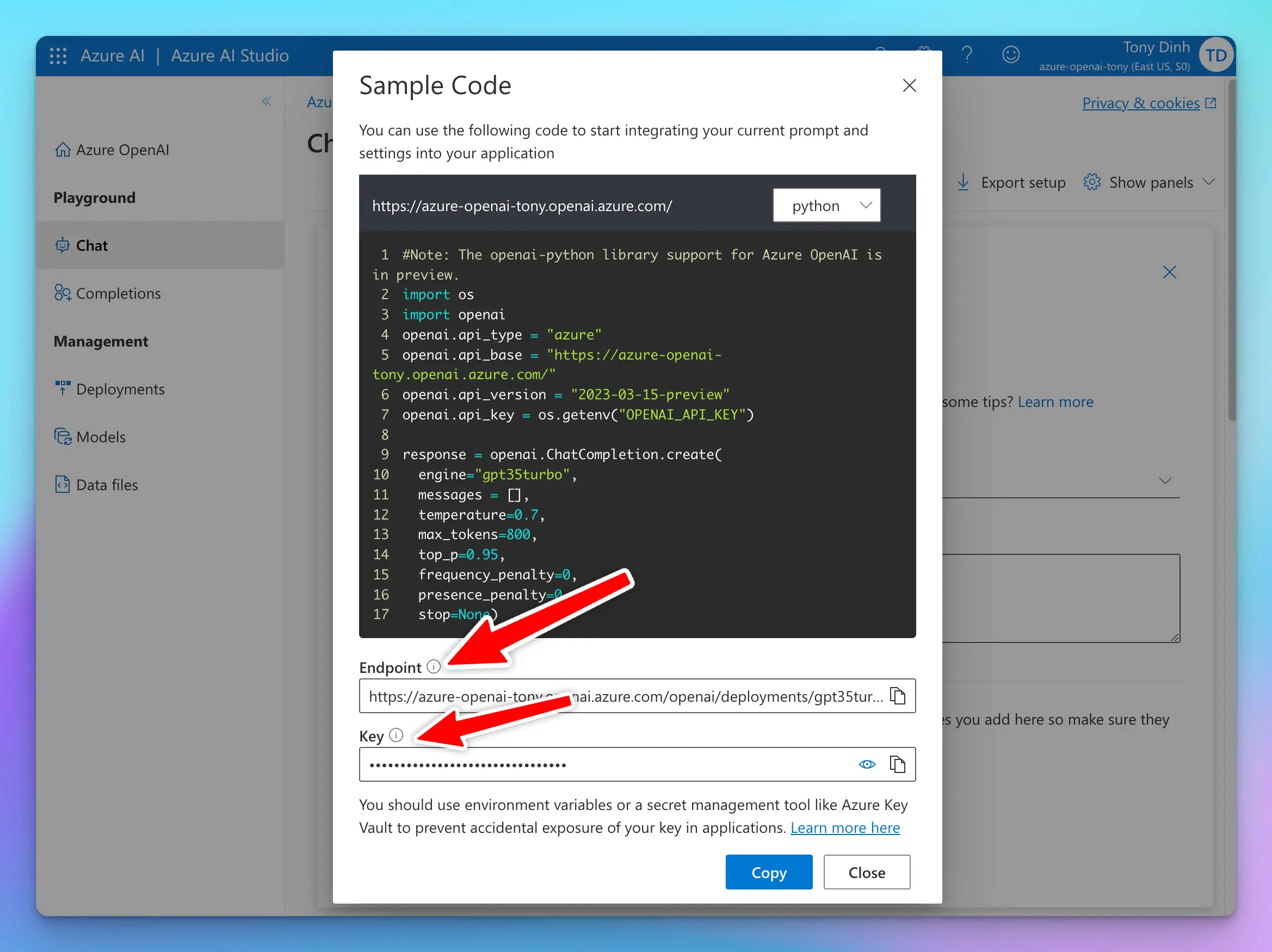
Go to “Deployments” and create a new deployment with a model of your choice.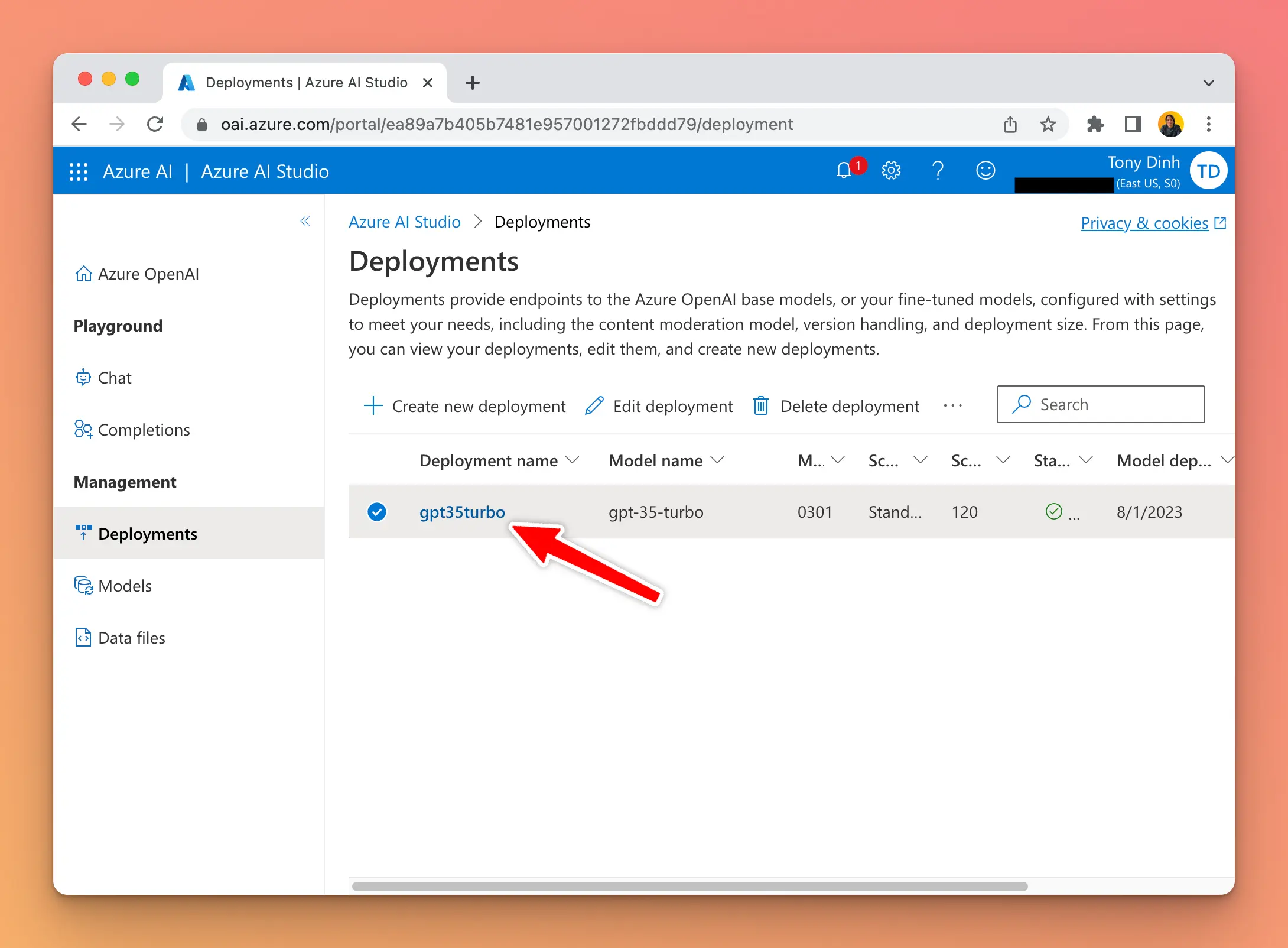 Go to the “Chat” playground and click “View Code” to get your Endpoint and Key.
Create a custom model on TypingMind
Go to typingmind.com and create a new Custom Model as follow:- Click Add Custom Model
- Enter any name.
- Enter the exact endpoint (including the
?apiVersionpart). - Important: there are many types of endpoint on Azure OpenAI. Make sure you use the correct one that contains “/chats/completions”.
- Enter the Model ID and context length
- Add a custom header row, then enter
api-keyand the API key in the value textbox.
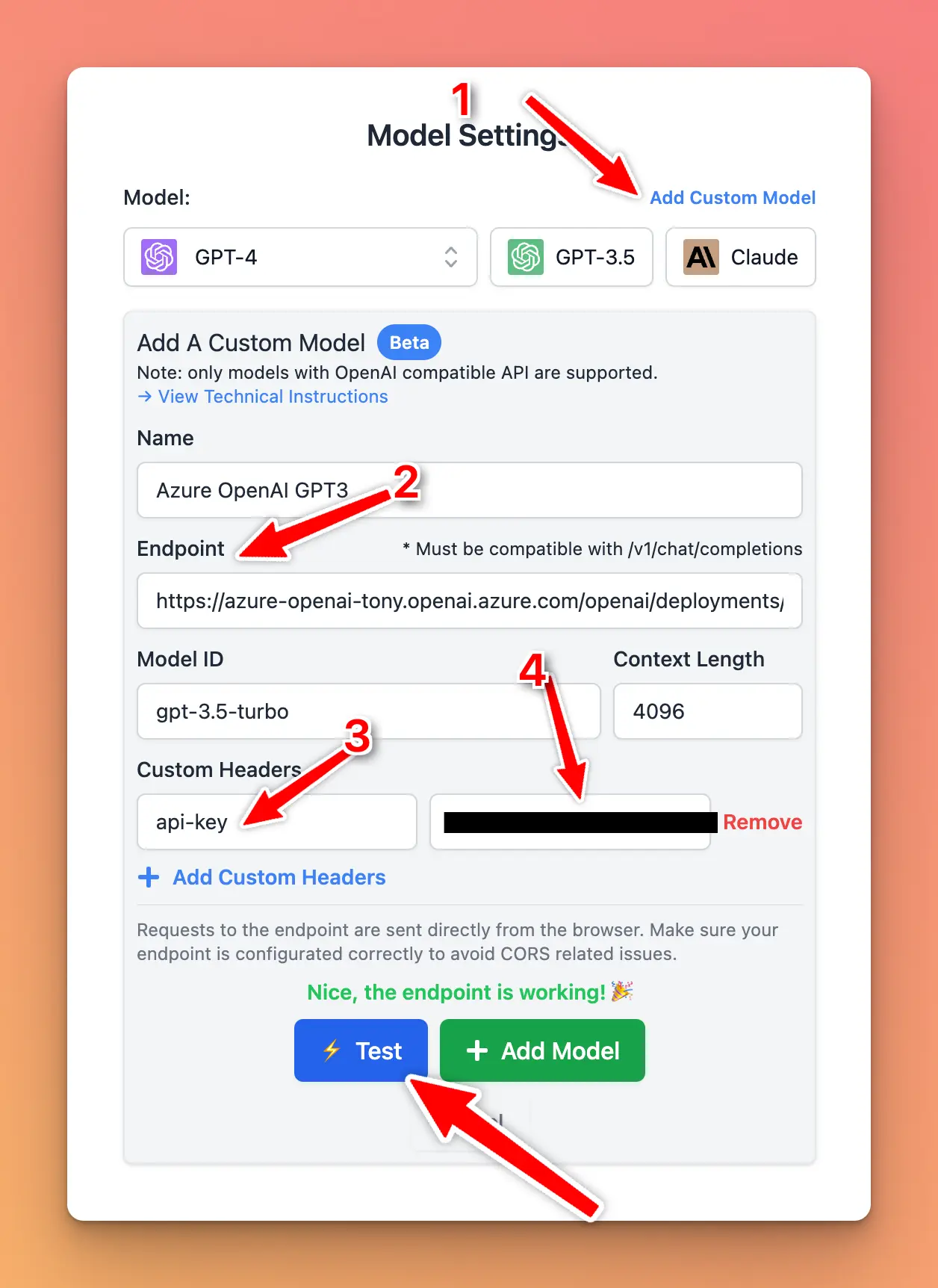
- Click “Test” and verify that the endpoint is working.
- Click “Add Model”.
Chat with Azure OpenAI
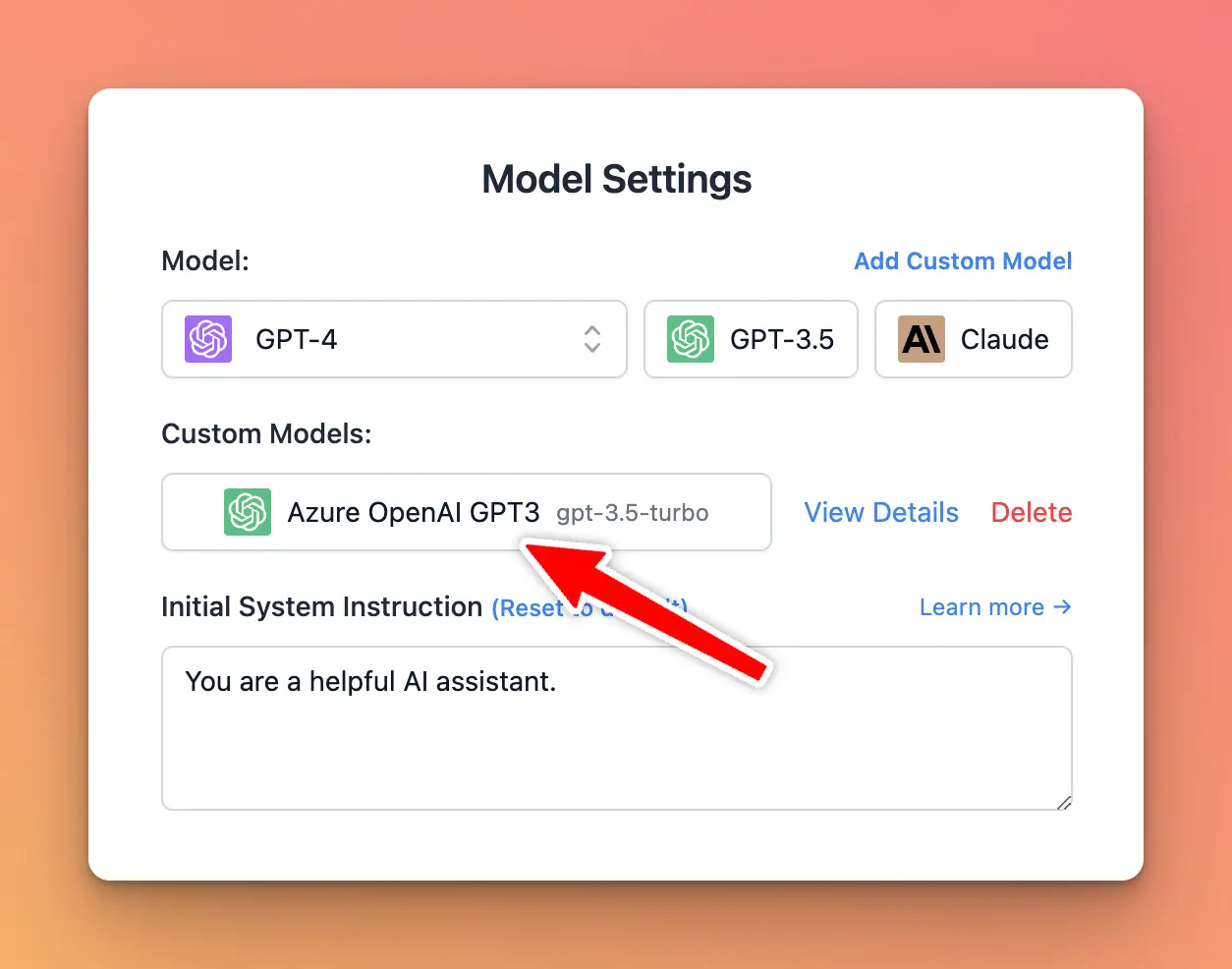
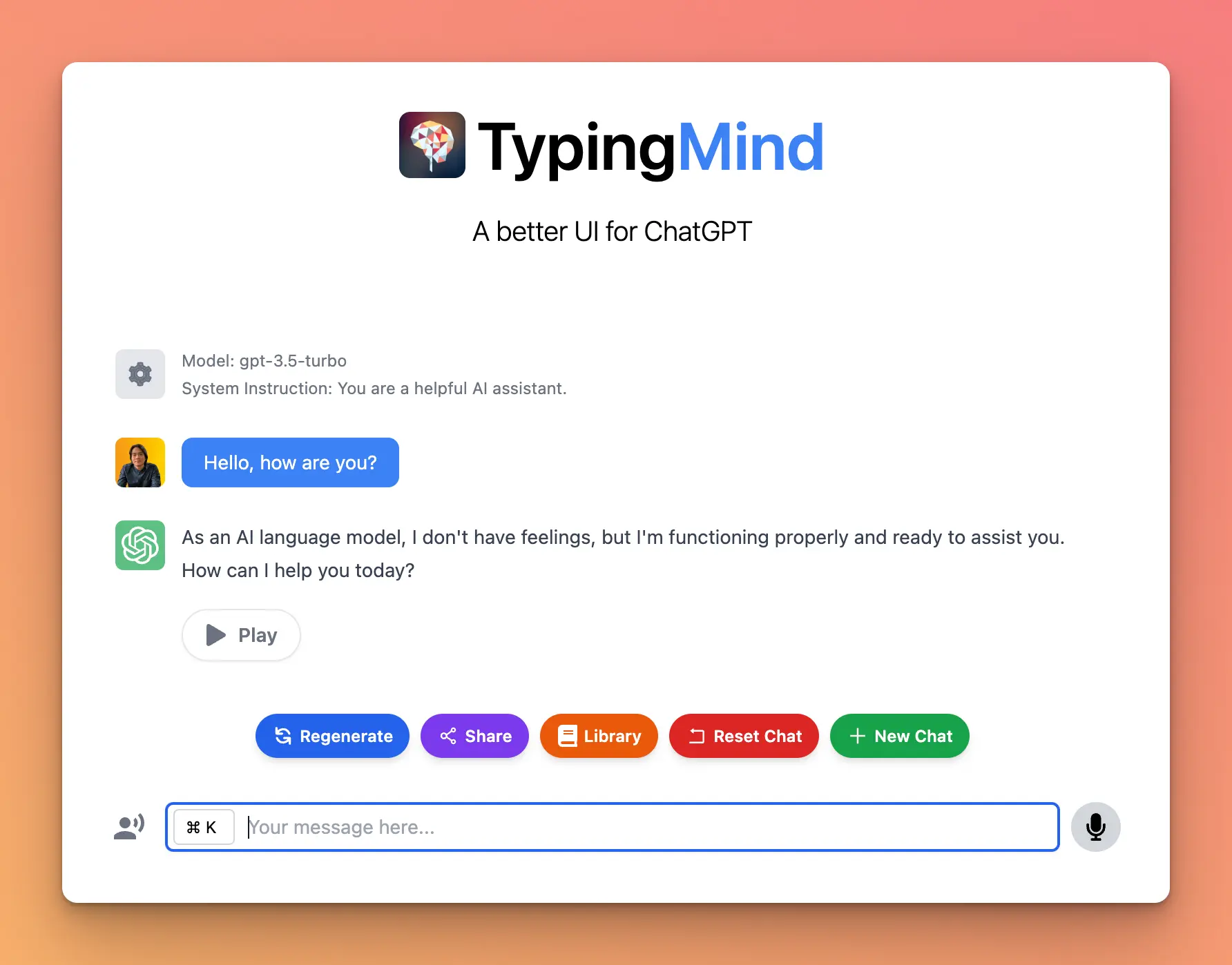
You can now select the Azure OpenAI model and chat with it.