.svg?fit=max&auto=format&n=RaTUOQa09vPhW7_D&q=85&s=368f39de7ecc6605f73c43c2017546a3)
.svg?fit=max&auto=format&n=RaTUOQa09vPhW7_D&q=85&s=01a6eb27b4db3af8a1d5557525c579d3)
For available models
We provide chat models from the following providers:- OpenAI
- Anthropic Claude
- Google Gemini
- OpenRouter
- DeepInfra
- DeepSeek
- Groq
- Mistral
- Moonshot
- Perplexity
- xAI
- Z.ai
- and more to come!
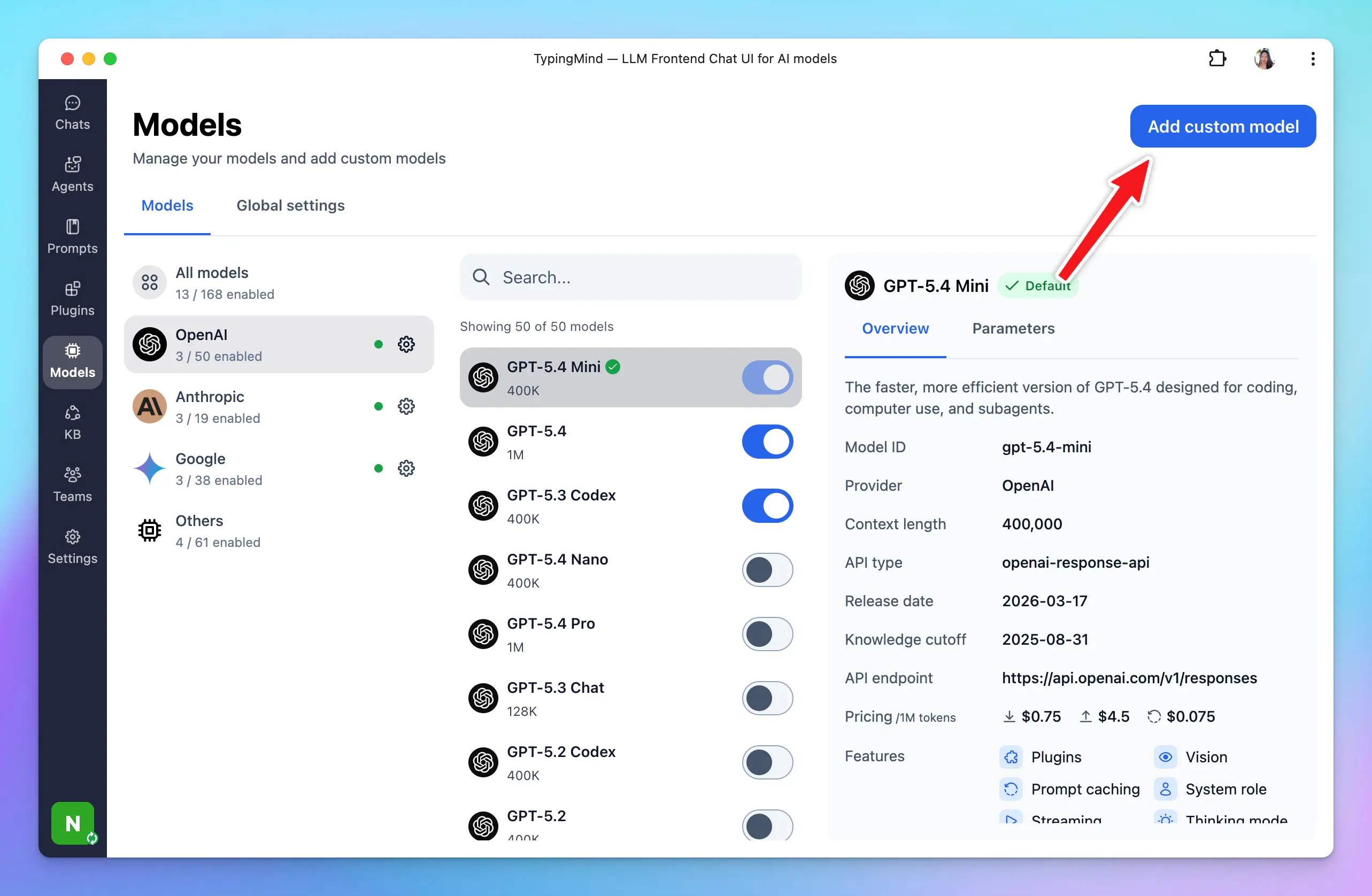
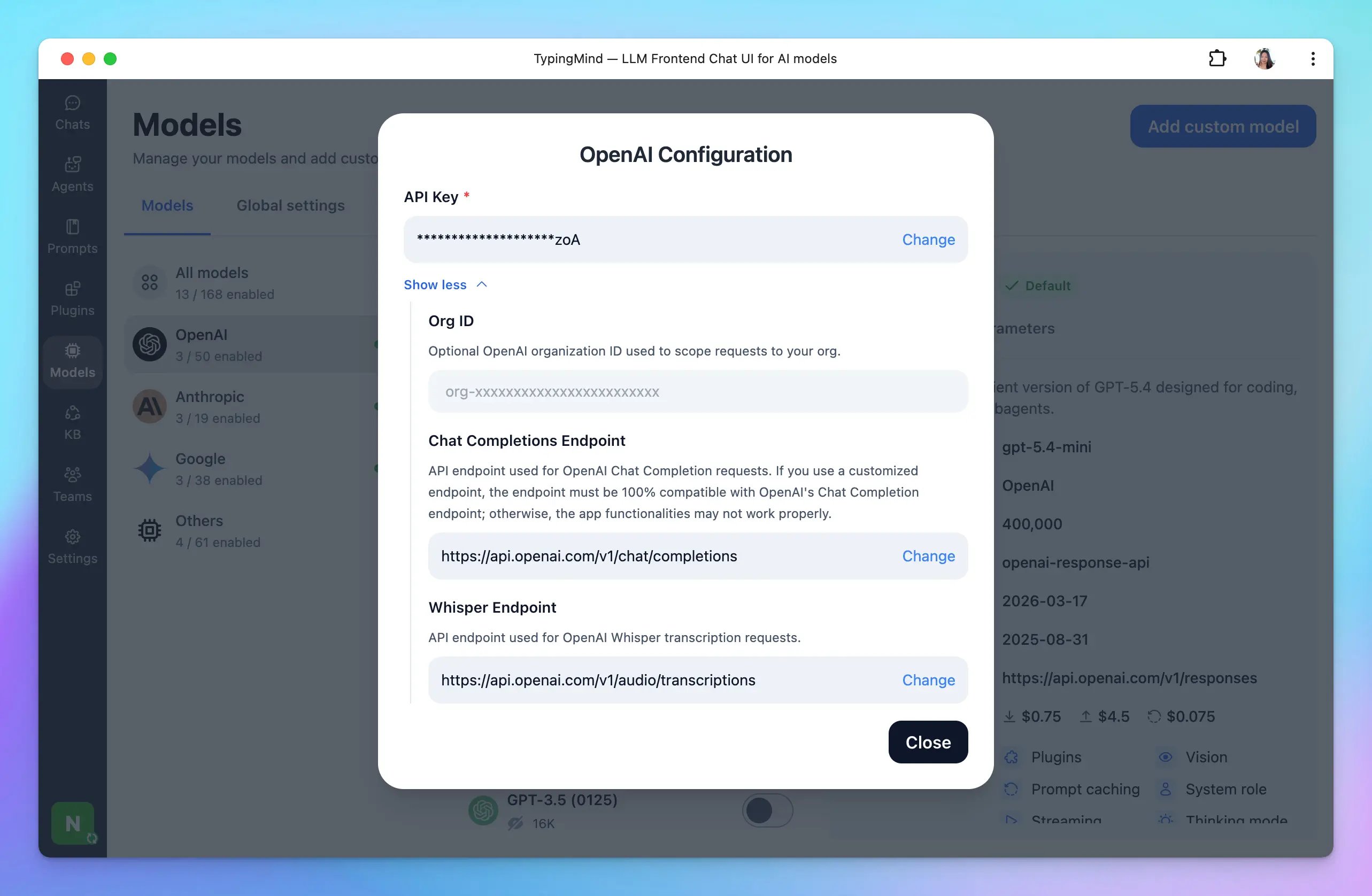
- Click Models in the left sidebar, then click the gear icon next to the AI provider you want to connect with.
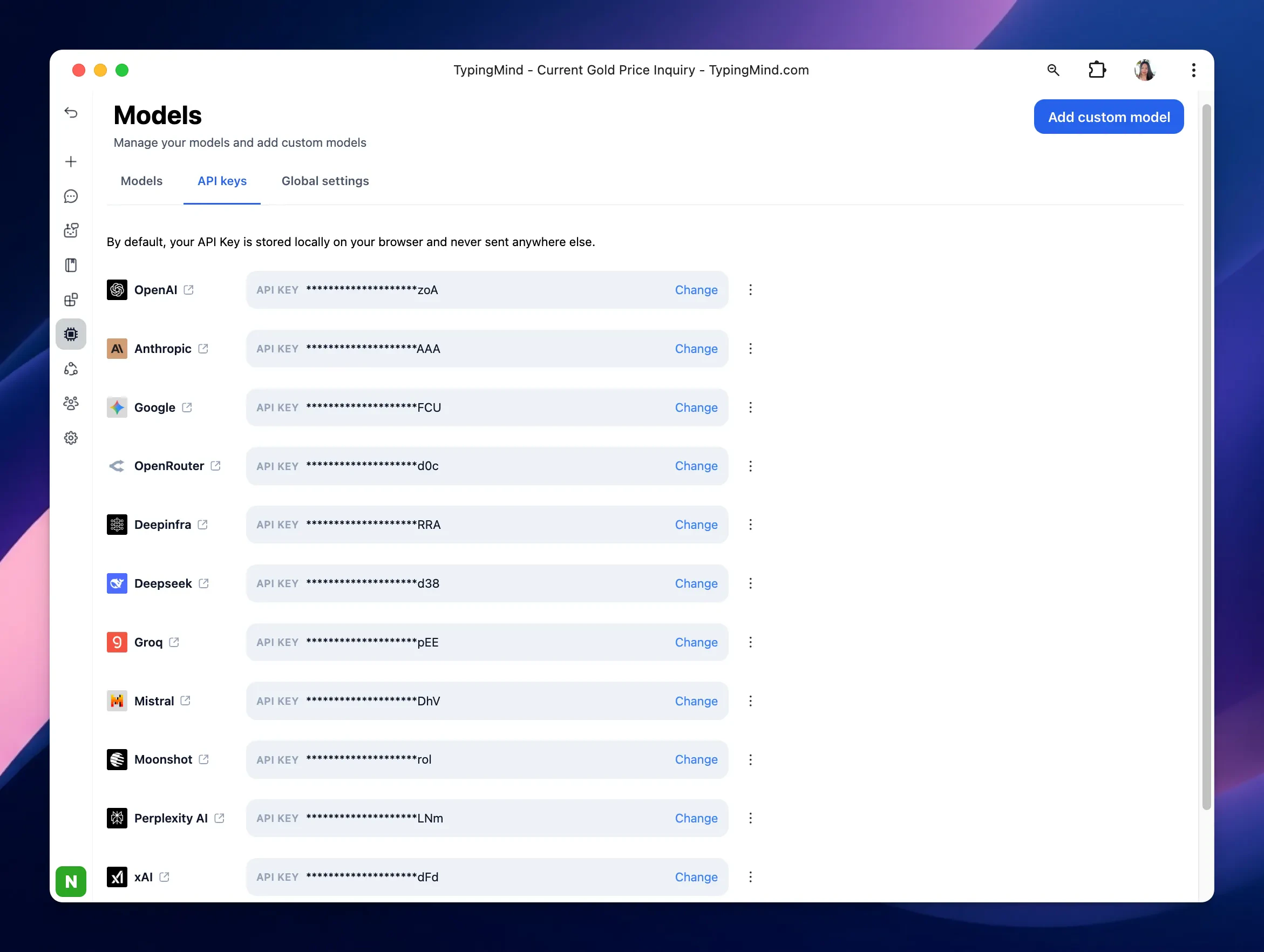
- or Click Models in the left sidebar, then switch to API keys tab to enter your API keys.
For other models
In case you want to use chat models not available within our provided list above, such as models from Azure Foundry, HuggingFace, etc. you can completely set up these chat models on TypingMind by following the steps below:- Open the Model settings on the left side panel.
- Click on Add Custom Models.
- Set up the custom models for: