.svg?fit=max&auto=format&n=RaTUOQa09vPhW7_D&q=85&s=368f39de7ecc6605f73c43c2017546a3)
.svg?fit=max&auto=format&n=RaTUOQa09vPhW7_D&q=85&s=01a6eb27b4db3af8a1d5557525c579d3)
1. Use Claude Models in TypingMind
TypingMind supports all available Anthropic Claude models through your own Anthropic API key. Once your API key is added, you can enable available Claude models and continue using them directly in TypingMind. Go to Models → API keys to enter Anthropic API keys to use Claude models on TypingMind.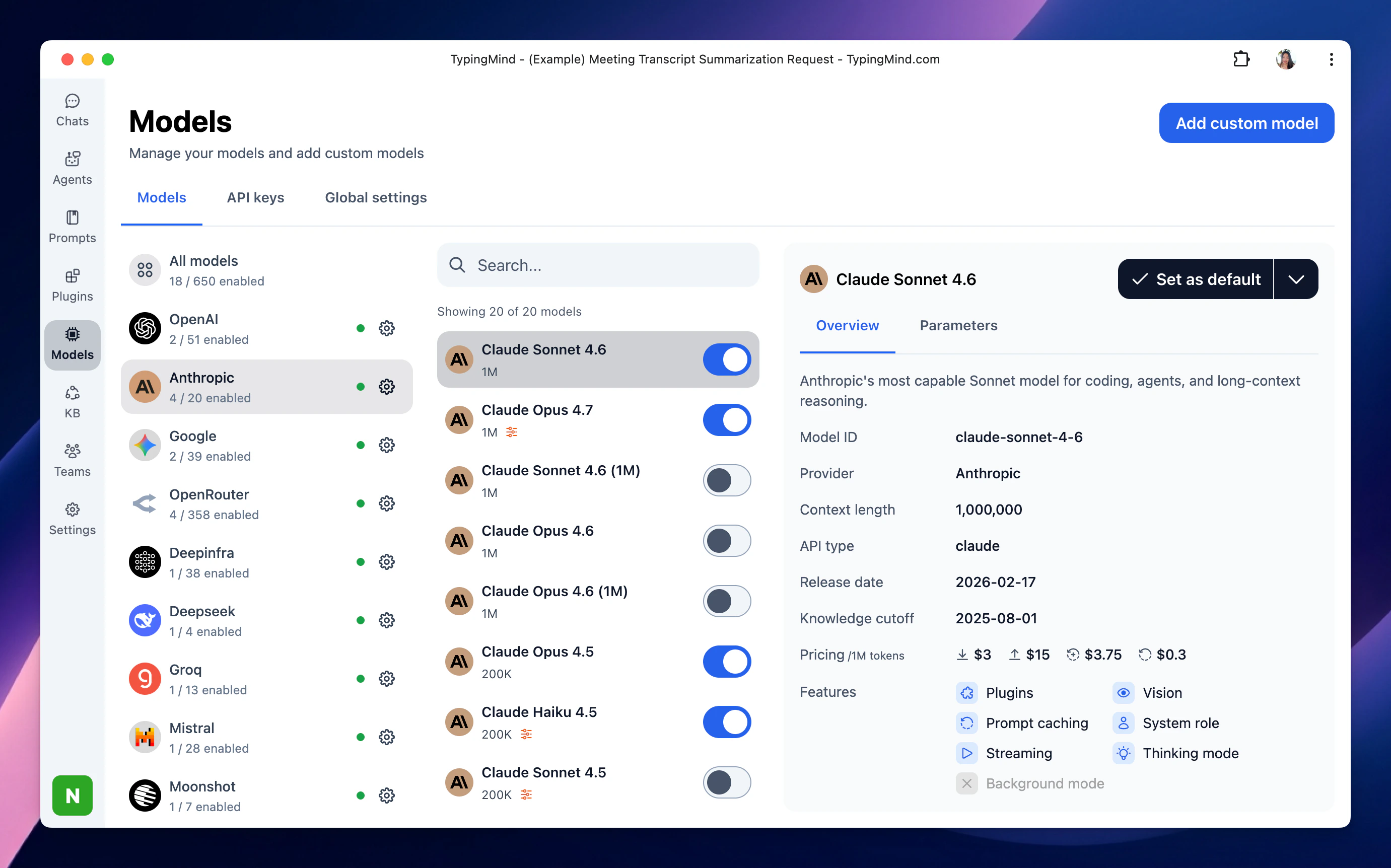
2. Bring Claude Projects to TypingMind Project Folders
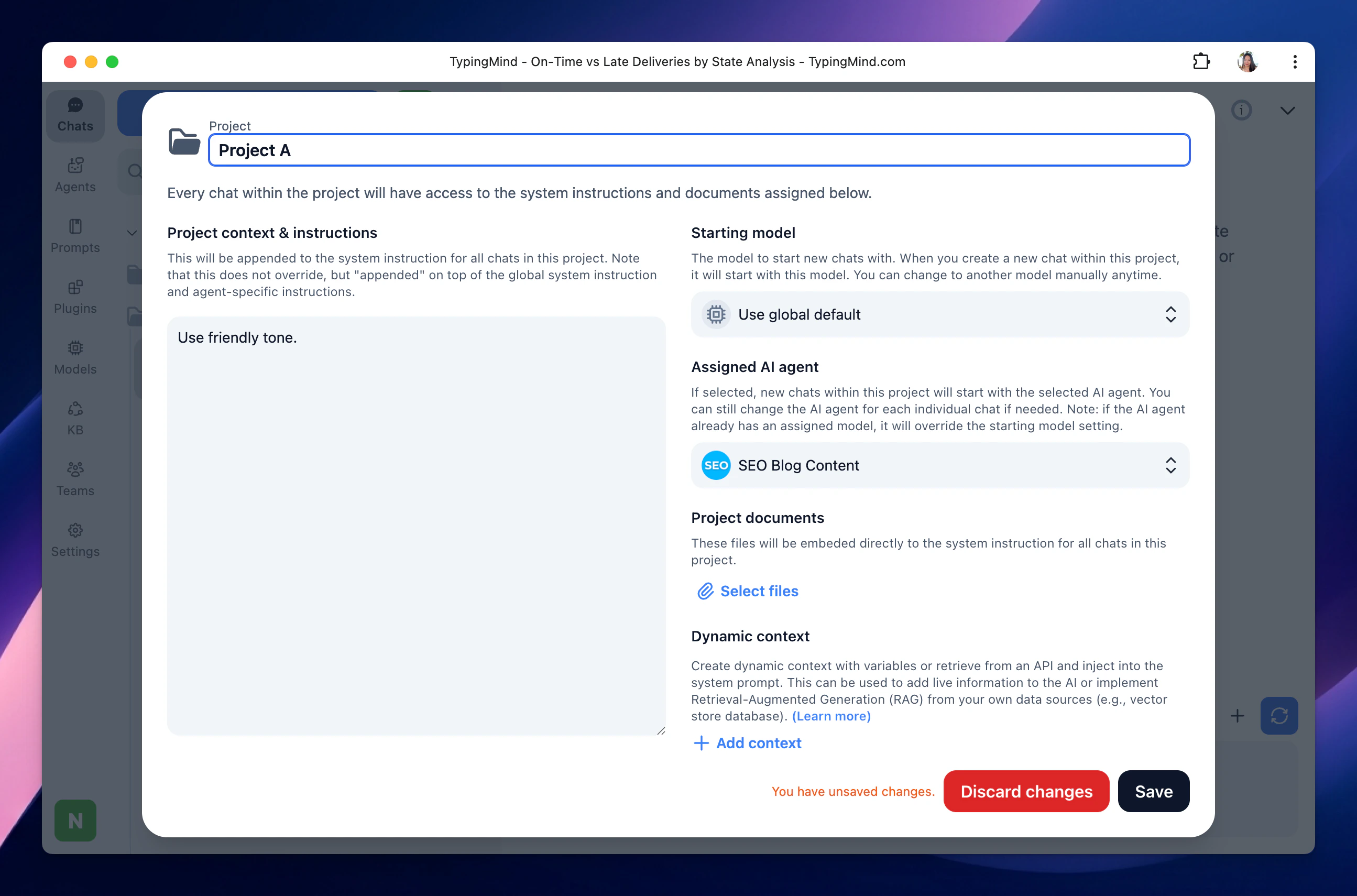
If you previously used Claude Projects to organize work by topic, client, product, or knowledge source, the closest equivalent in TypingMind is Project Folders. TypingMind Project Folders are dedicated workspaces where you can configure:- A specific AI model or AI Agent.
- Custom system instructions.
- Your training data or Dynamic Context to connect to your own data sources.
- Related chats.
- Product Documentation.
- Customer Support.
- Marketing Content.
- Software Development.
- Internal Knowledge.
4. Turn Reusable Claude Workflows into AI Agents
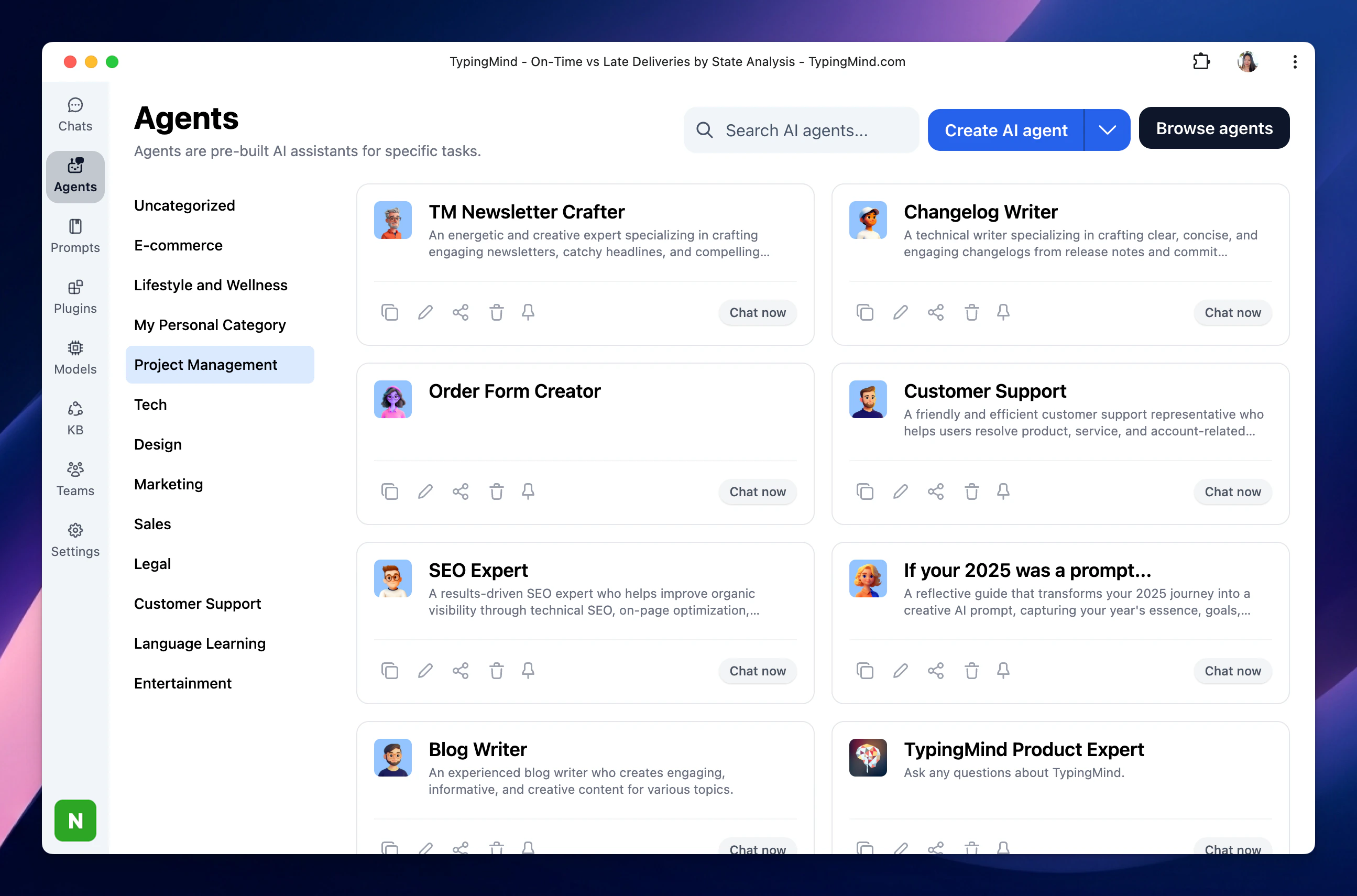
If you often use Claude for a particular role, such as documentation writing, support replies, research, onboarding, or technical troubleshooting, you can turn that workflow into a reusable TypingMind AI Agent. TypingMind AI Agents can be configured with:- Custom instructions and behavior.
- A selected base AI model, including Claude models.
- Custom model parameters.
- Plugins and external tools.
- Text-to-speech capabilities.
- Uploaded training files.
- Knowledge Base access for RAG workflows.
- Dynamic Context through APIs.
- Few-shot examples, welcome messages, and conversation starters.
- A Claude-powered Documentation Writer trained on your product terminology and preferred structure.
- A Customer Support Agent with help center files, reply rules, and a web search plugin.
- A Research Agent with browsing and external data tools enabled.
- A Developer Assistant connected to technical documentation and API references.
5. Recreate Your Preferred Writing Style and Instructions
Many Claude users develop repeatable ways of working, such as:- Always writing in a specific tone.
- Following a documentation format.
- Using particular terminology.
- Returning answers in a structured output.
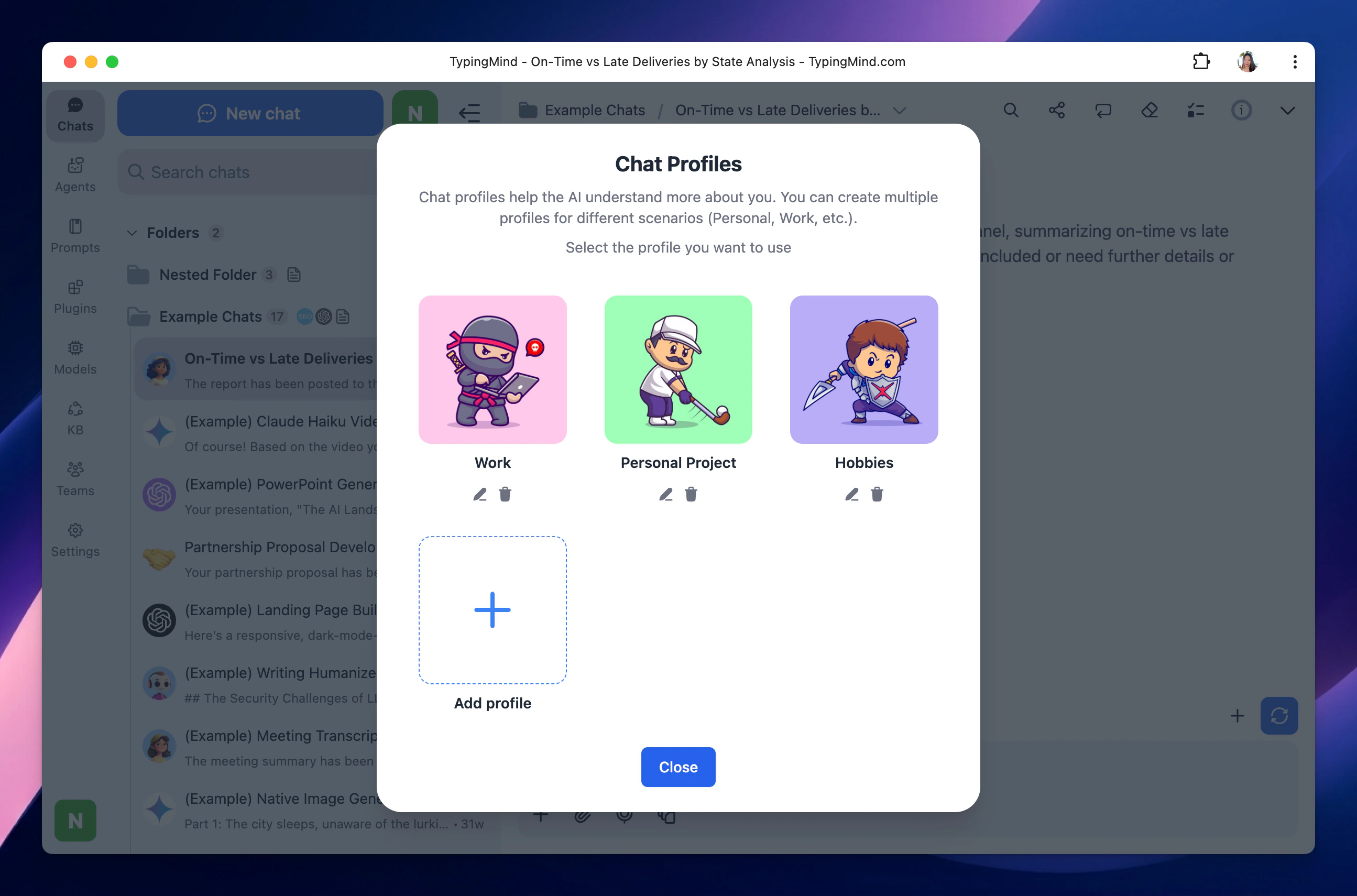
- System Instructions for general response preferences.
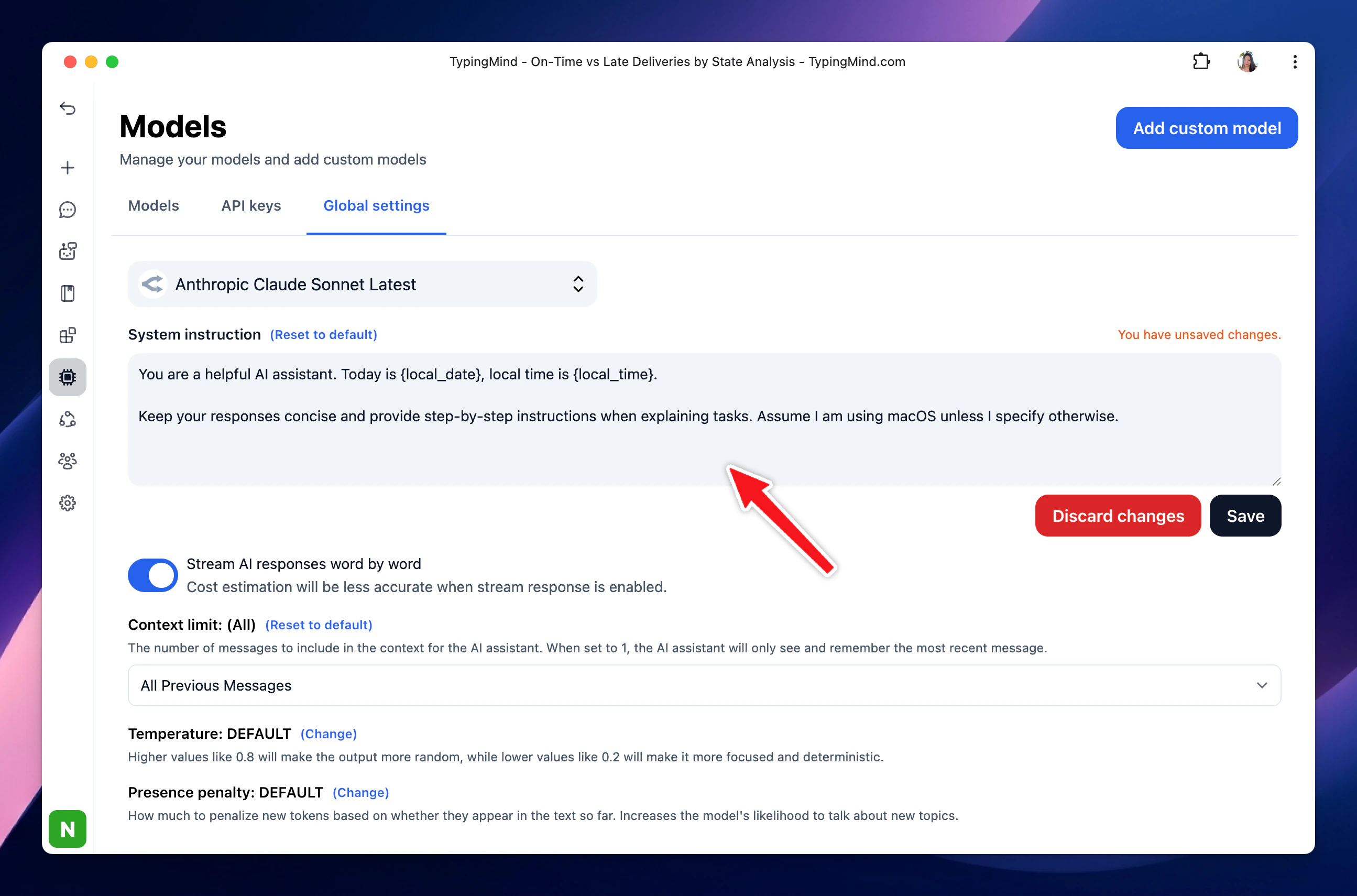
- Project Folder Instructions for context limited to a specific project.
- Profiles for different working identities or use cases.
6. Continue Creating Artifacts and Structured Outputs
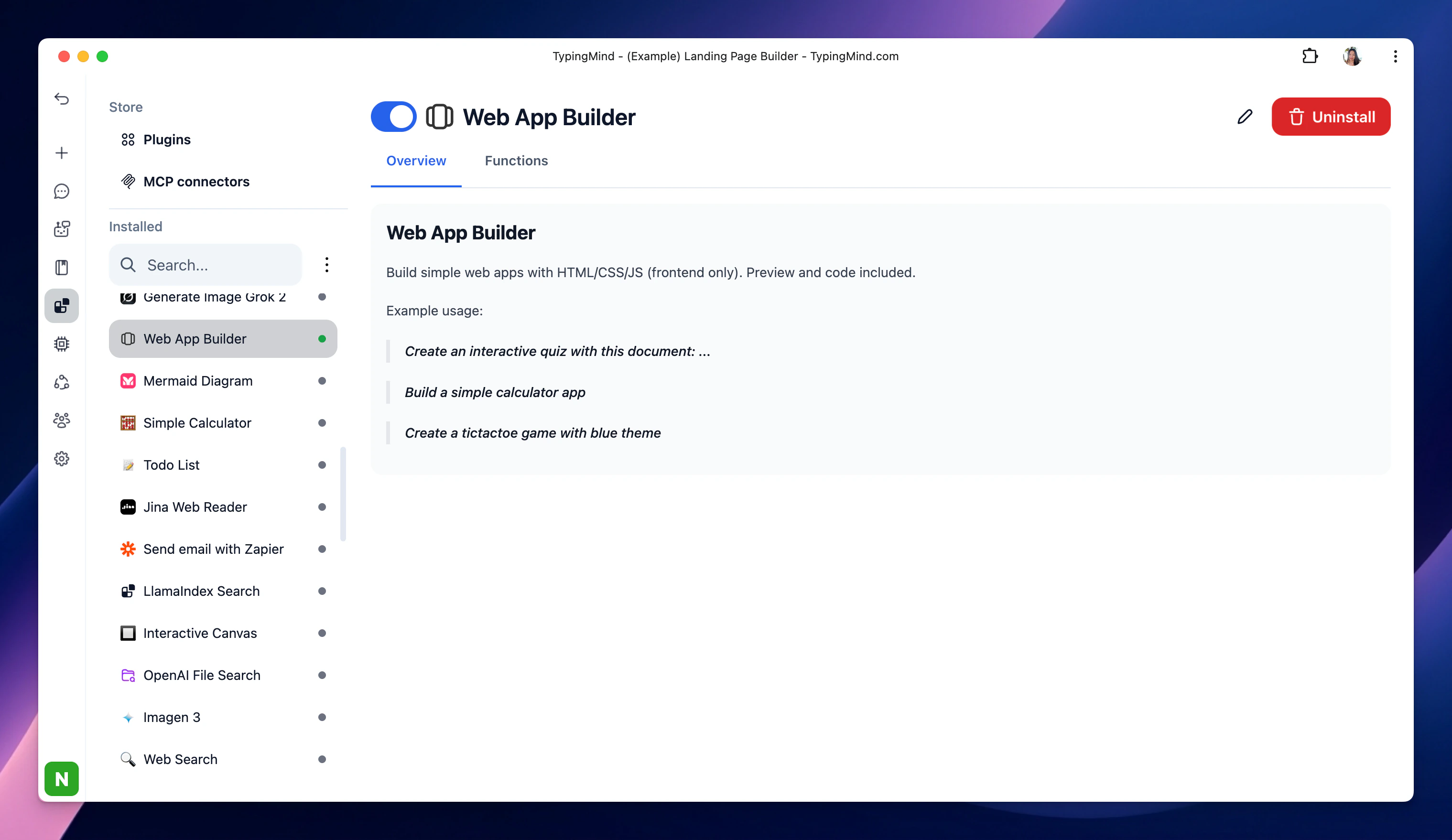
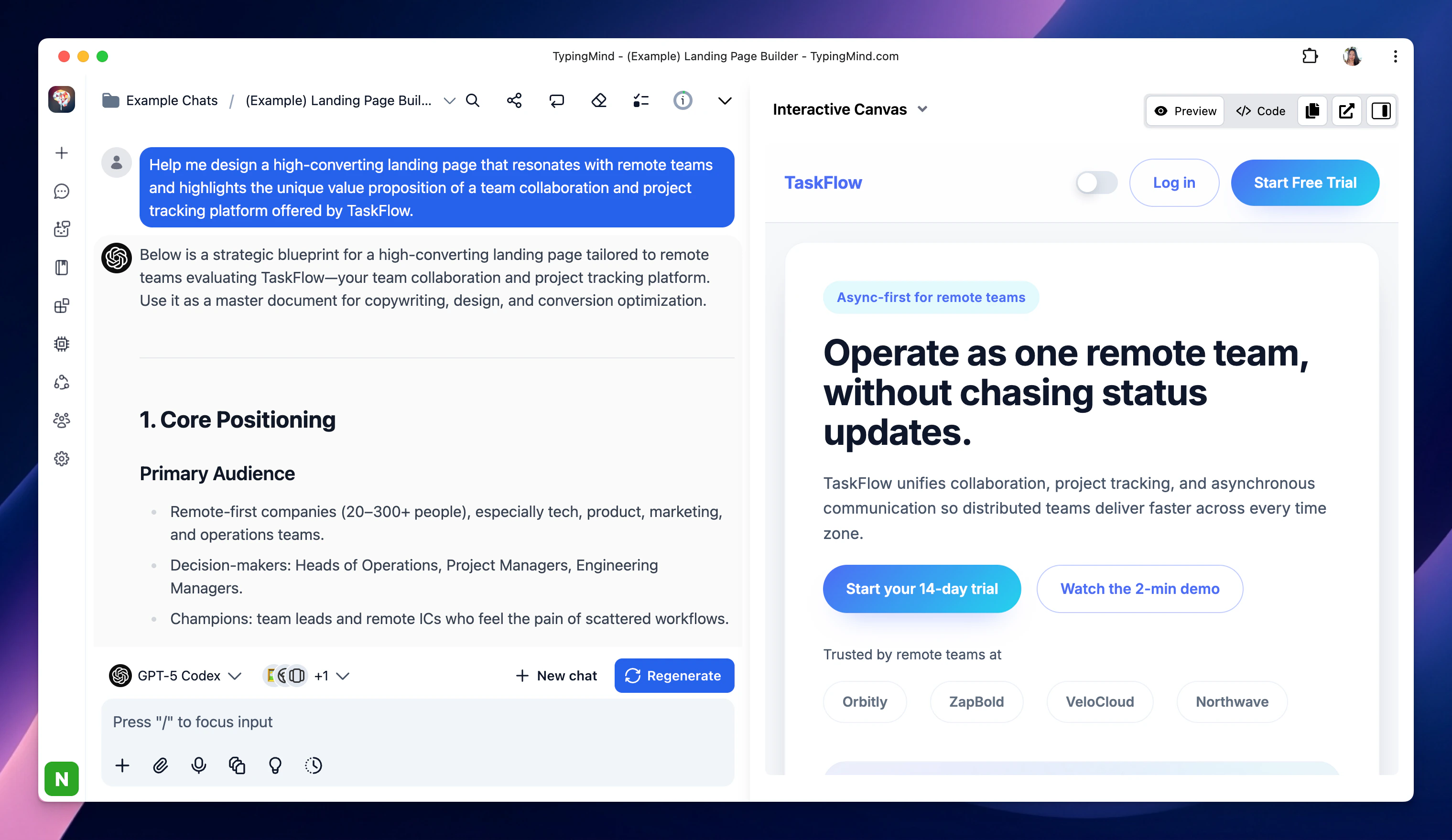
If you use Claude to create documents, code, dashboards, UI prototypes, or other structured outputs, TypingMind also provides an Artifacts workspace. TypingMind Artifacts can be used to create, edit, and view outputs such as:- Documents.
- Code snippets.
- Dashboards.
- Interactive prototypes.
- Web pages and visual interfaces.
7. Add Web Search, Images, Plugins and External Tools
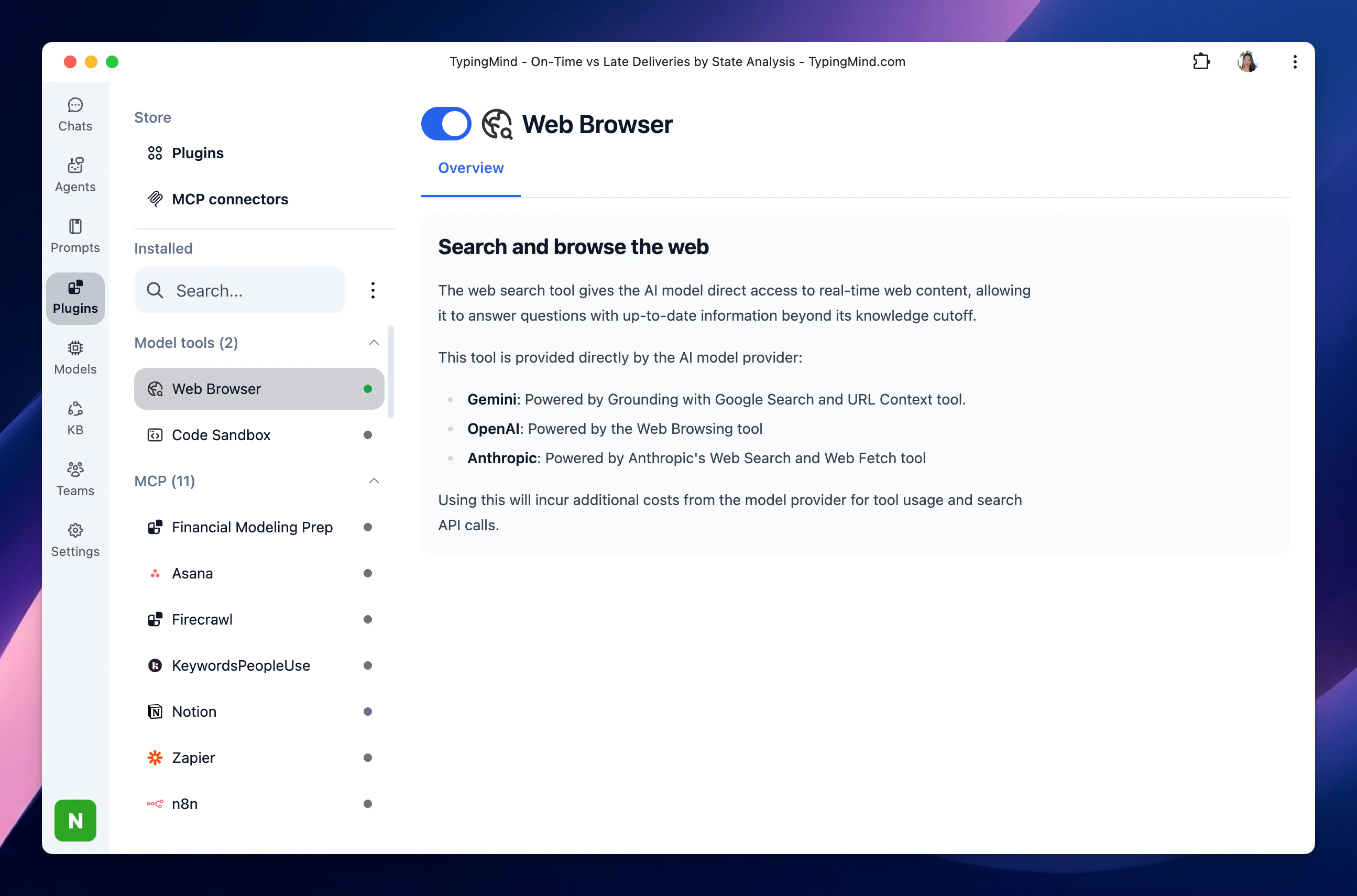
TypingMind extends your AI models through plugins and integrations. You can enable tools for workflows such as:- Searching the web for current information: Web Browsing
- Reading content from a webpage: Firecrawl Web Page Reader
- Generating images: GPT Image Editor, Stable Diffusion
- Connecting external apps and services: Slack, Zapier
- Connecting Model Context Protocol (MCP) servers: Notion, Github, Atlassian, Make, etc.
8. Work with Documents and Knowledge Sources
TypingMind allows you to connect with your internal data via Direct Upload or Knowledge Base (RAG) You can:- Upload documents directly to a Project Folder or an AI Agent.
- Connect a Knowledge Base for RAG-based retrieval.
- Use Dynamic Context to retrieve data from an API or external knowledge source.
- Product documentation.
- Support guides.
- Company policies.
- Brand guidelines.
- Technical specifications.
- Research notes.
- Internal knowledge sources.
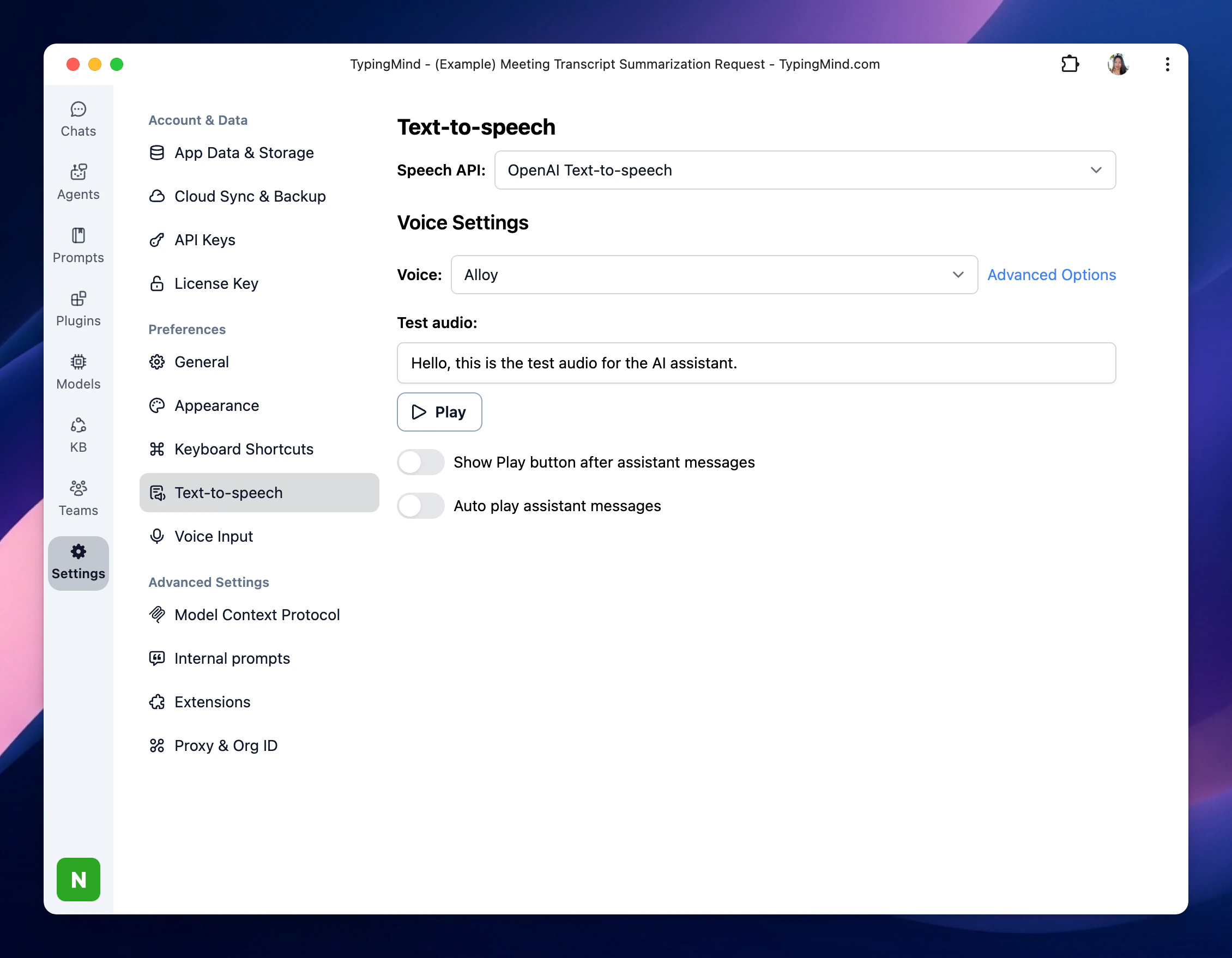
9. Use Voice Features
TypingMind supports voice-based interactions for users who prefer speaking prompts or listening to responses.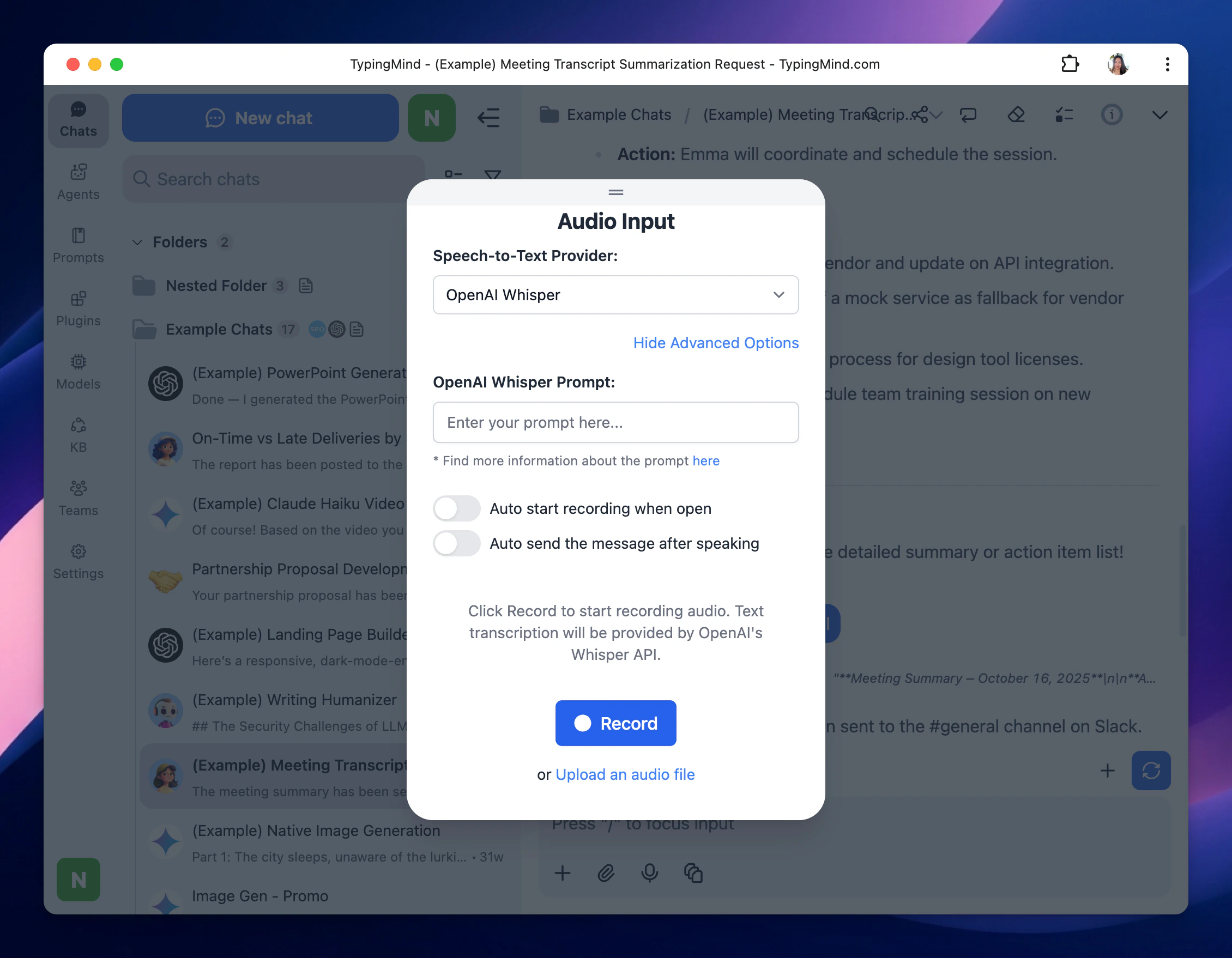
10. Go Beyond a Single AI Provider
Claude may be your preferred model for many tasks, but it does not need to be your only option. TypingMind supports AI models from multiple providers, including:- Anthropic Claude.
- OpenAI.
- Google Gemini.
- OpenRouter.
- DeepSeek.
- Moonshot / Kimi.
- Mistral.
- Groq.
- Perplexity.
- xAI.
- Z.ai
- Custom models and compatible endpoints.
11. Keep Control of Your Data and API Keys
TypingMind is designed as a local-first interface for AI APIs. By default:- Your chats, settings, and API keys are stored locally in your browser.
- API requests go directly from your browser to the AI provider you connect.
- Optional AES encryption can be enabled for your API key.
- Cloud Sync for backup is optional.
- Licensed users can use the static self-hosted package on their own private server and domain.