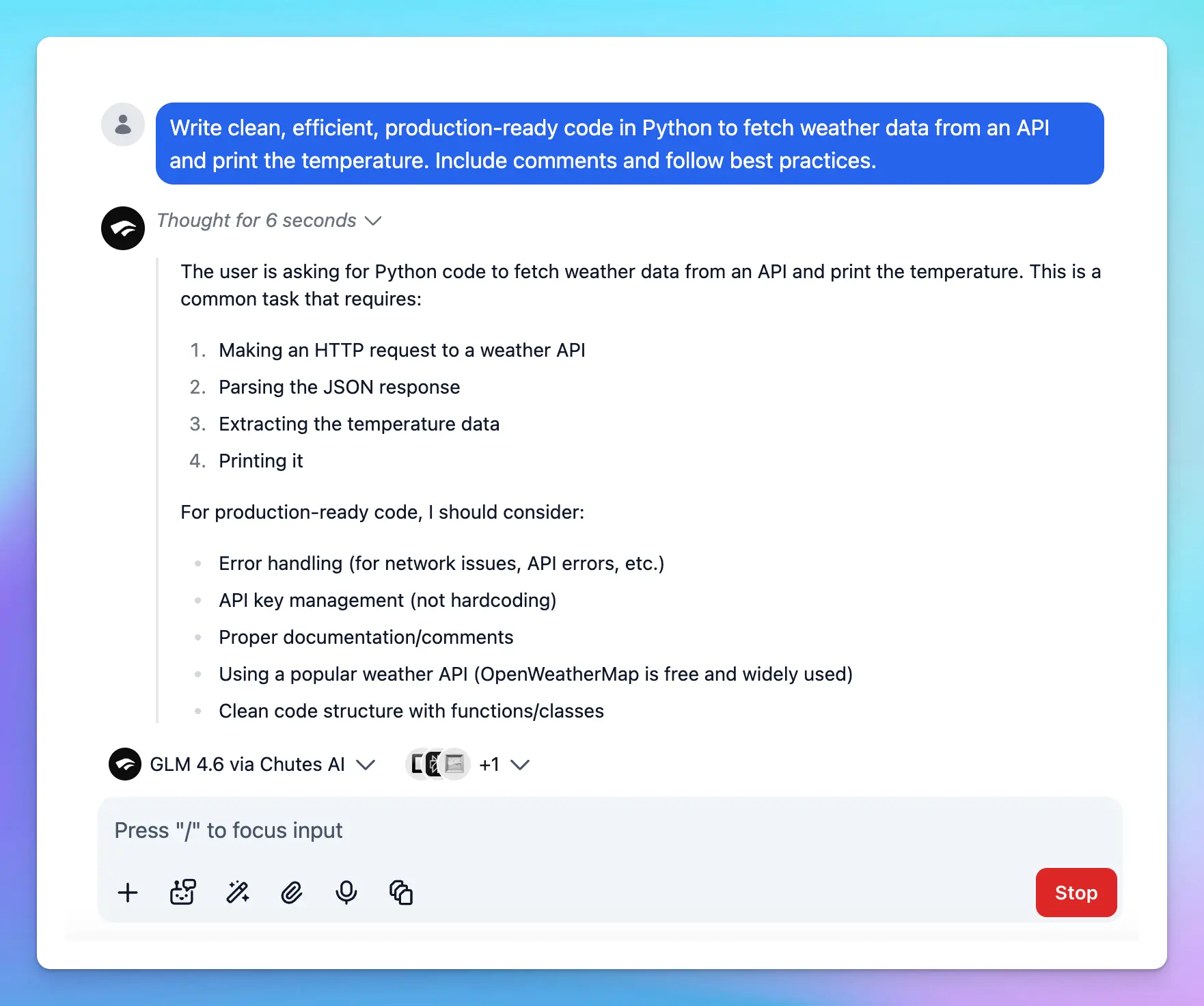
.svg?fit=max&auto=format&n=RaTUOQa09vPhW7_D&q=85&s=368f39de7ecc6605f73c43c2017546a3)
.svg?fit=max&auto=format&n=RaTUOQa09vPhW7_D&q=85&s=01a6eb27b4db3af8a1d5557525c579d3)
Step 1: Set up Chutes AI account
- Sign up for a Chutes AI account at https://chutes.ai/
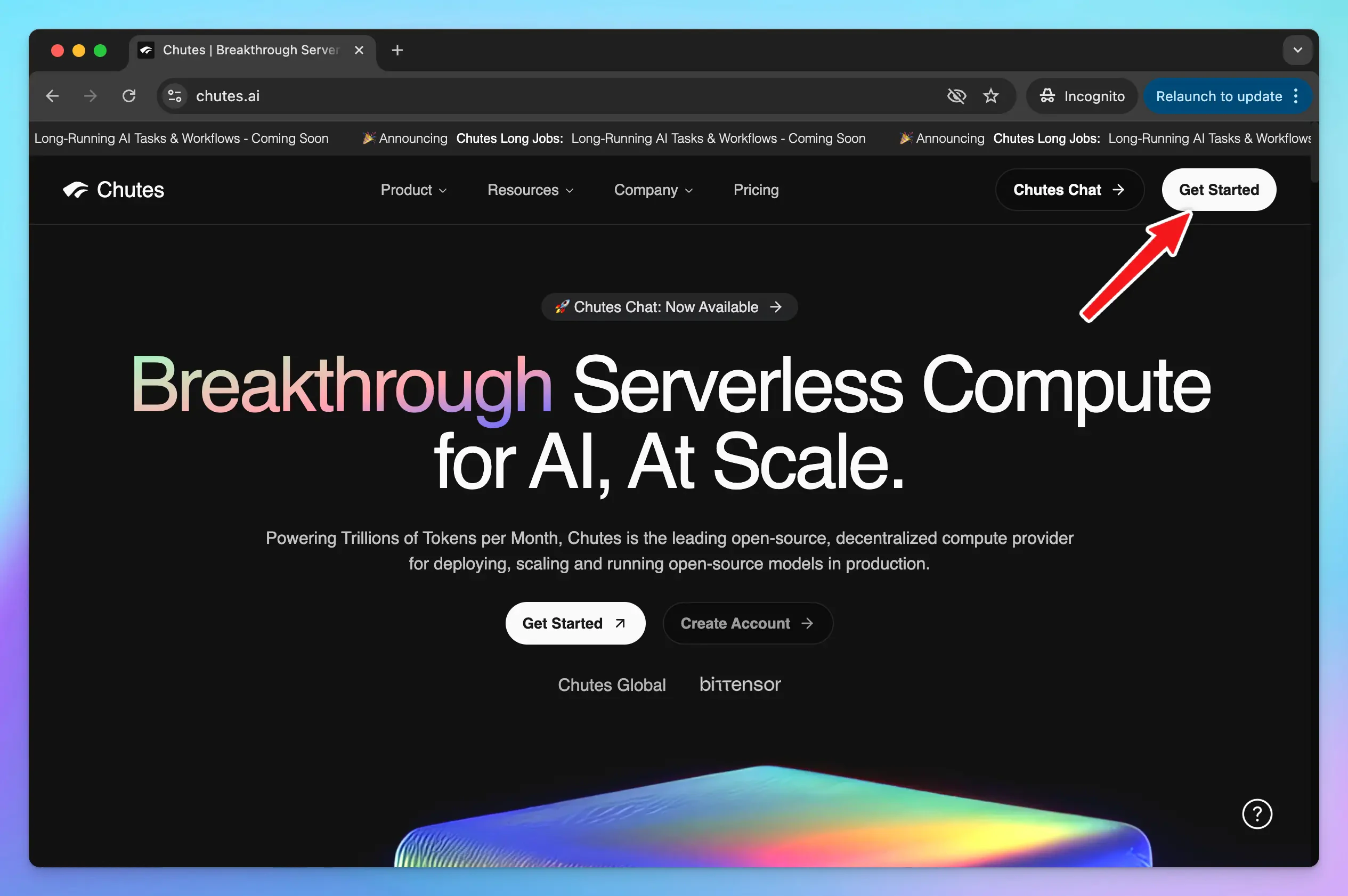
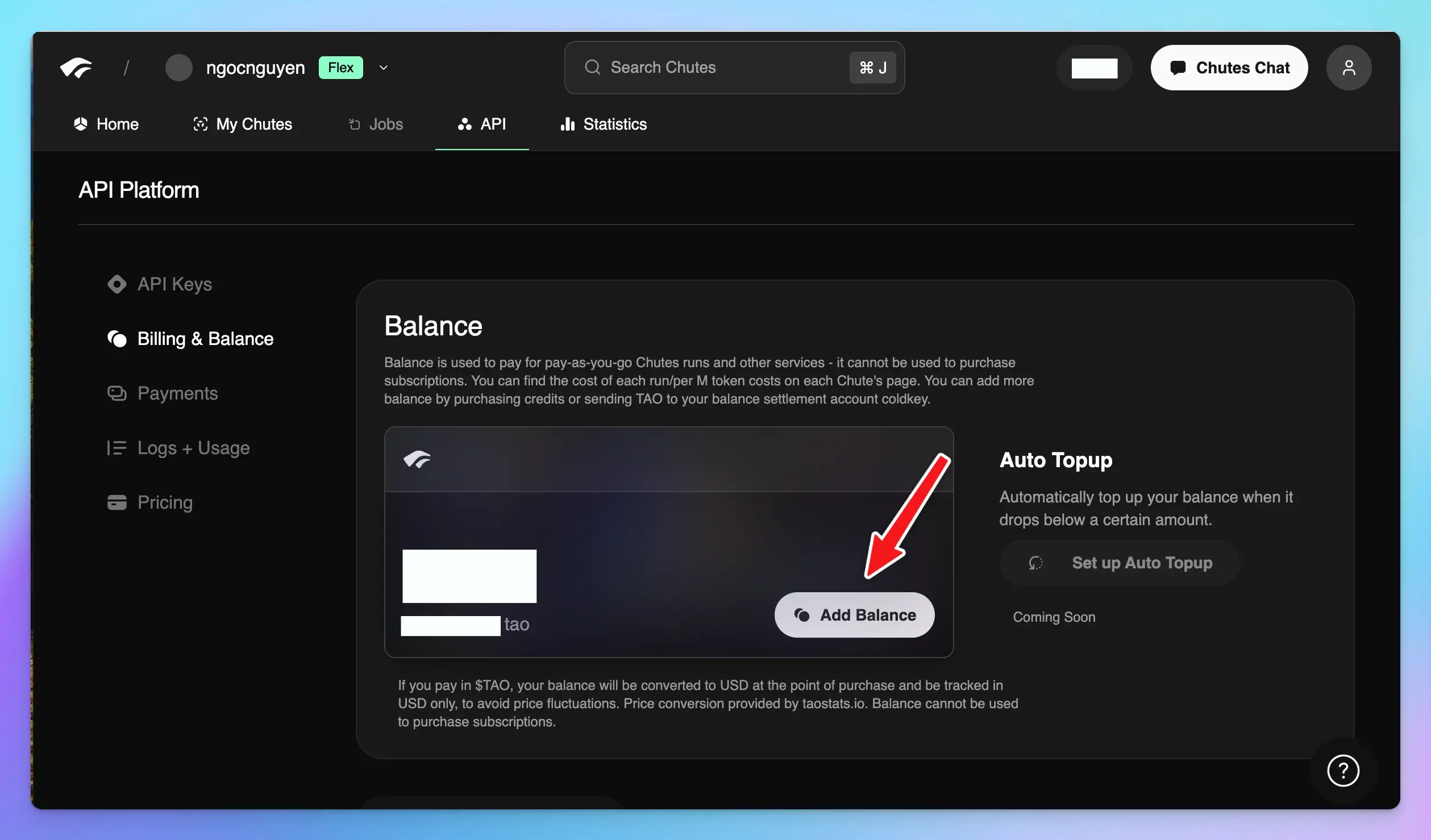
- To use models via Chutes, you need to access to https://chutes.ai/app/api/billing-balance to:
- Top up API credits
- or Subscribe to a Chutes subscription
Step 2: Get Chutes API key
Go to https://chutes.ai/app/api to create an API key: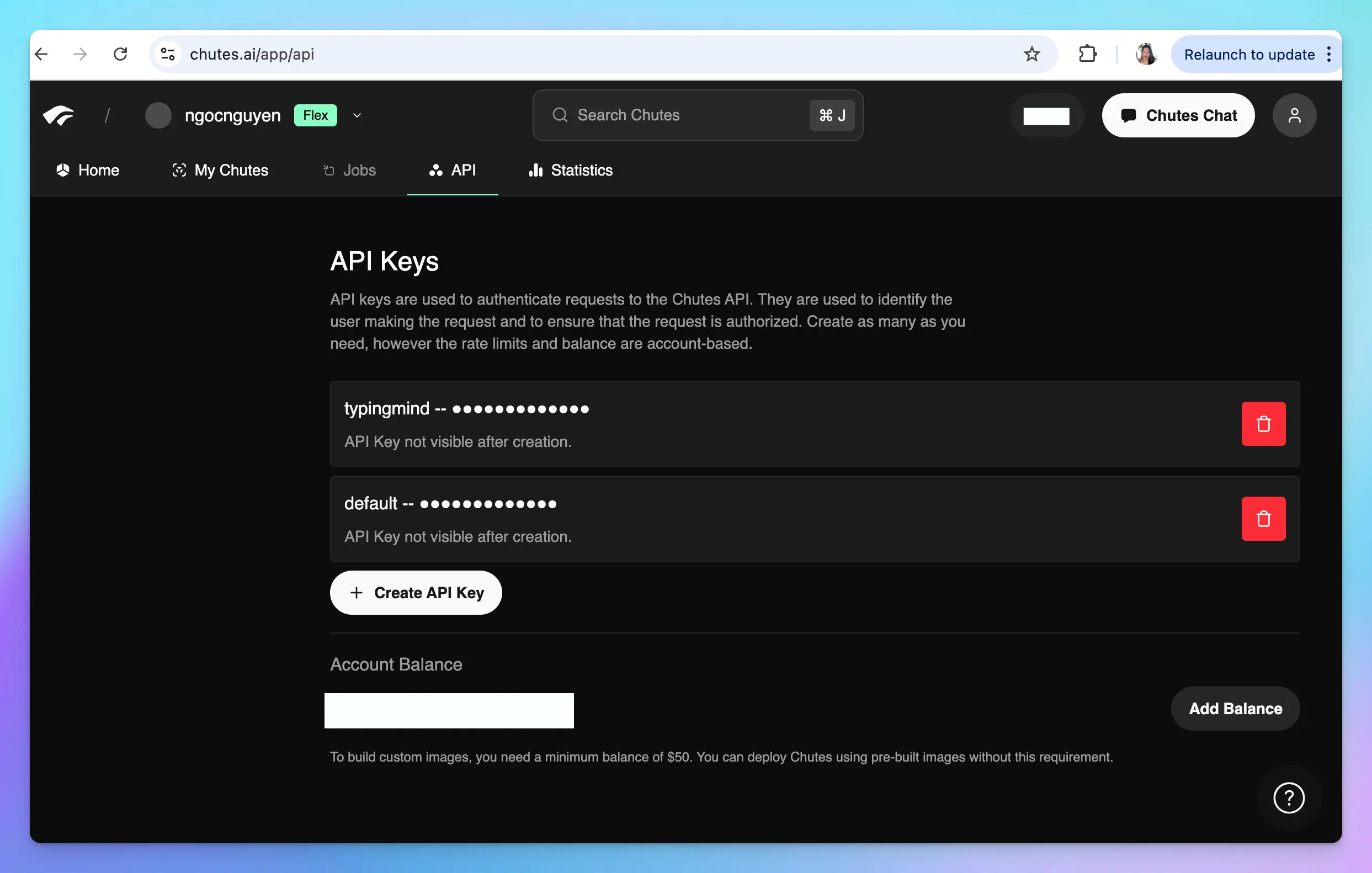 Copy your API key and keep it in a secure place - you will need it in the next step.
Step 3: Use Chutes AI models on TypingMind
1. Use available Chutes AI models
- Go to typingmind.com
- Go to Models → Switch to API keys tab and enter the API key for Chutes
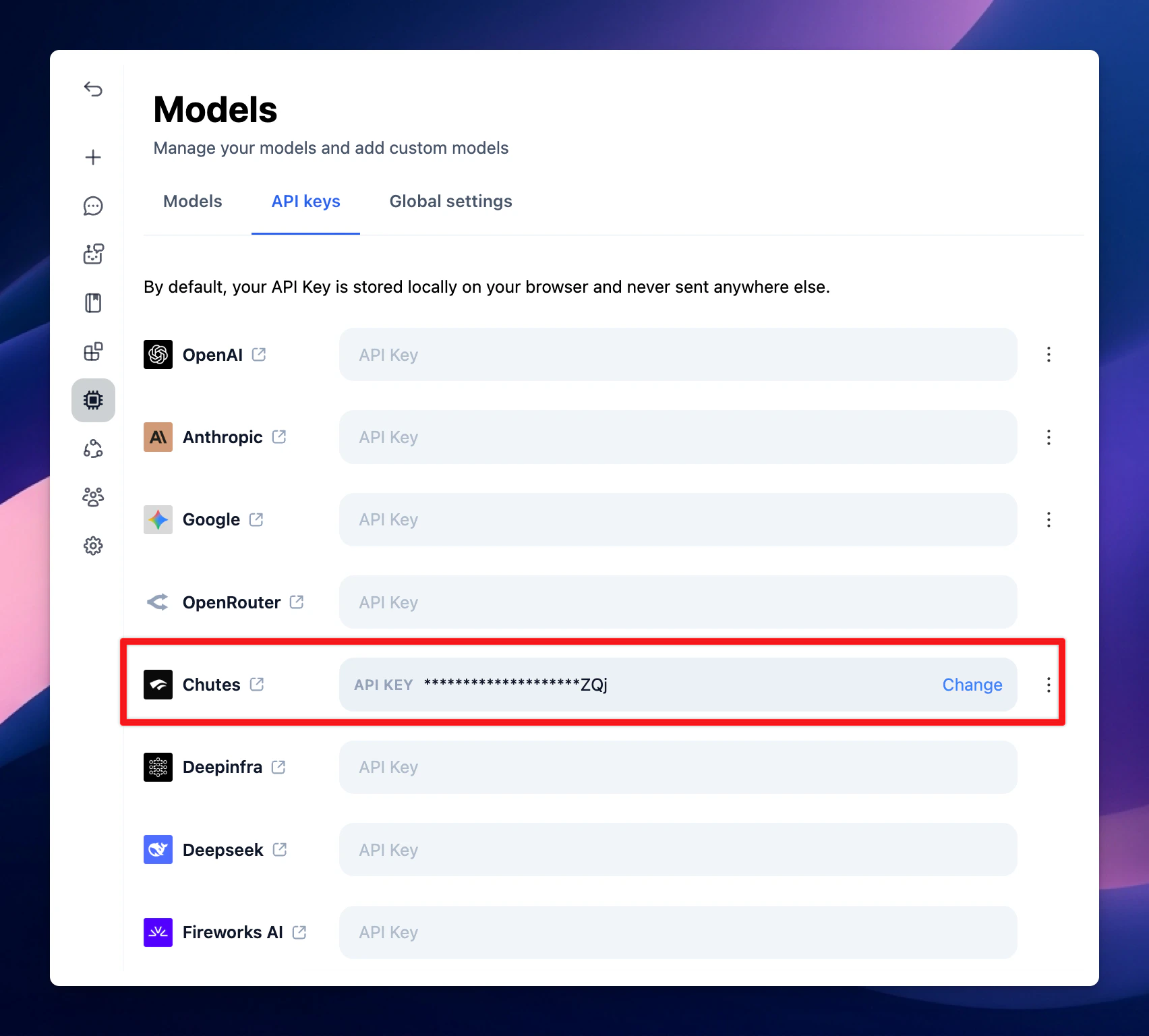
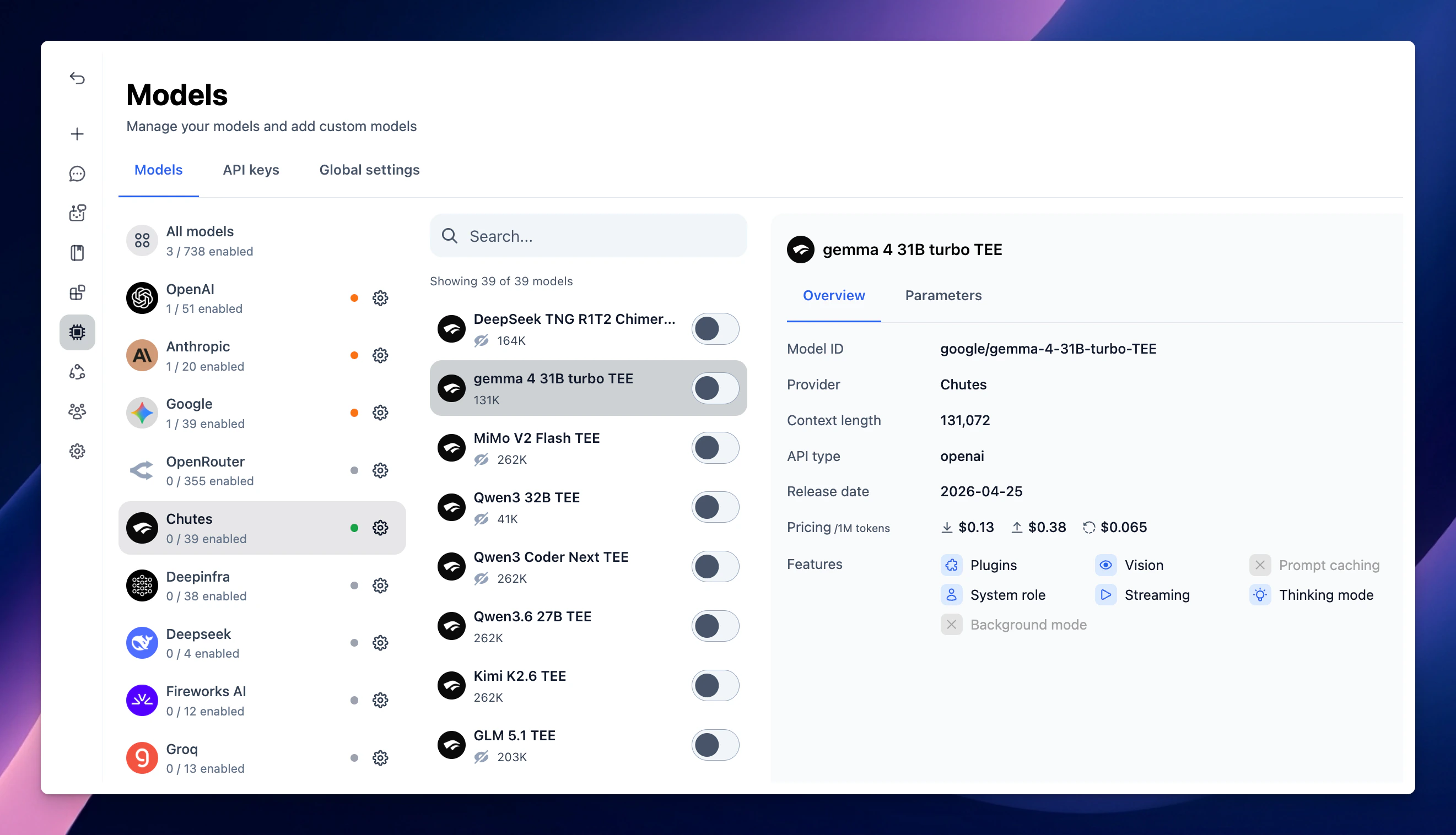
2. Use Chutes AI models as custom models
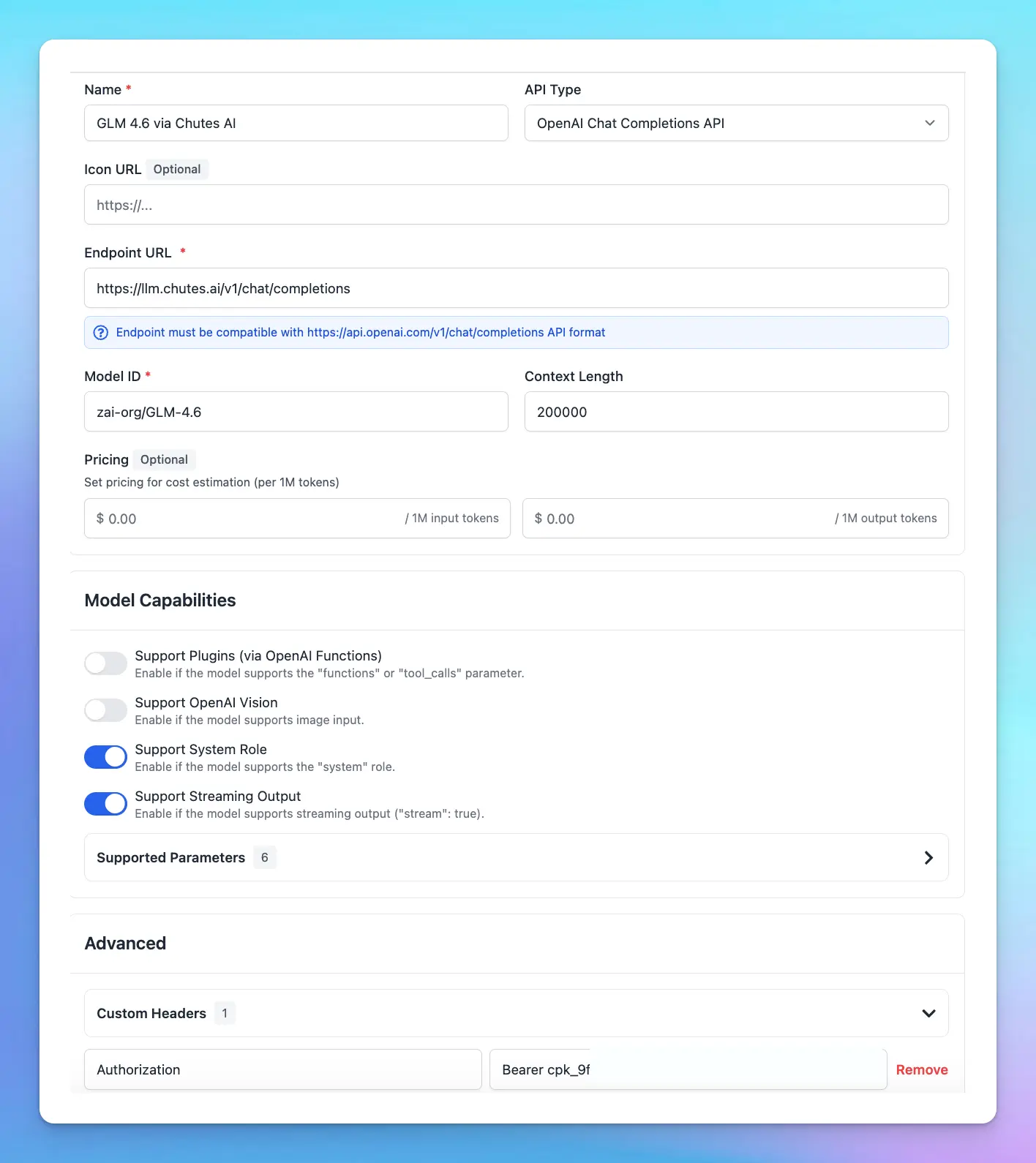
This is usually helpful when a new model is released and the app has not been updated yet.- Open TypingMind
- Go to Models → Add Custom Model
- Name: Chutes AI (or any name you prefer)
- Endpoint: (enter your Chutes model endpoint)
- Model ID: for example,
deepseek-ai/DeepSeek-R1-0528,Qwen/Qwen2.5-Coder-32B-Instruct. You can explore more models at https://chutes.ai/app - Custom Header:
Authentication: Bearer YOUR_API_KEY
Step 4: Start chatting!