.svg?fit=max&auto=format&n=RaTUOQa09vPhW7_D&q=85&s=368f39de7ecc6605f73c43c2017546a3)
.svg?fit=max&auto=format&n=RaTUOQa09vPhW7_D&q=85&s=01a6eb27b4db3af8a1d5557525c579d3)
Step 1: Add the model on Azure
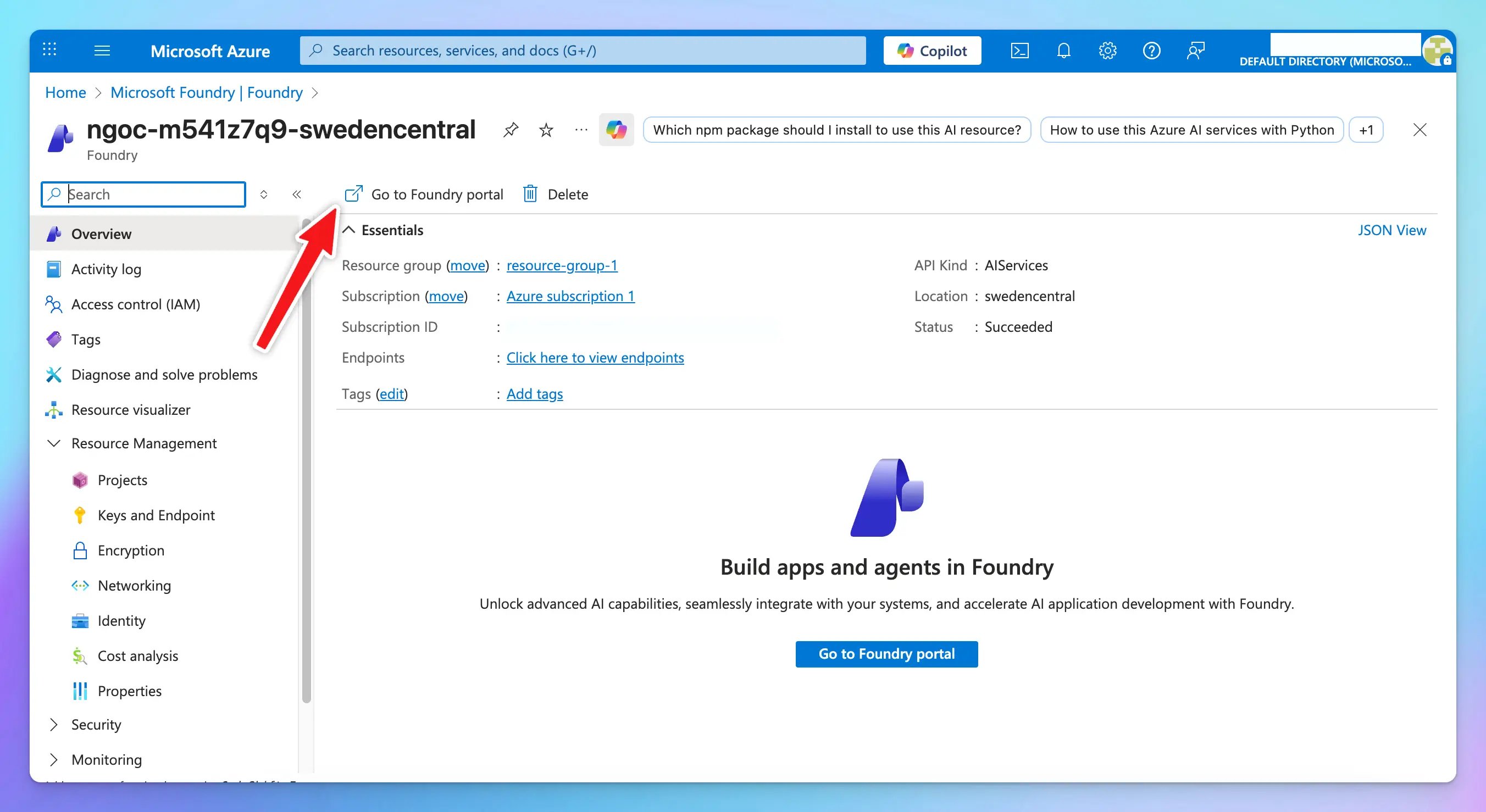
- Log in to https://portal.azure.com and select Foundry.
- Choose your resource and open the Foundry Portal.
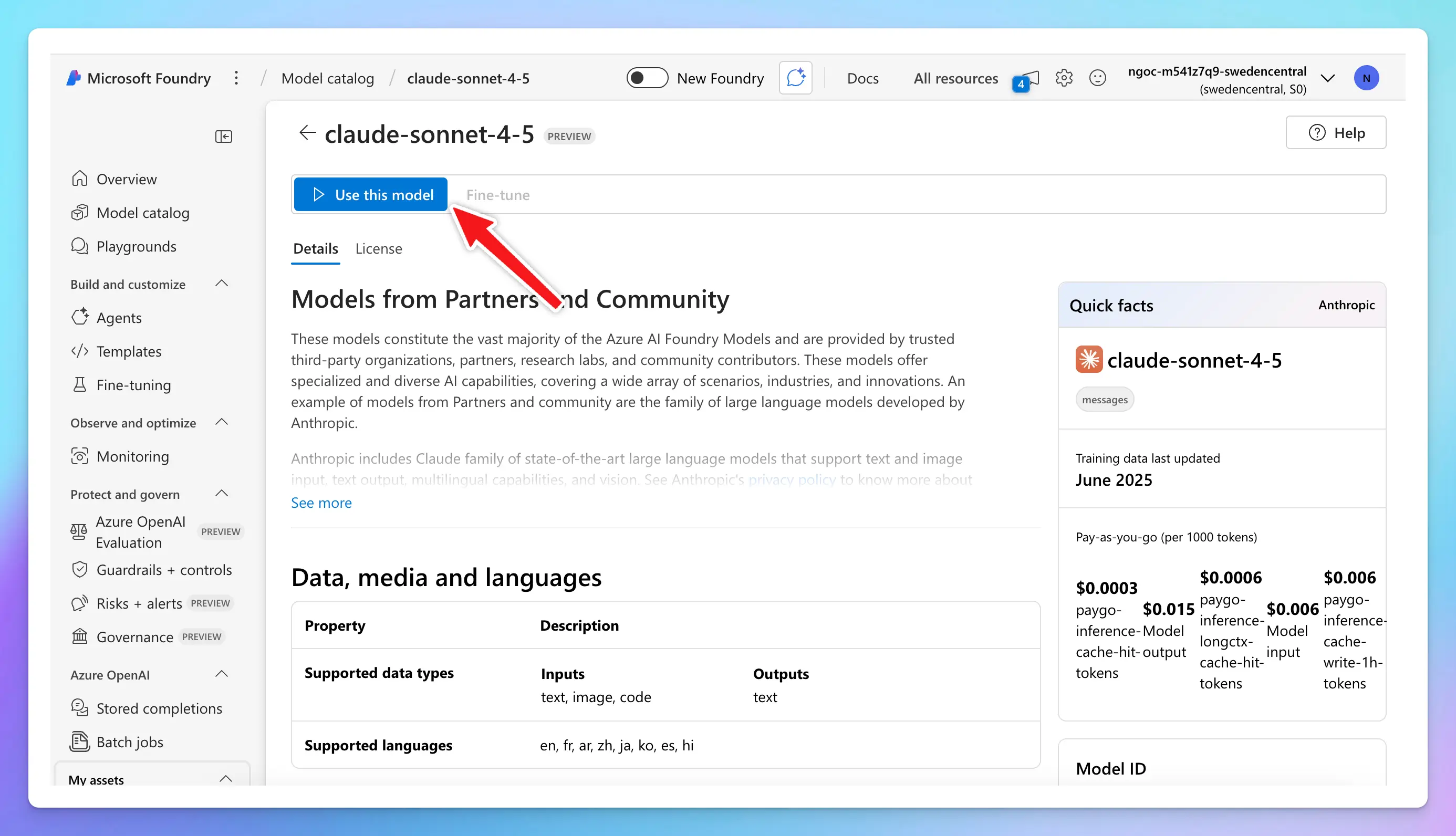
- Go to Model Catalog → select a Claude model → click Use this model.
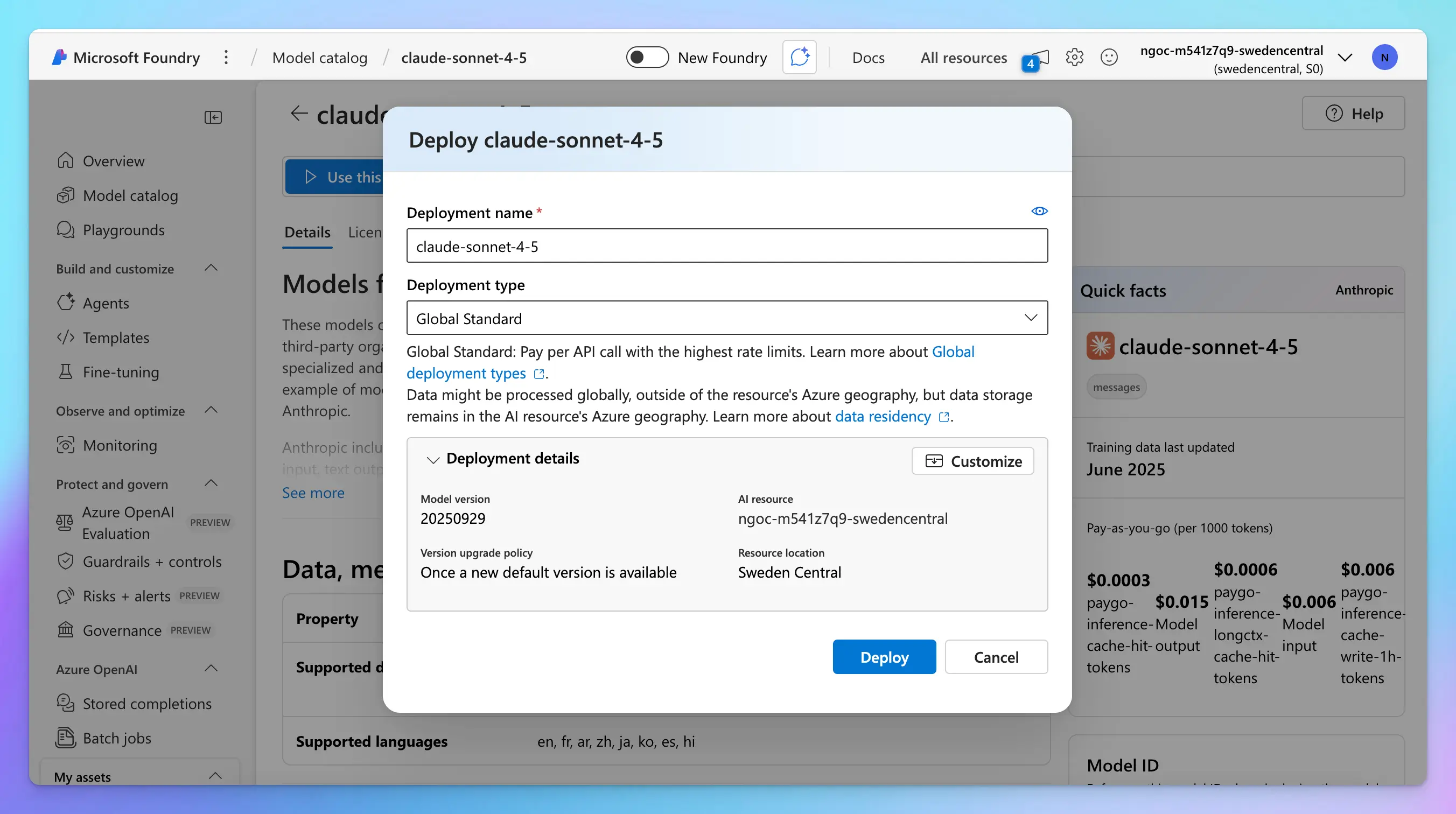
- Deploy the model.
- Open the deployment in Playground → click View code.
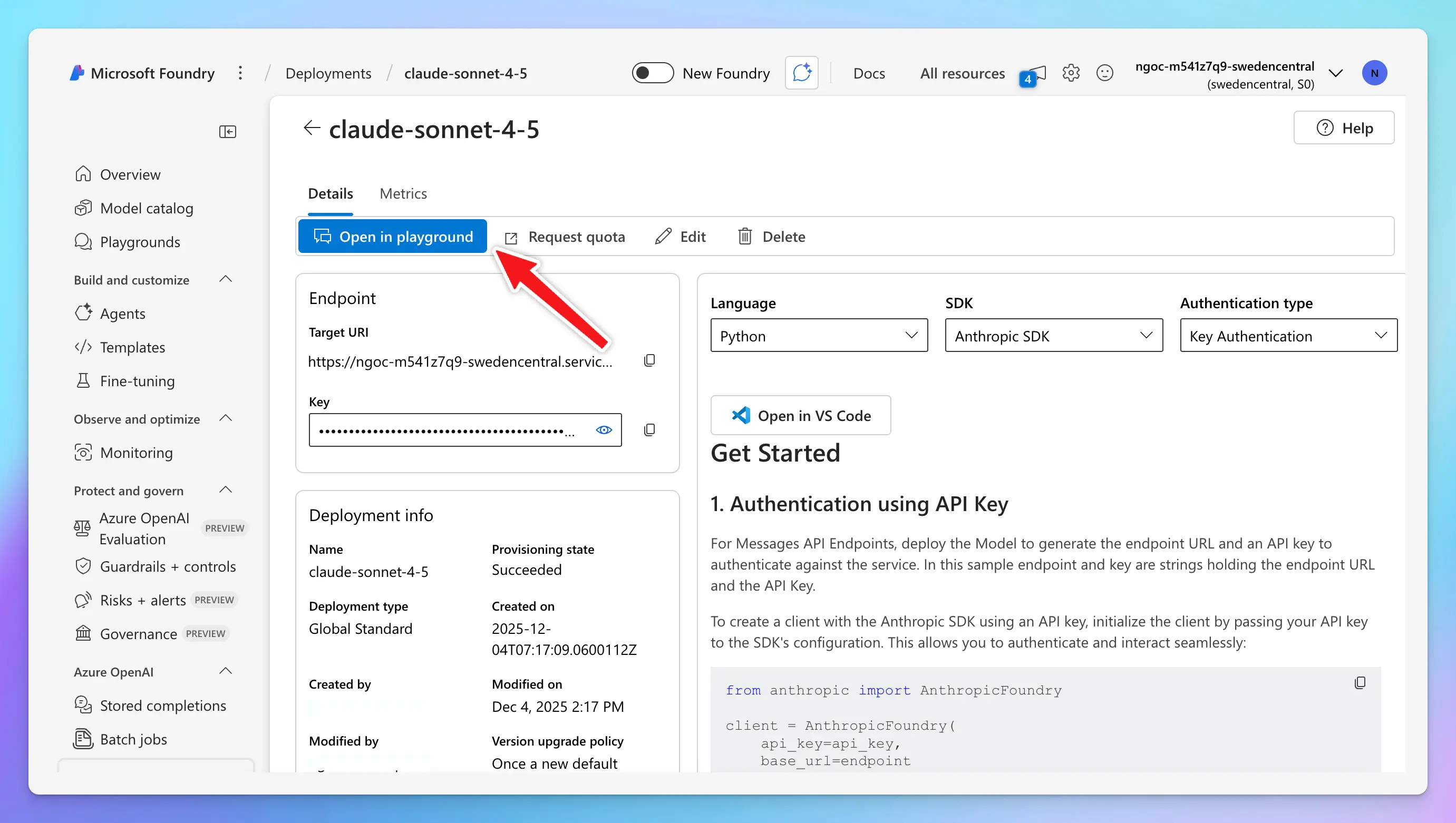
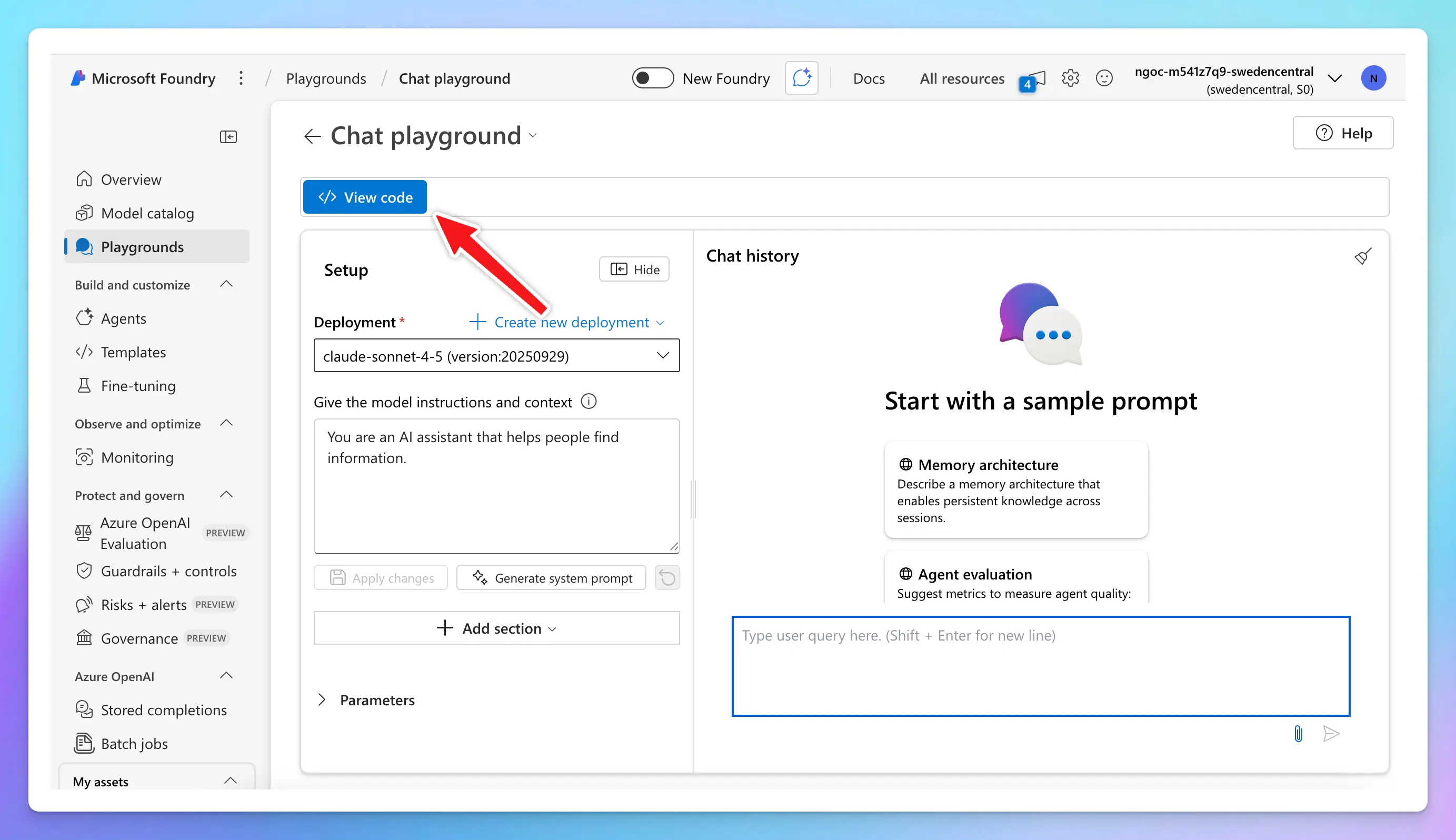
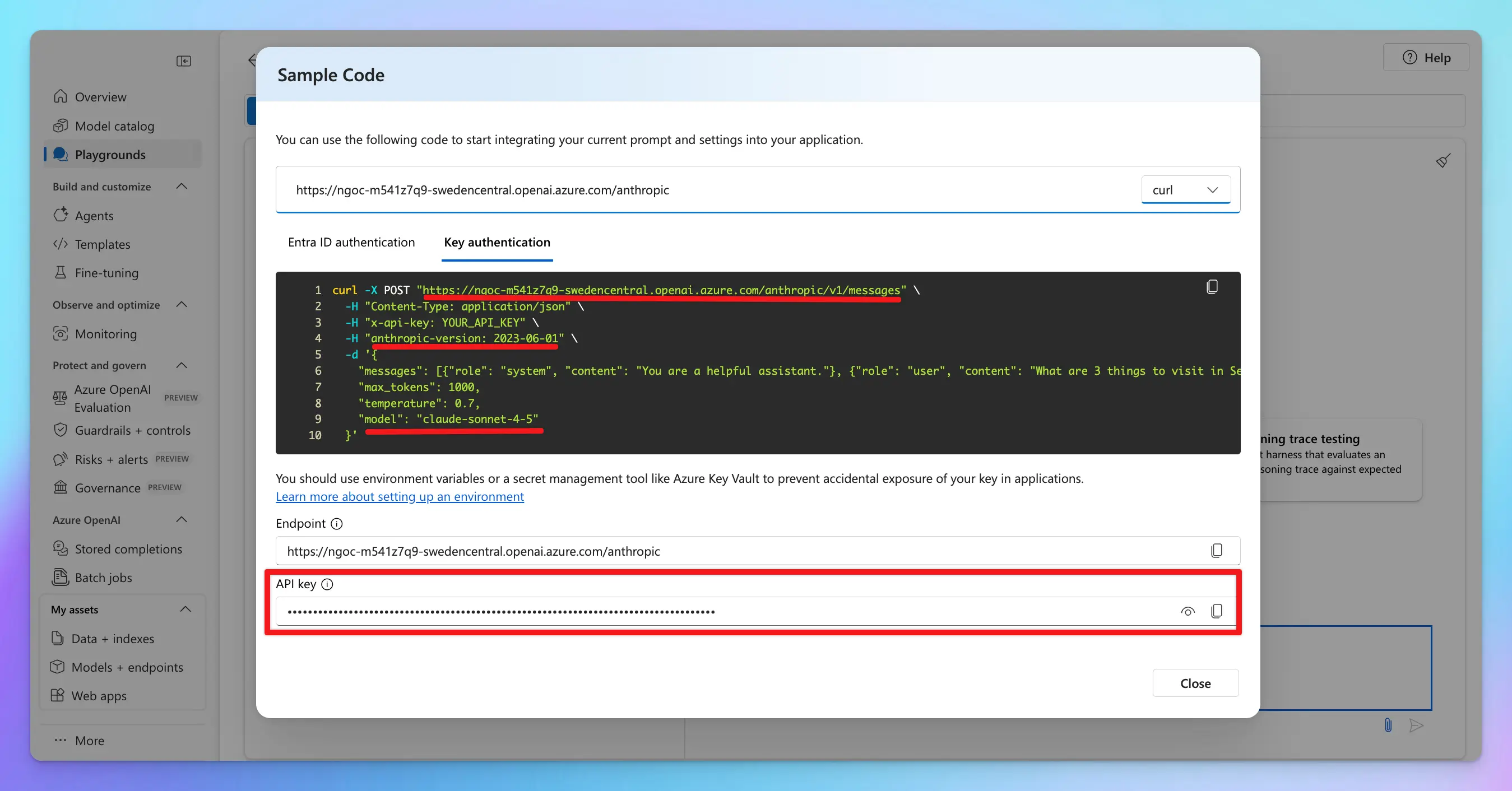
- Switch to the Key authentication tab → switch to cURL to view the code sample.
- Endpoint
- Anthropic API version
- Model ID
- API key
Step 2: Set up on TypingMind
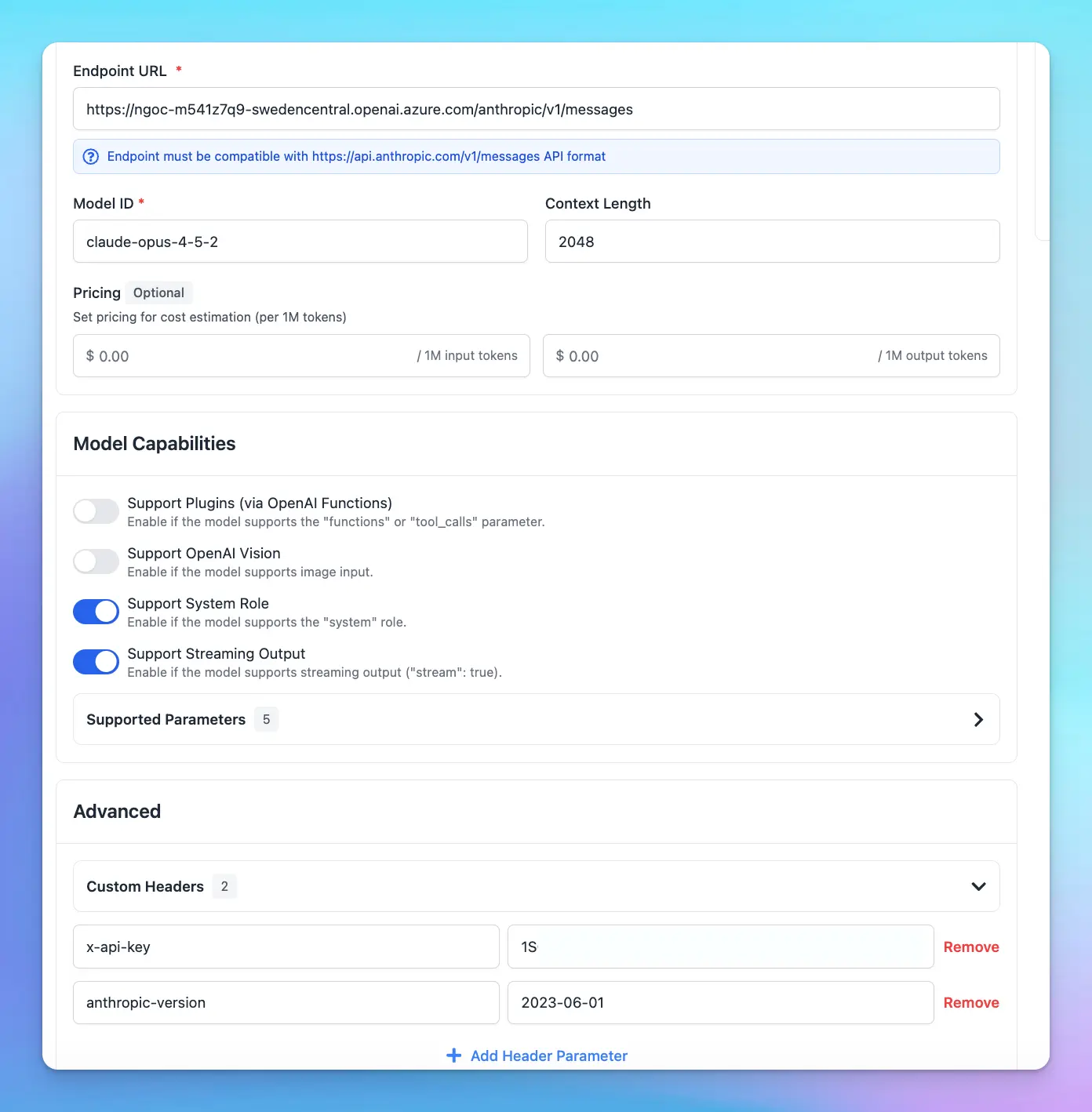
Go to Models → Add Custom Models Enter the following information:- Name: Claude via Azure
- API type: switch to Claude Message API
- Endpoint: paste the endpoint you copied in Step 1
- Format example:
https://[RESOURCE-NAME].openai.azure.com/anthropic/v1/messages
- Format example:
- Model ID: your copied model ID
- Add Custom Headers:
x-api-key: your-copied-api-keyanthropic-version: your-copied-anthropic-version