.svg?fit=max&auto=format&n=RaTUOQa09vPhW7_D&q=85&s=368f39de7ecc6605f73c43c2017546a3)
.svg?fit=max&auto=format&n=RaTUOQa09vPhW7_D&q=85&s=01a6eb27b4db3af8a1d5557525c579d3)
- Gemini Pro
- Gemini Flash
- Nano Banana (Image model)
Step 1: Log into your Google account
Go to https://aistudio.google.com/app/apikey, you will then be asked to log into your Google account first.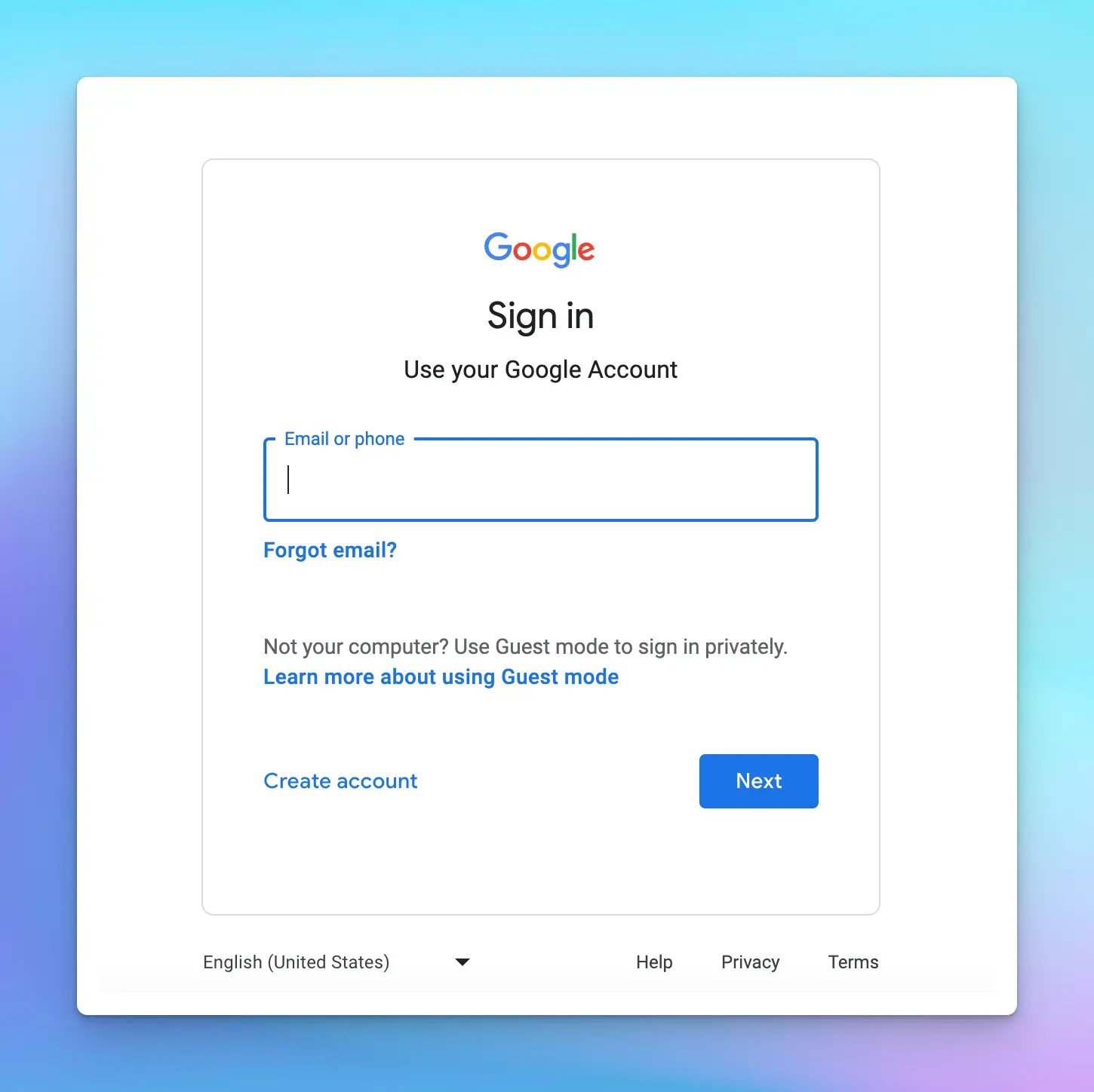
Step 2: Create API key
Click on “Get an API key” and then “Create API key in new project”.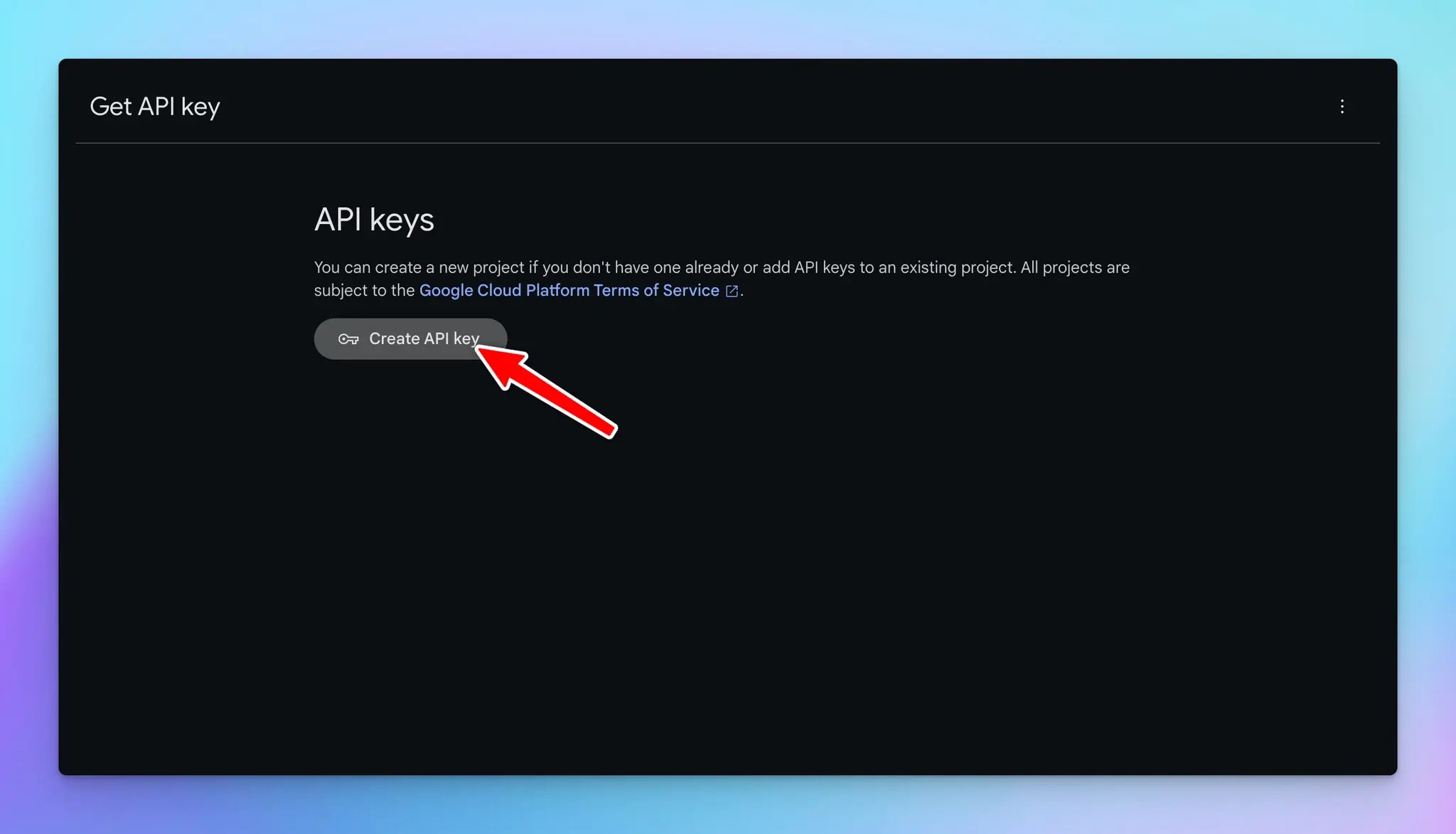
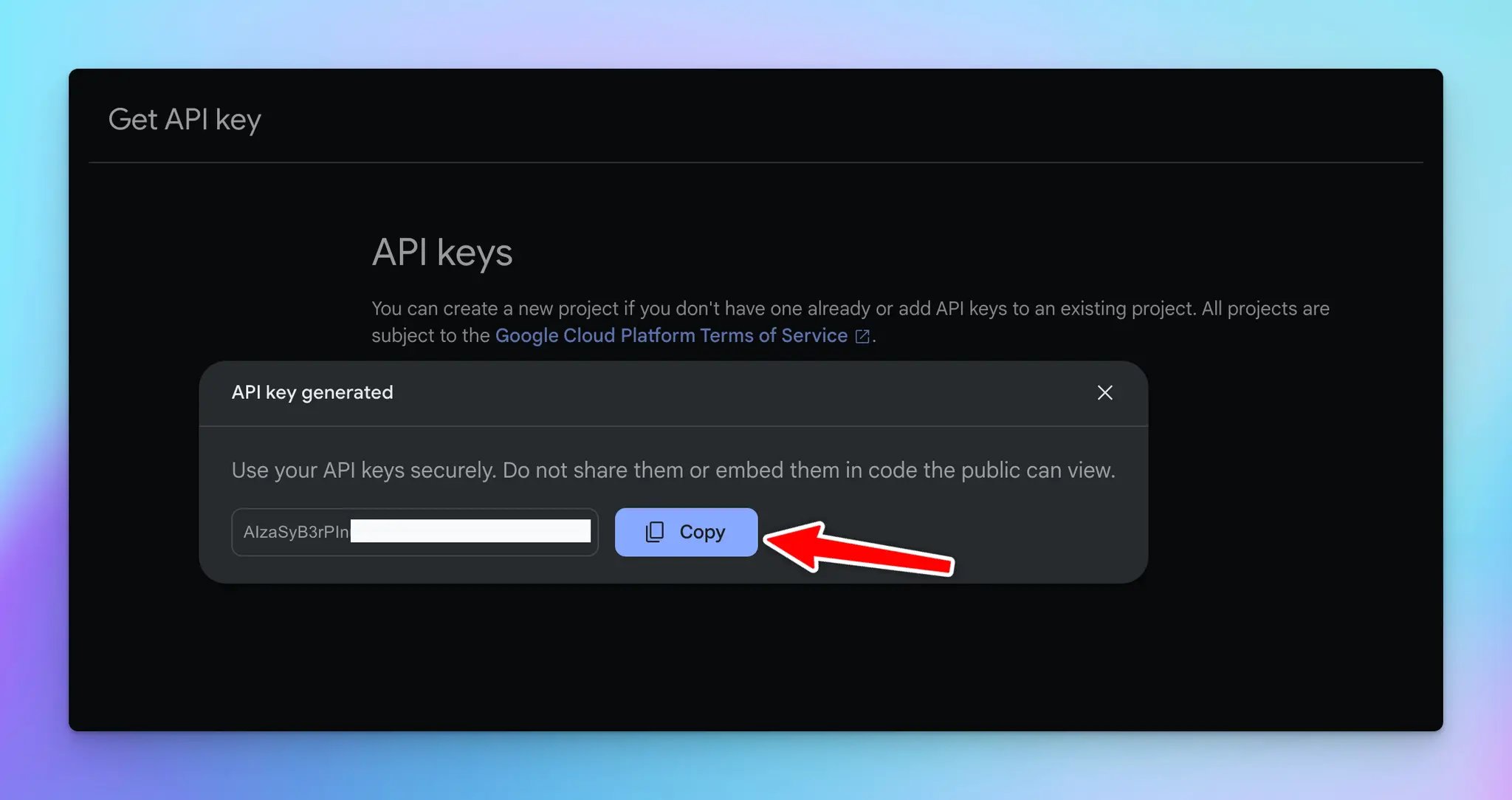
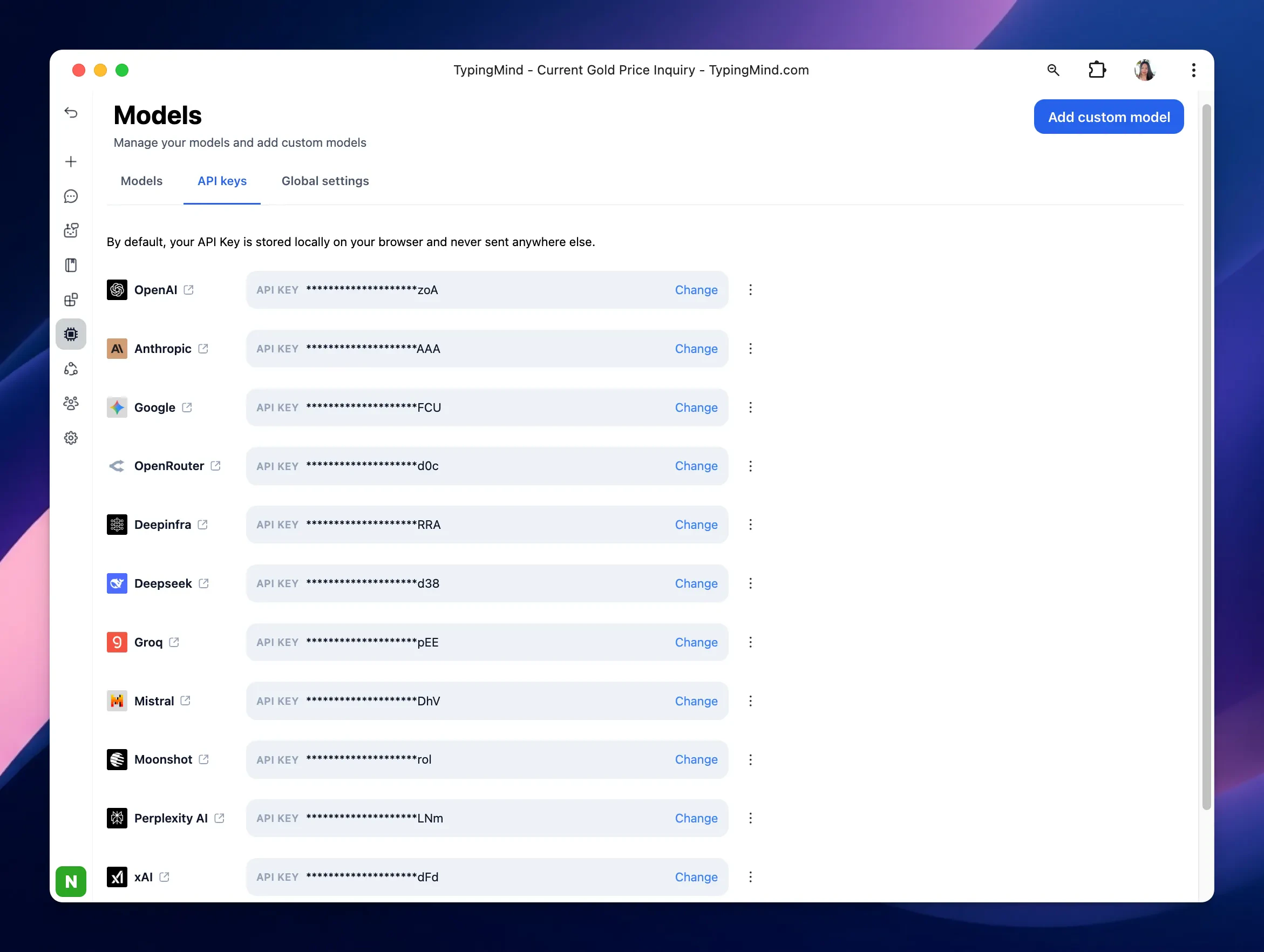
Step 3: Enter the API key to the app
- Go to typingmind.com
- Navigate the Models menu on the left sidebar → Switch to API key tab
- Input the copied API key
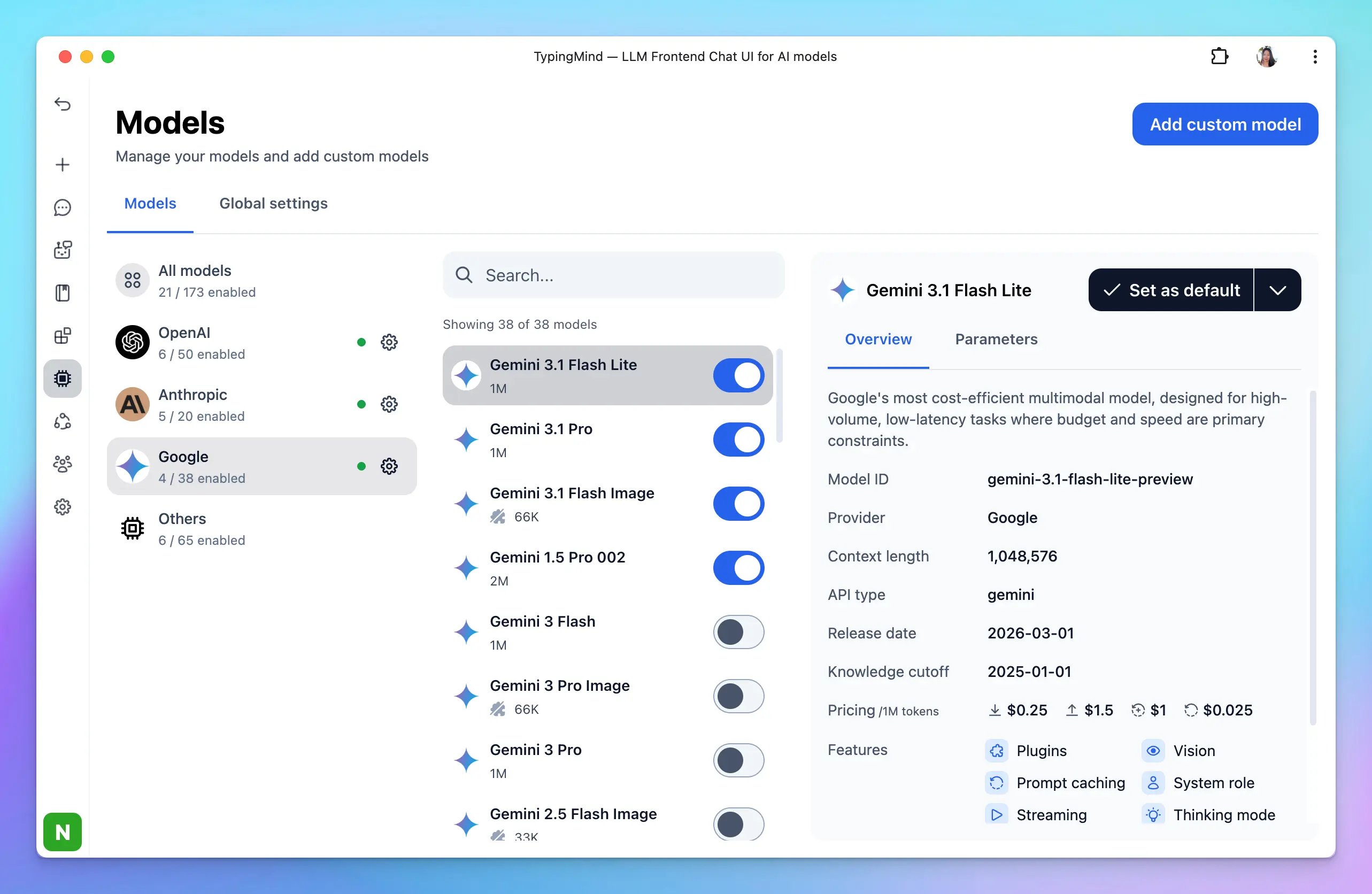
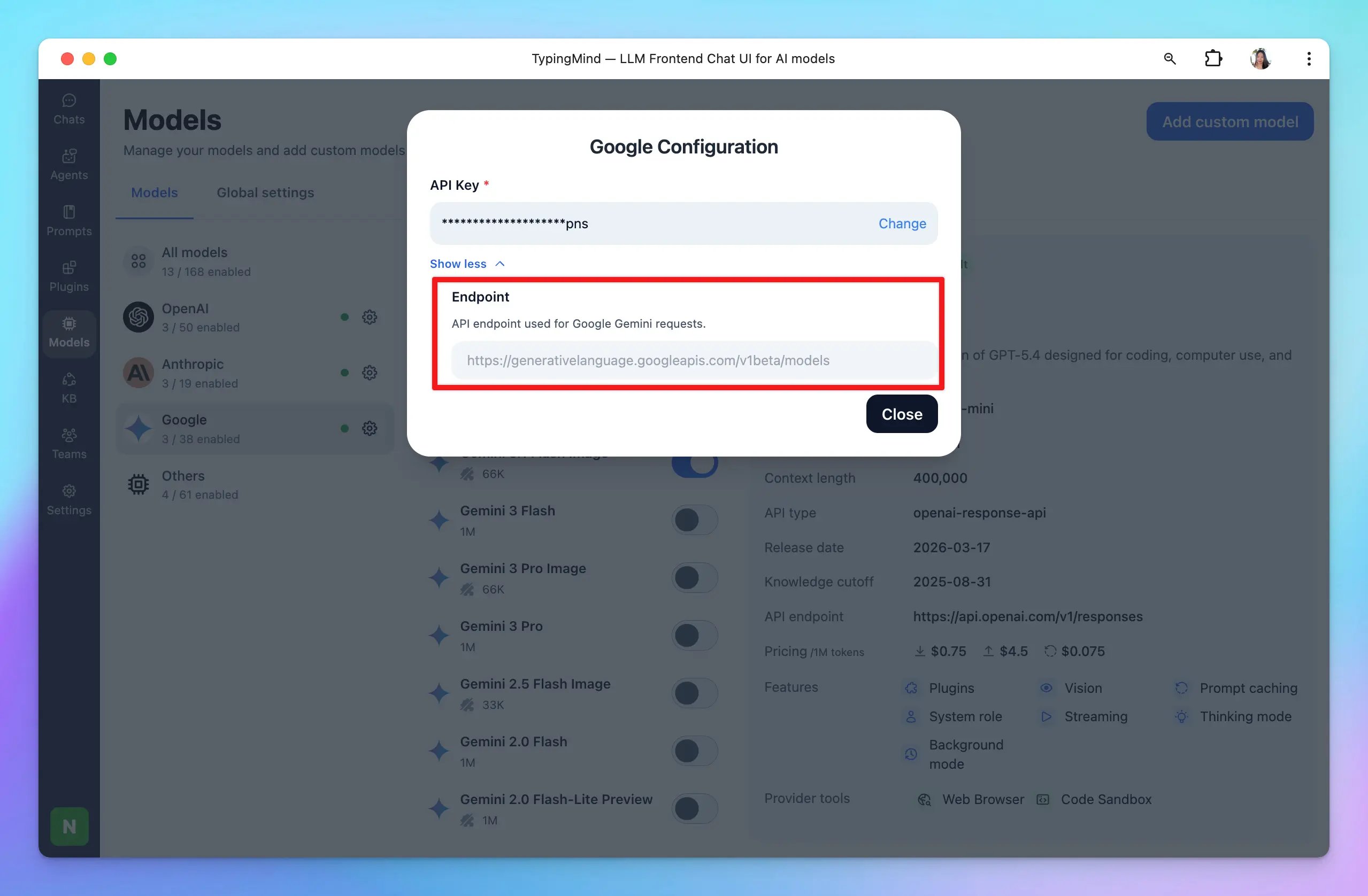
Advanced settings
Custom endpoint: Use the direct endpoint from Google or configure your own custom chat completions endpoint.