.svg?fit=max&auto=format&n=RaTUOQa09vPhW7_D&q=85&s=368f39de7ecc6605f73c43c2017546a3)
.svg?fit=max&auto=format&n=RaTUOQa09vPhW7_D&q=85&s=01a6eb27b4db3af8a1d5557525c579d3)
Step 1: Get Xiaomi API key
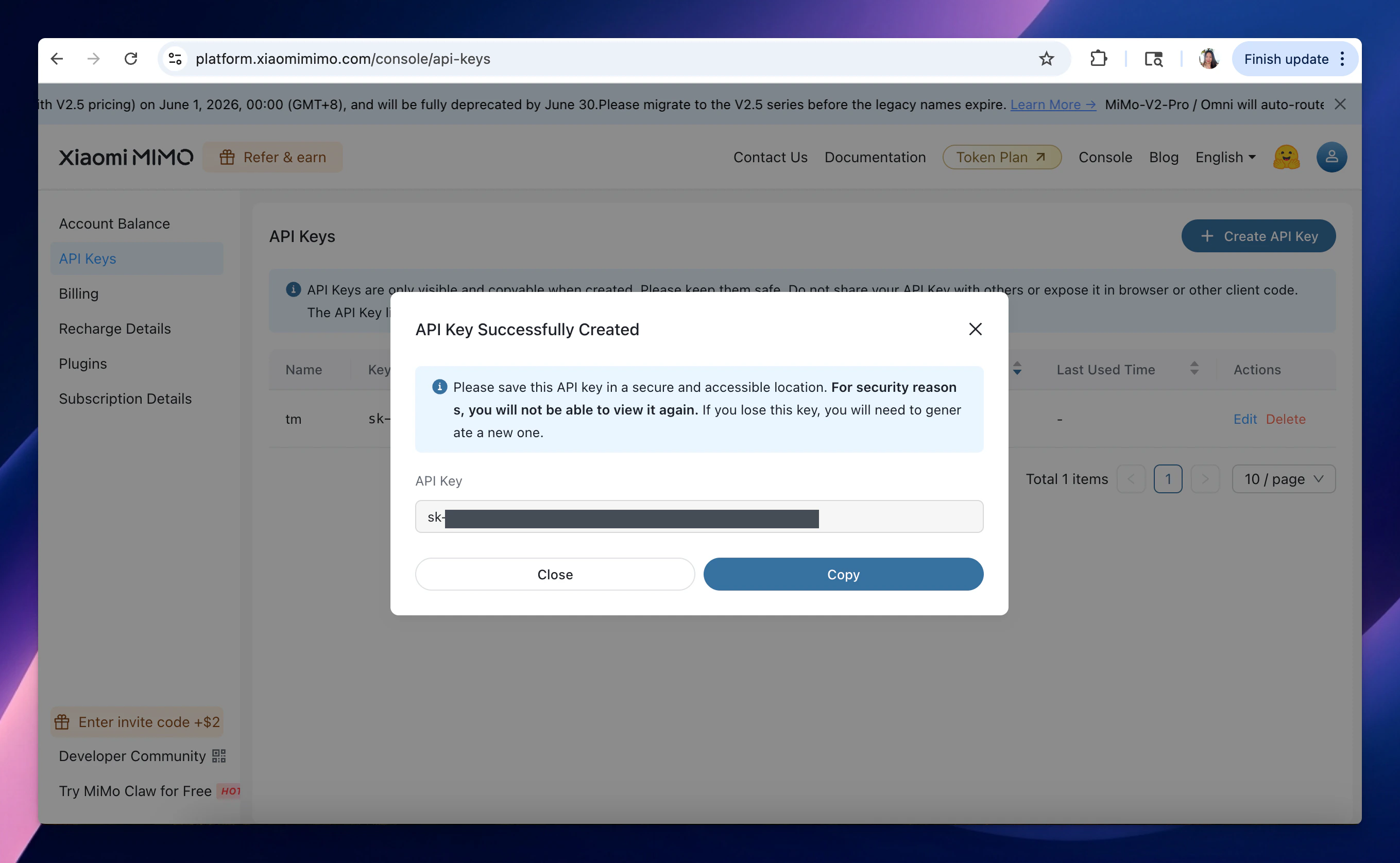
- Go to https://platform.xiaomimimo.com/console/api-keys to get Xiaomi API key (sign up first if you have not had an account yet)
- Copy the API key to a safe place.
Step 2: Use Xiaomi models on TypingMind
- Go to typingmind.com
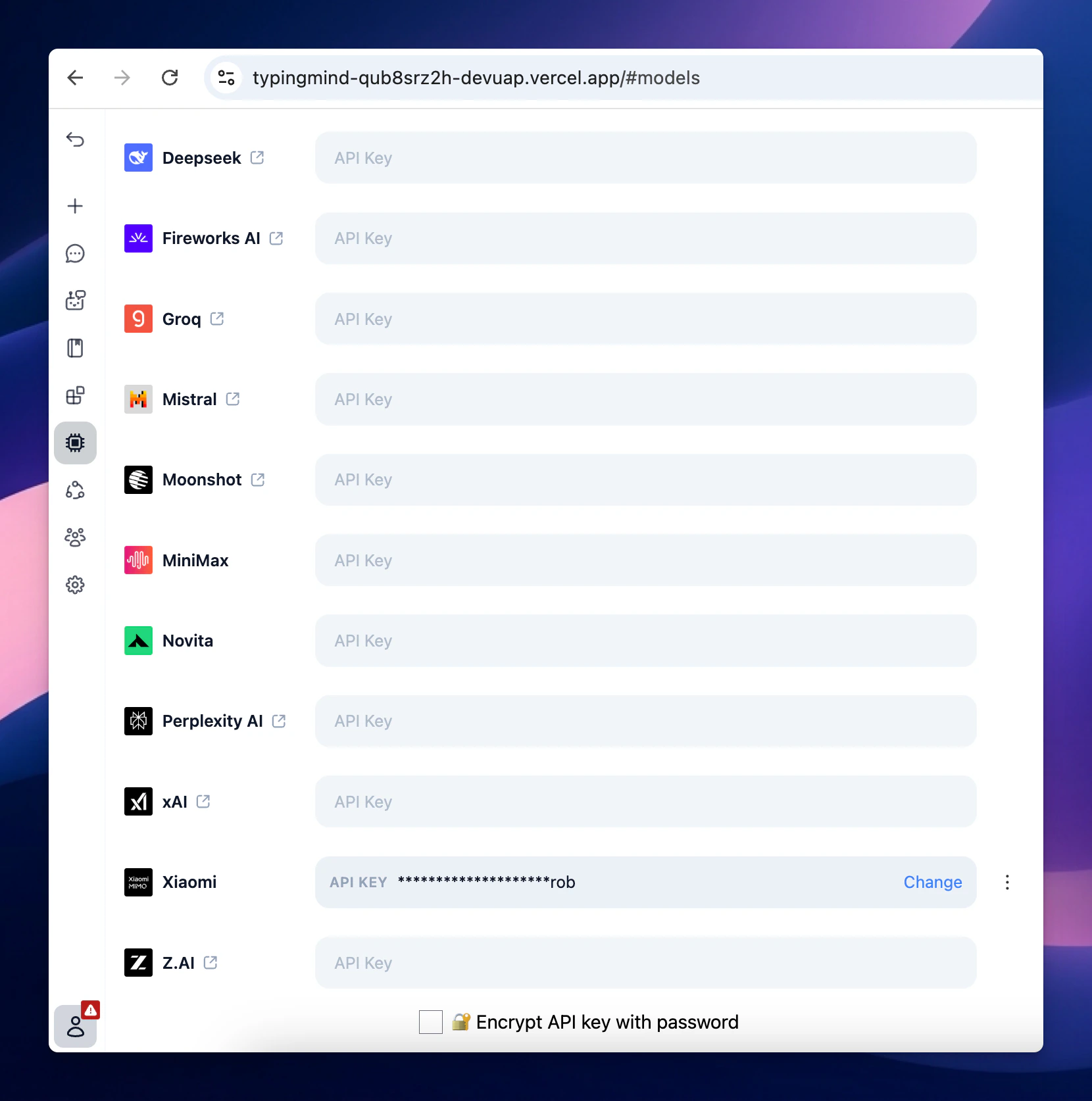
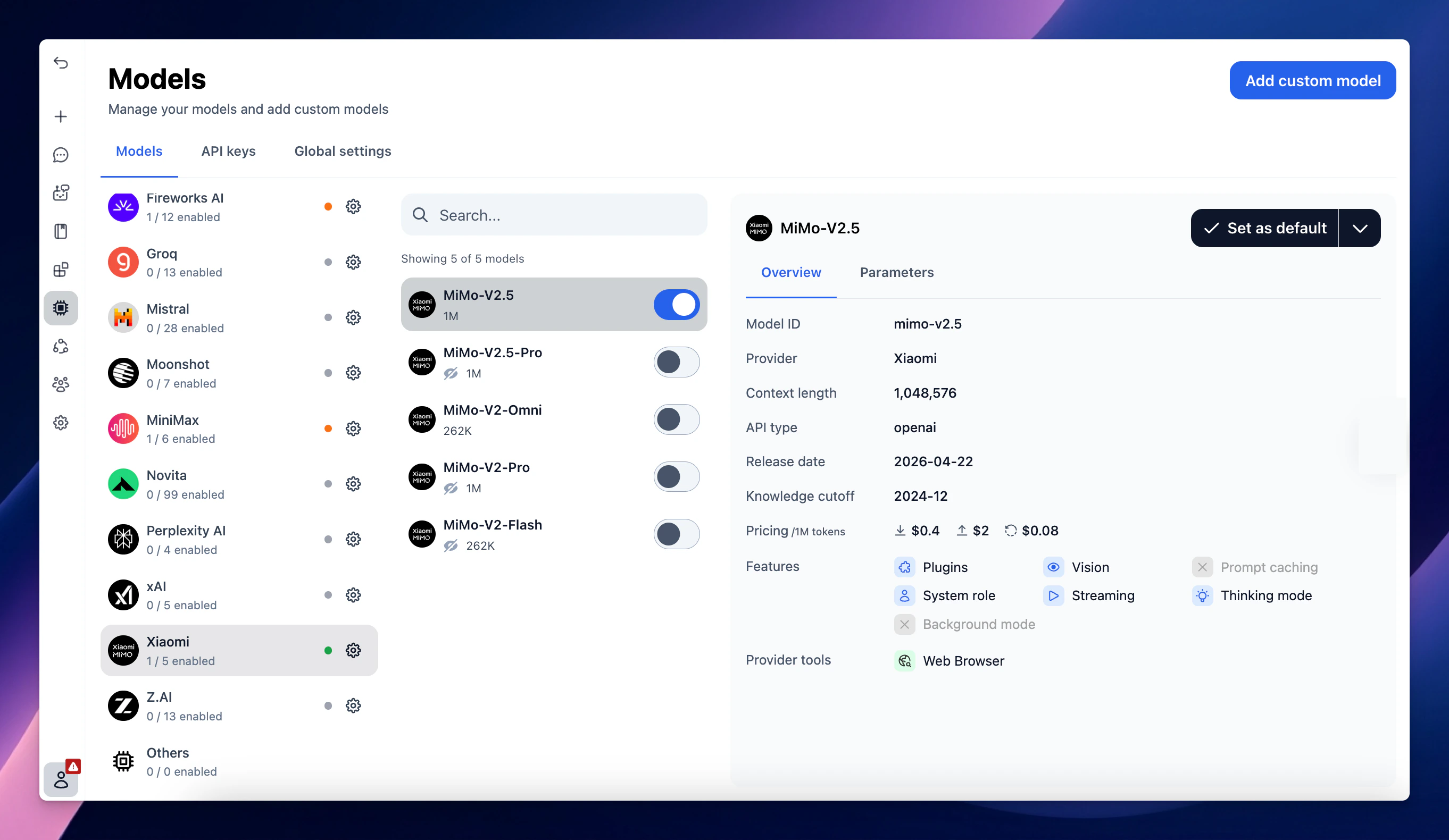
- Select Models → API key tab to enter the coped API key for Xiaomi