
Detail guideline on how to use DeepSeek AI on TypingMind.
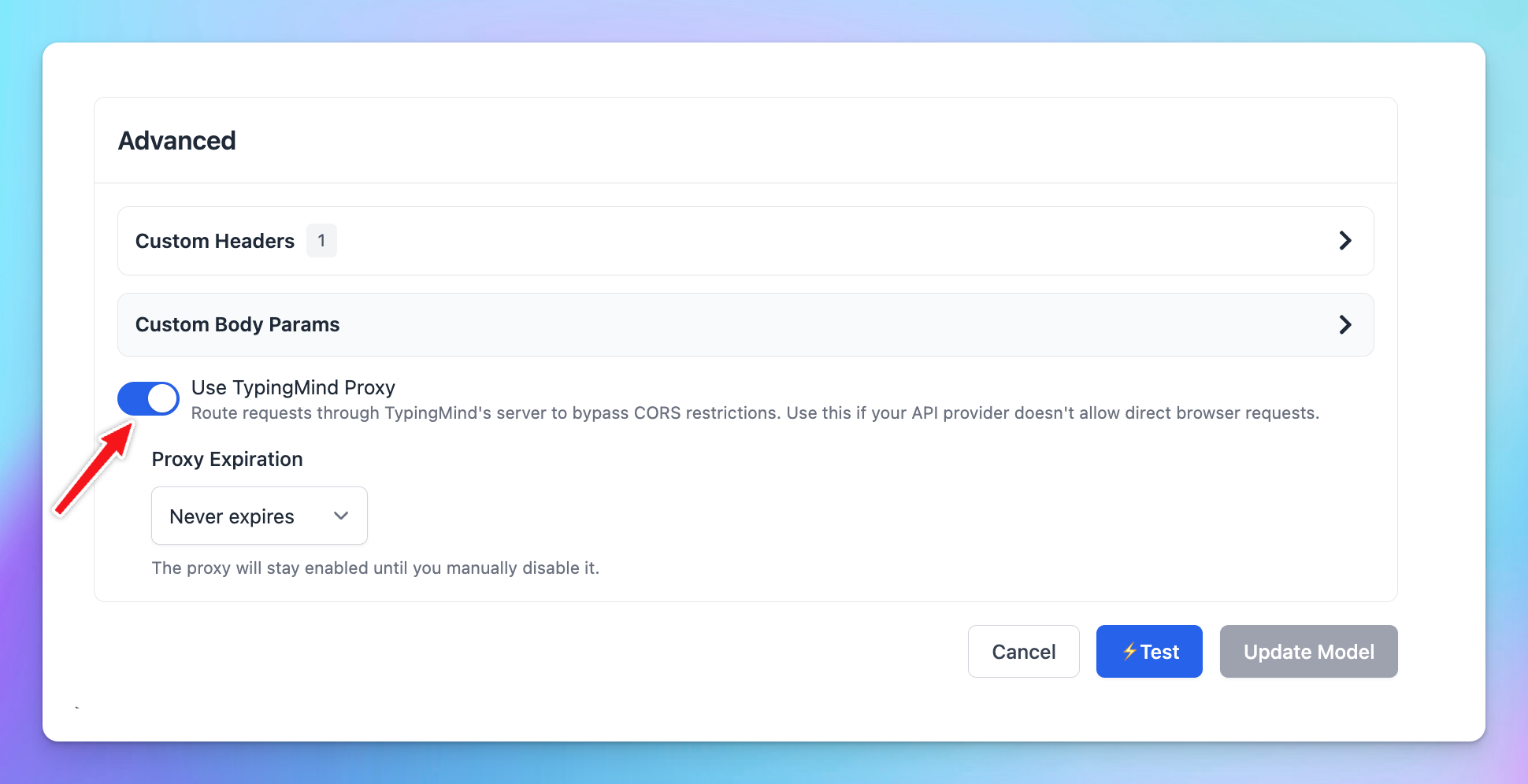
If you are setting up DeepSeek API via TypingMind.com and encounter the issue “Could not connect to the API. Please check your network connection and try again (code: 1)”, please consider enabling using TypingMind proxy and it should work:
Step 1: Sign up for DeepSeek AI
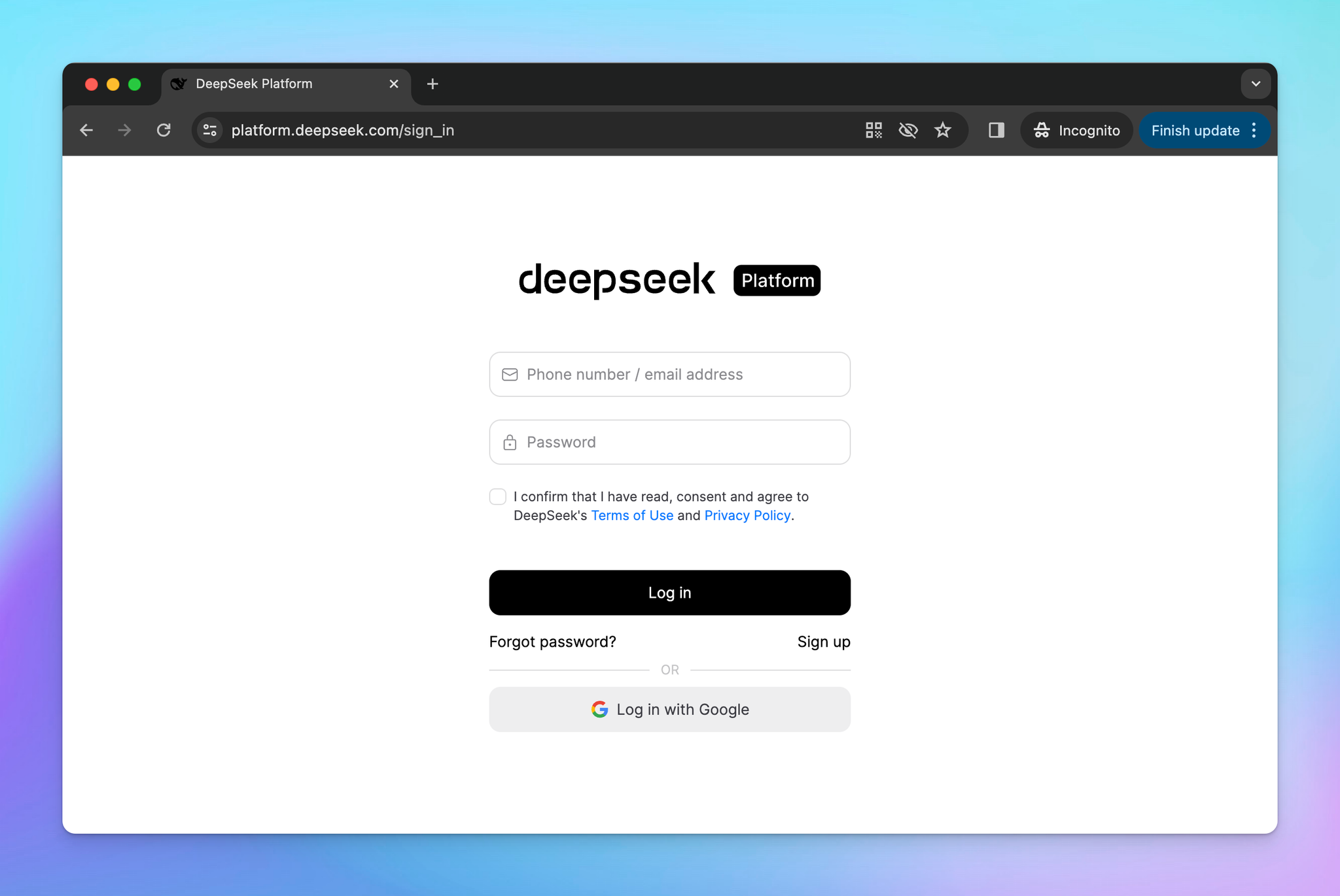
First, you will need to sign up for a DeepSeek AI account at https://platform.deepseek.com/sign_in
Step 2: Get DeepSeek API key
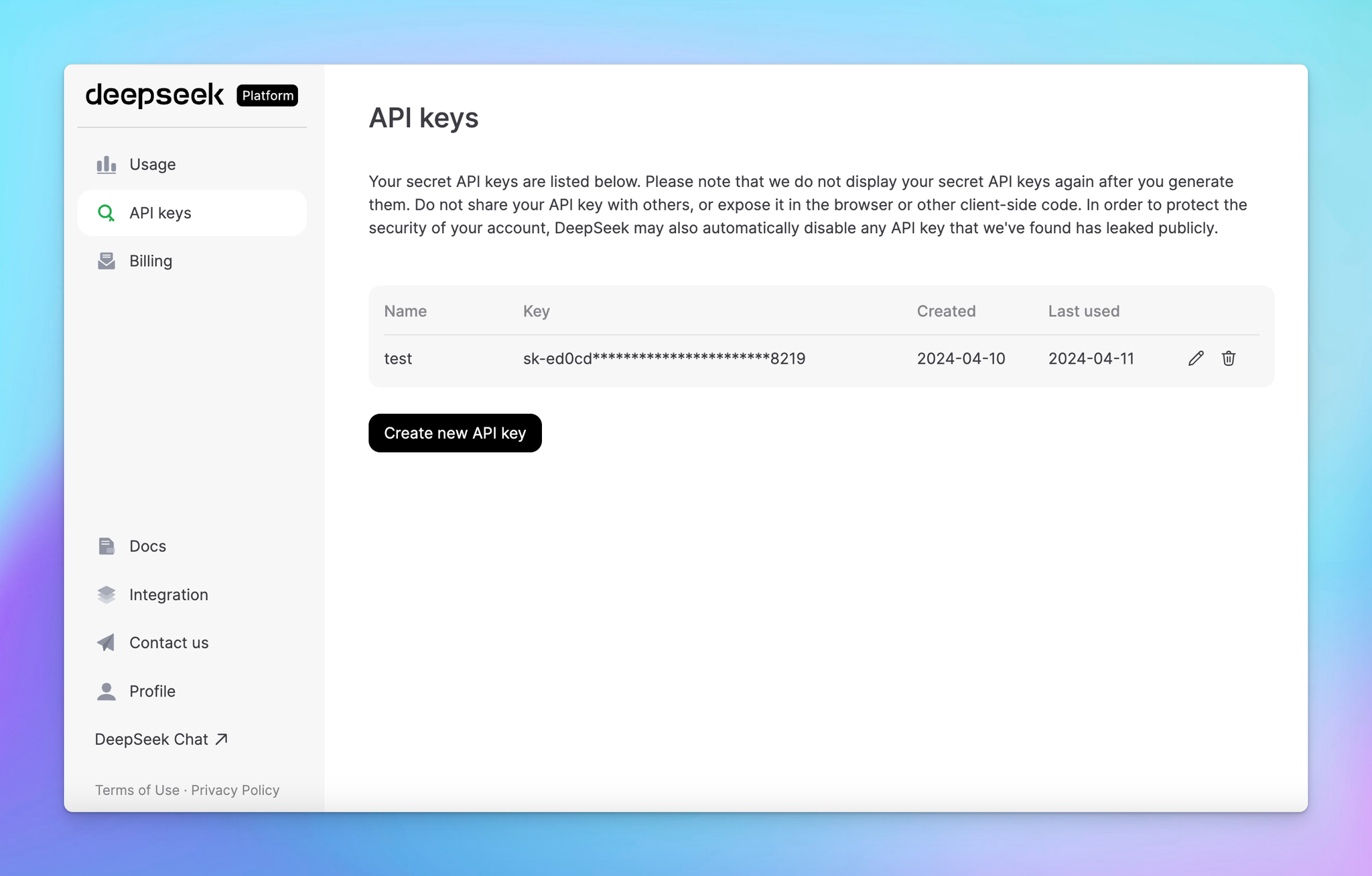
- Create a new API key
- Copy the generated API key
Step 3: Set up DeepSeek AI on TypingMind
- Go to Manage Models
- Add Custom Models
- Updates the following information to set up DeepSeek:
- Name: DeepSeek (or you can give it any name you want)
- Endpoint:
https://api.deepseek.com/v1/chat/completions - Model ID:
deepseek-chat(deepseek-v3.2 without thinking) ordeepseek-reasoner(deepseek-v3.2 with thinking mode) - Add Custom Headers:
Authorization: Bearer {{YOUR_API_KEY}} (enter the copied API key)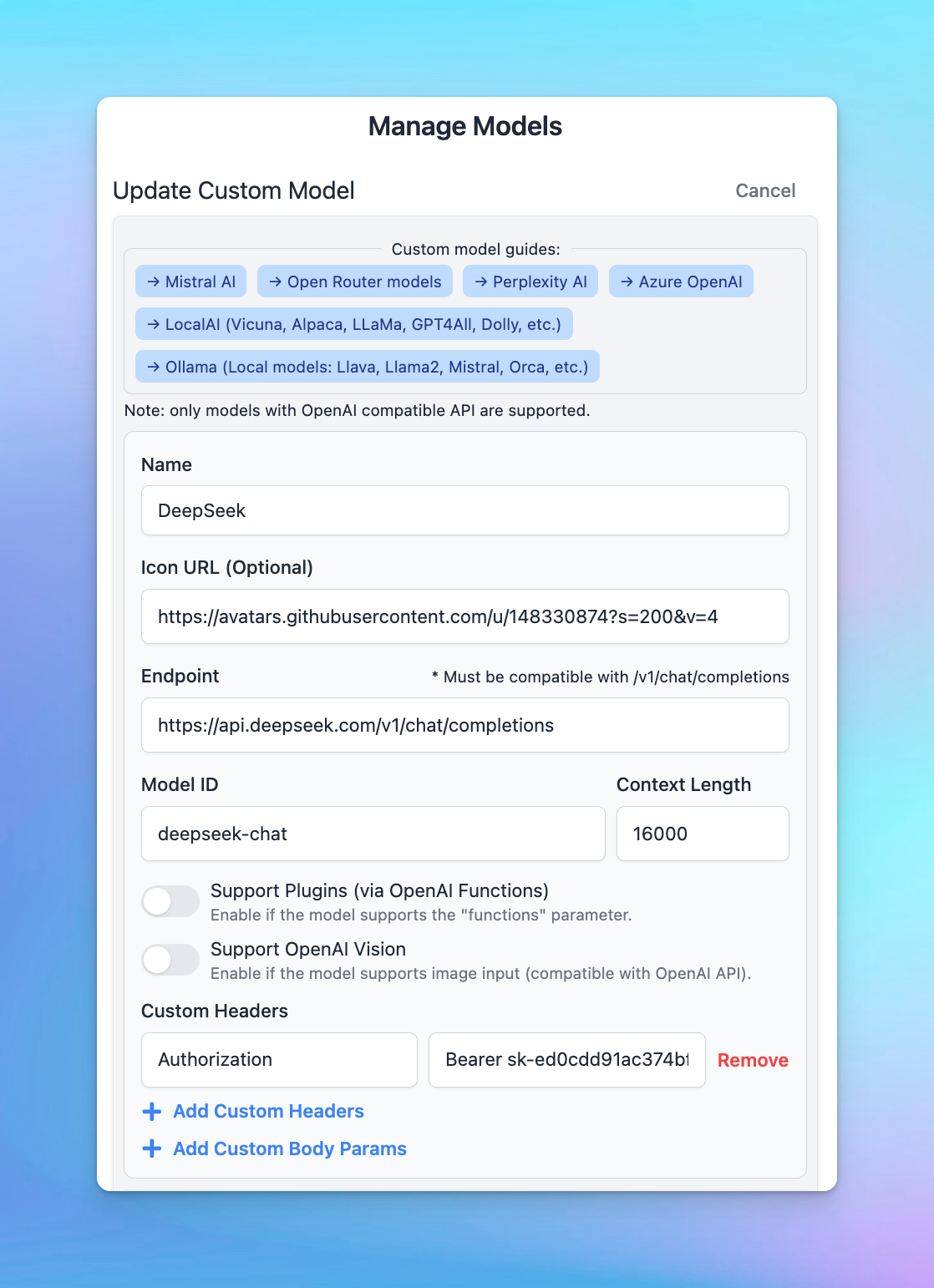
- Click Test
- Click Update model
Now, you can choose the model and interact with it!