.svg?fit=max&auto=format&n=RaTUOQa09vPhW7_D&q=85&s=368f39de7ecc6605f73c43c2017546a3)
.svg?fit=max&auto=format&n=RaTUOQa09vPhW7_D&q=85&s=01a6eb27b4db3af8a1d5557525c579d3)
This instruction is for the TypingMind Web version (https://www.typingmind.com). For the macOS version and Setapp version, due to Apple’s security policy, requests to
http protocol are blocked. If you want to connect to the macOS app, you can still follow the instructions here, but with one additional step: you need to set up HTTPS for Ollama. This can be done using various techniques (e.g., using a local HTTPS proxy). For more details on how to run Ollama on HTTPS, please reach out to the Ollama project for support.Download Ollama
Go to https://ollama.com/ and download Ollama to your device.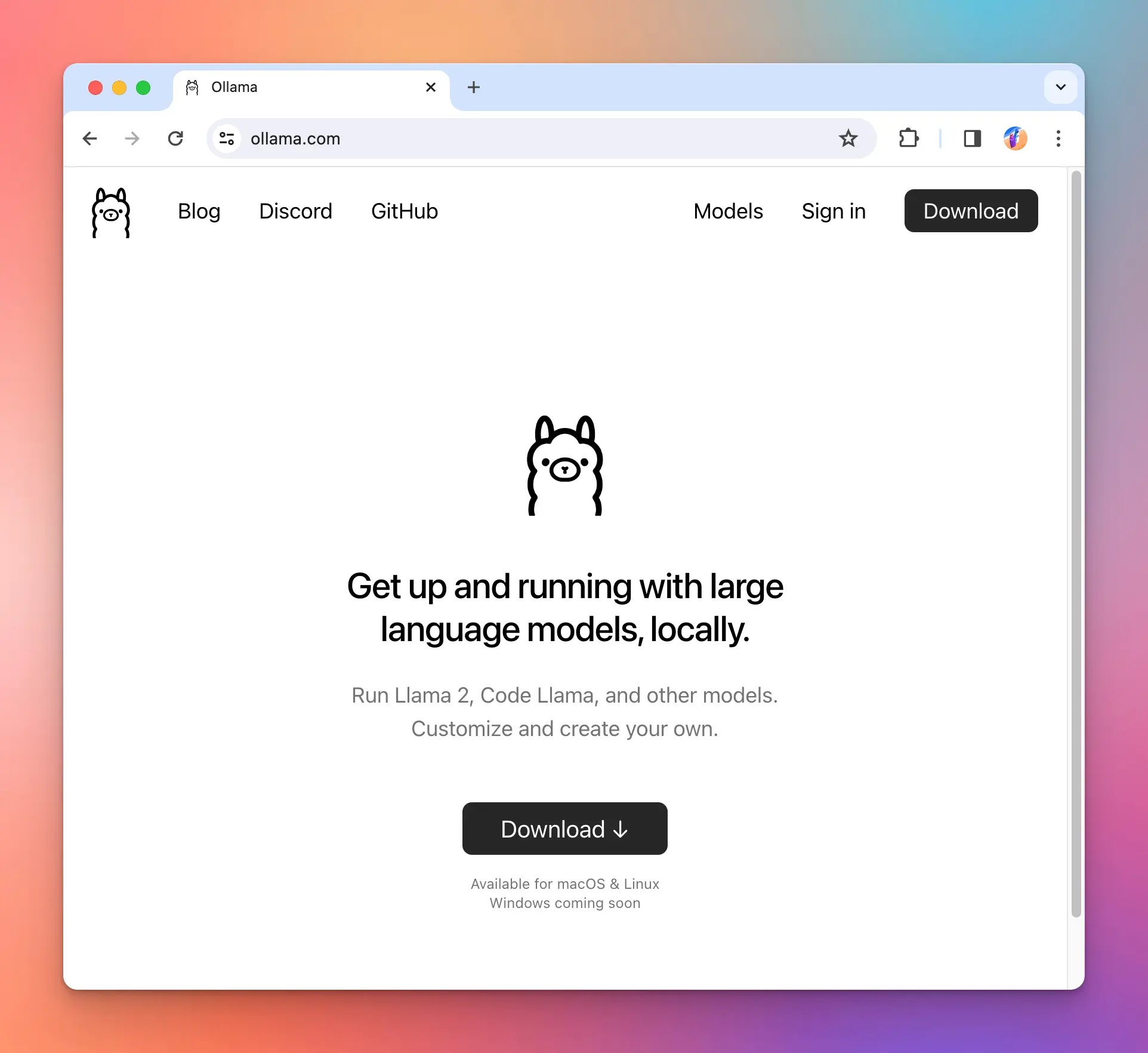
Set up Ollama environment variables for CORS
Run the following commands so that Ollama allows connection from Typing Mind.phimini-4 )
Add Ollama models to Typing Mind
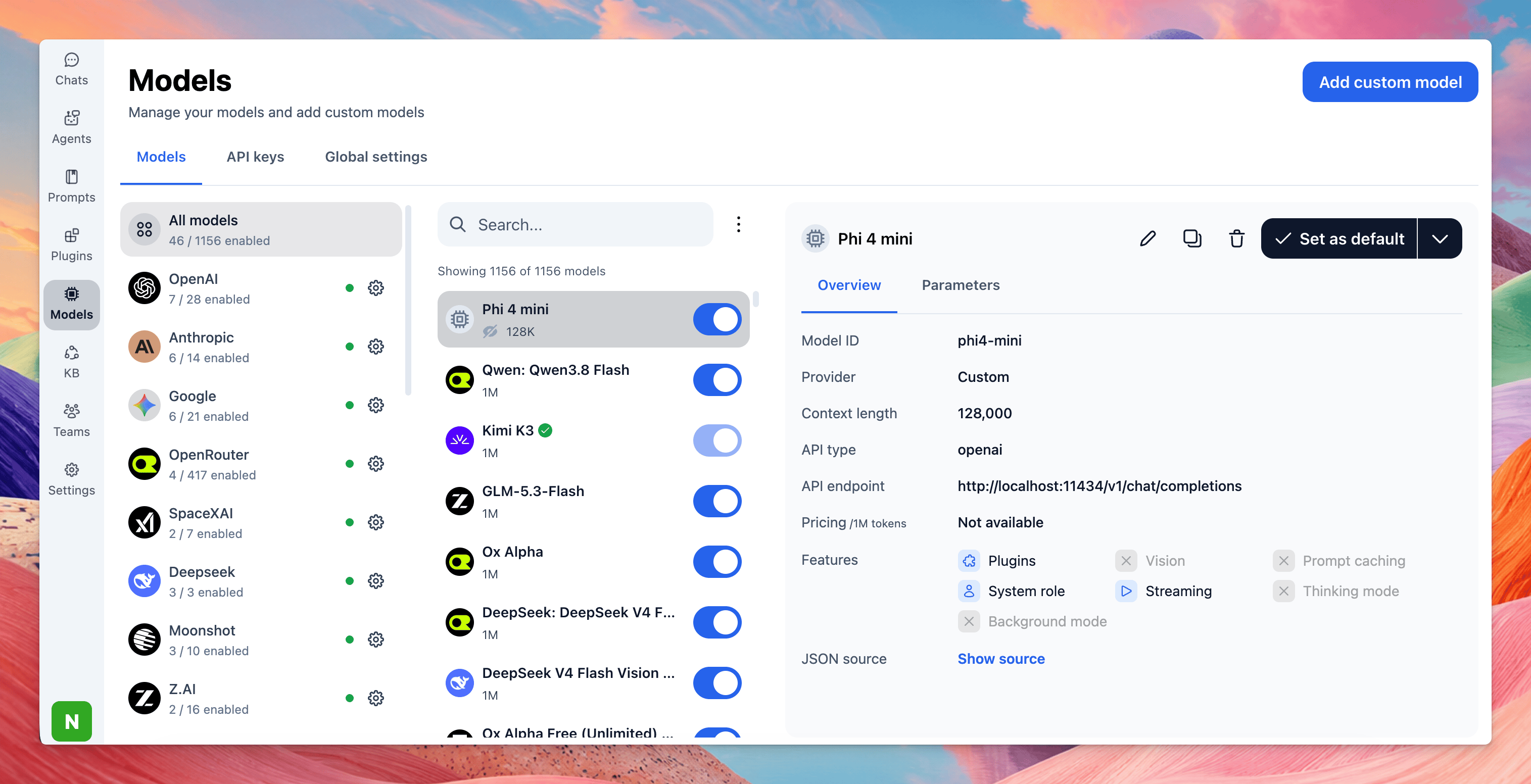
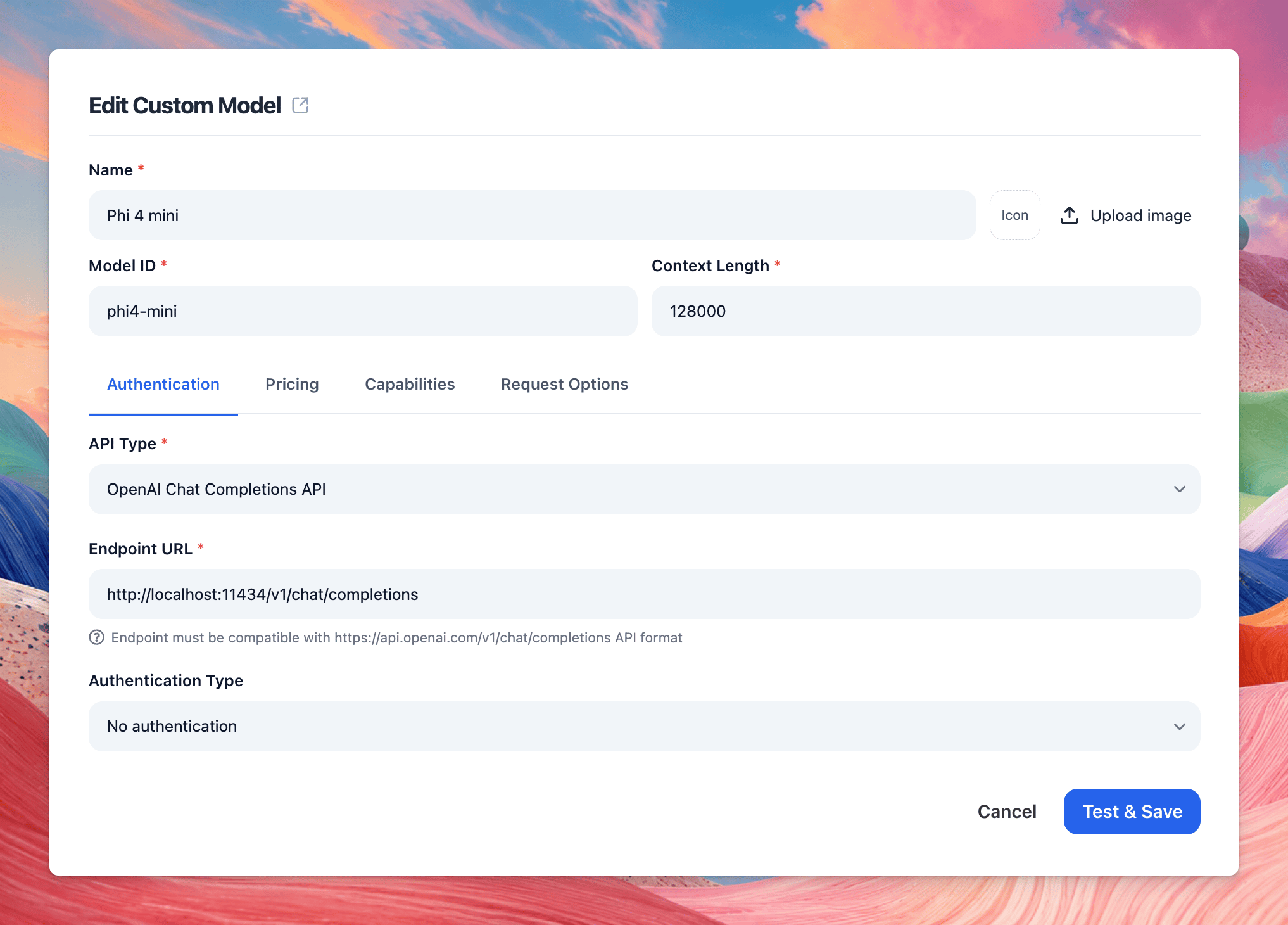
Open Typing Mind and open the Model Setting button, then click “Add Custom Model” on the top right corner. Enter the details as following: (in this example, we use phi4-mini)- Model Name: Phi 4 Mini
- Model ID: phi4-mini
- Endpoint: http://localhost:11434/v1/chat/completions
- Click Test & Save so the app can automatically check the model’s capabilities.
- Click Confirm & Proceed to add model.
Chat with Ollama
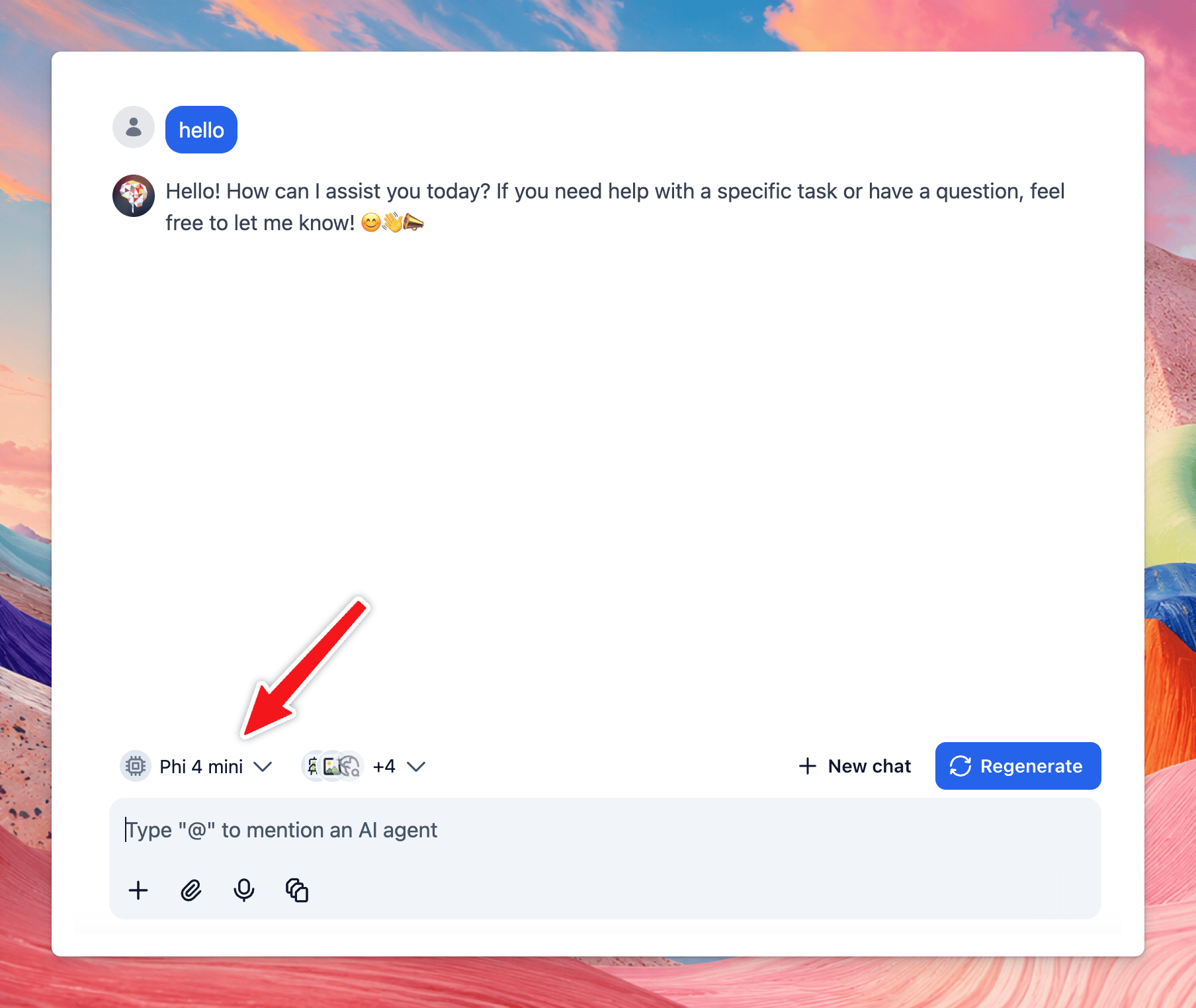
Once the model is tested and added successfully, you can enable the model in model list. Then select the custom model and chat with it normally.