.svg?fit=max&auto=format&n=RaTUOQa09vPhW7_D&q=85&s=368f39de7ecc6605f73c43c2017546a3)
.svg?fit=max&auto=format&n=RaTUOQa09vPhW7_D&q=85&s=01a6eb27b4db3af8a1d5557525c579d3)
Overview
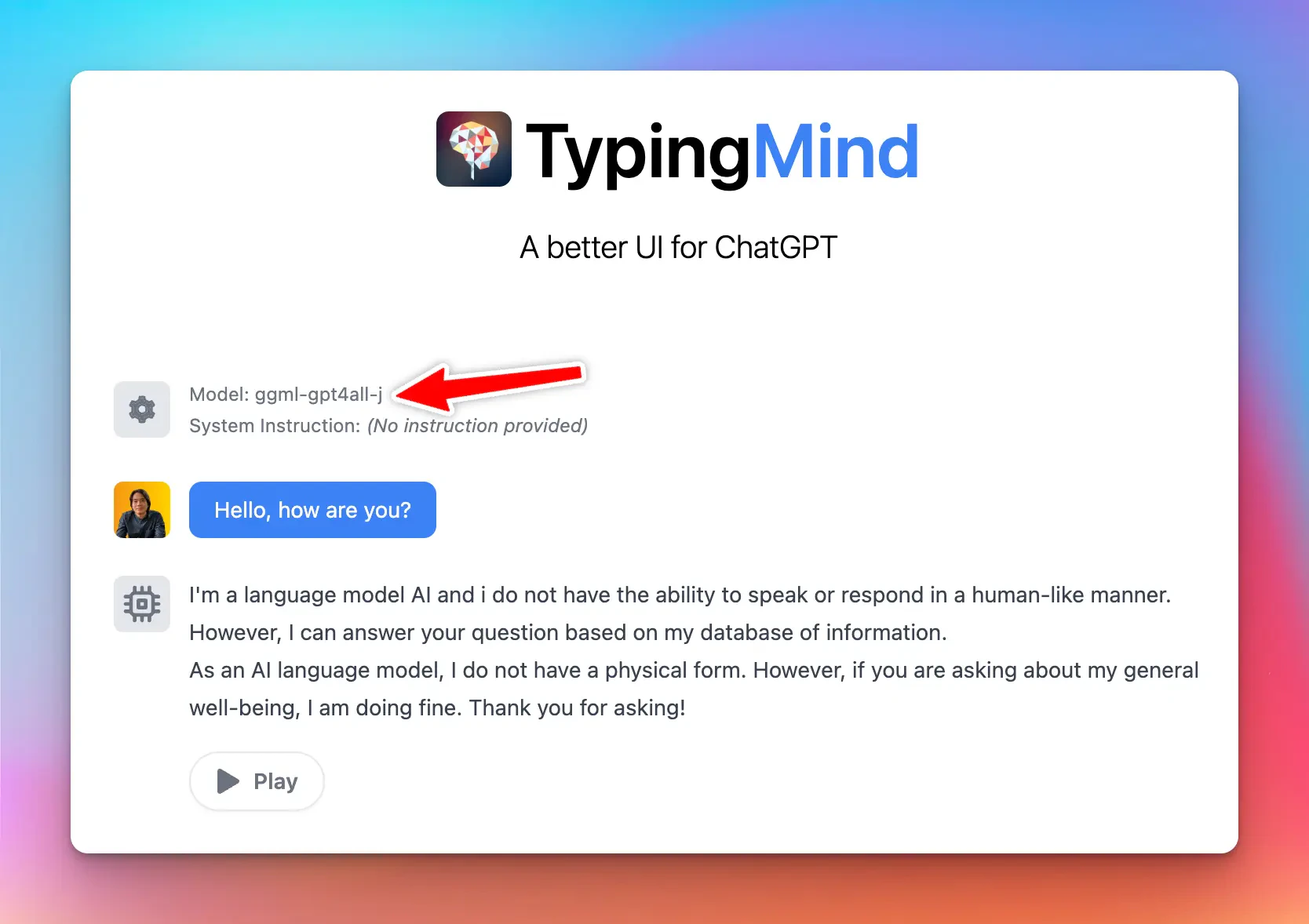
Typing Mind allows you to connect the app with any local model you want.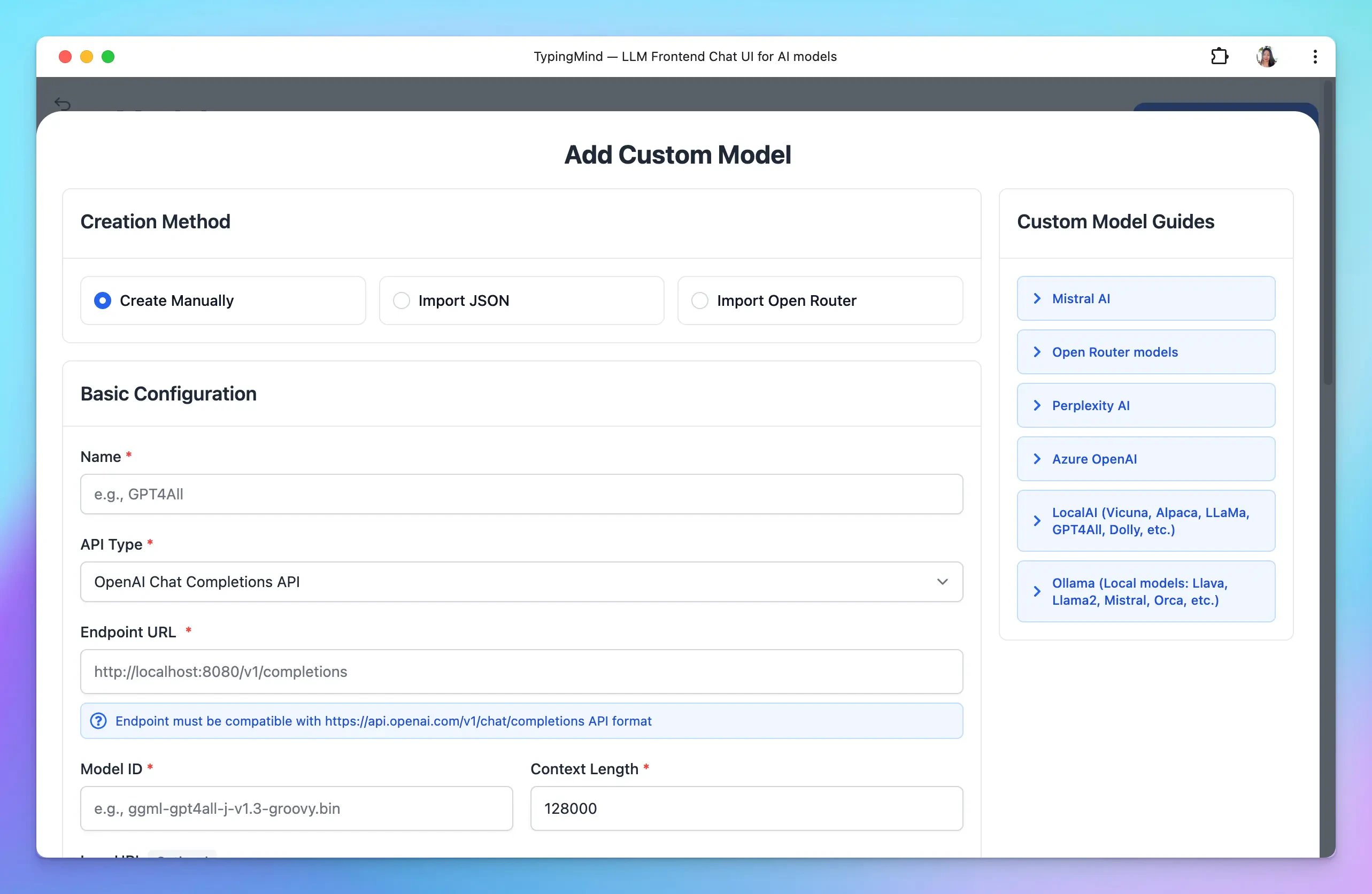
- The model must be served via an OpenAI-compatible API endpoint.
- You must have some relevant technical skills to setup a custom model on your own server/endpoint.
Setup LocalAI on your device
👉 If you already have another setup for the local AI model endpoint, you can skip this step.
💡 Note that we added the
--cors true parameter to the command to make sure the local server is accessible from the browser. Typing Mind will send requests to the local model directly from the browser.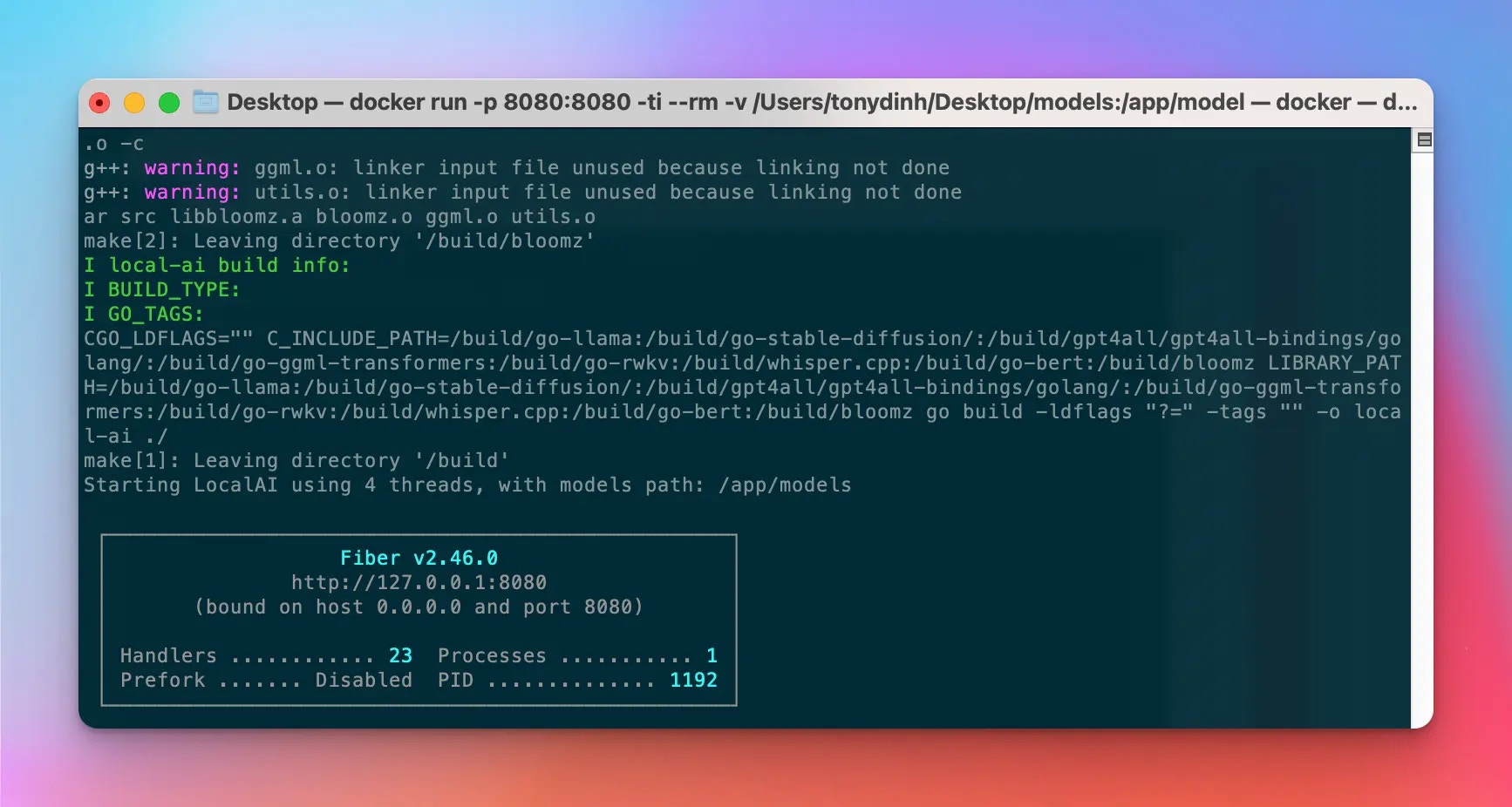
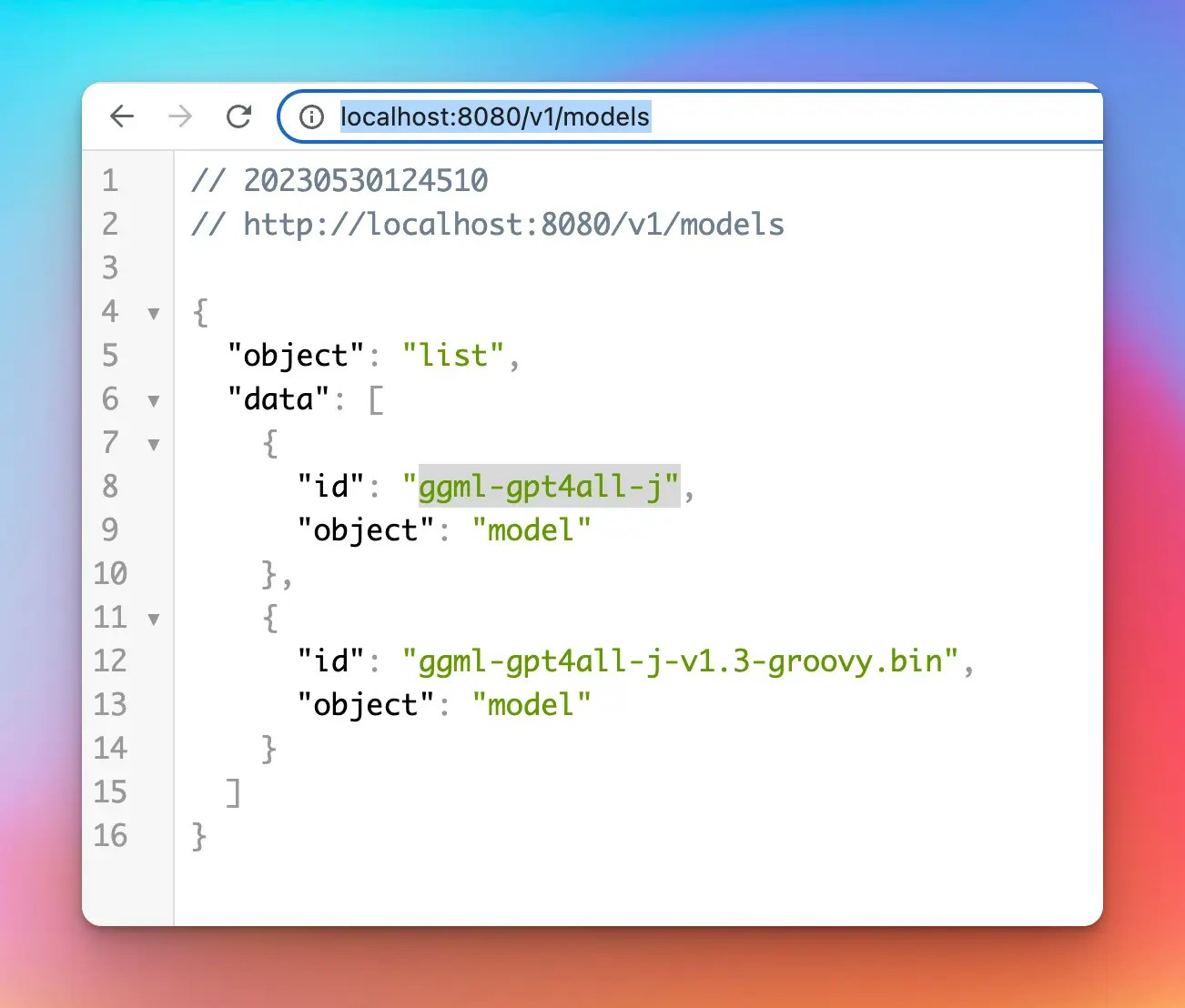
Setup Custom Model on TypingMind
Open TypingMind → Models → Add Custom Model: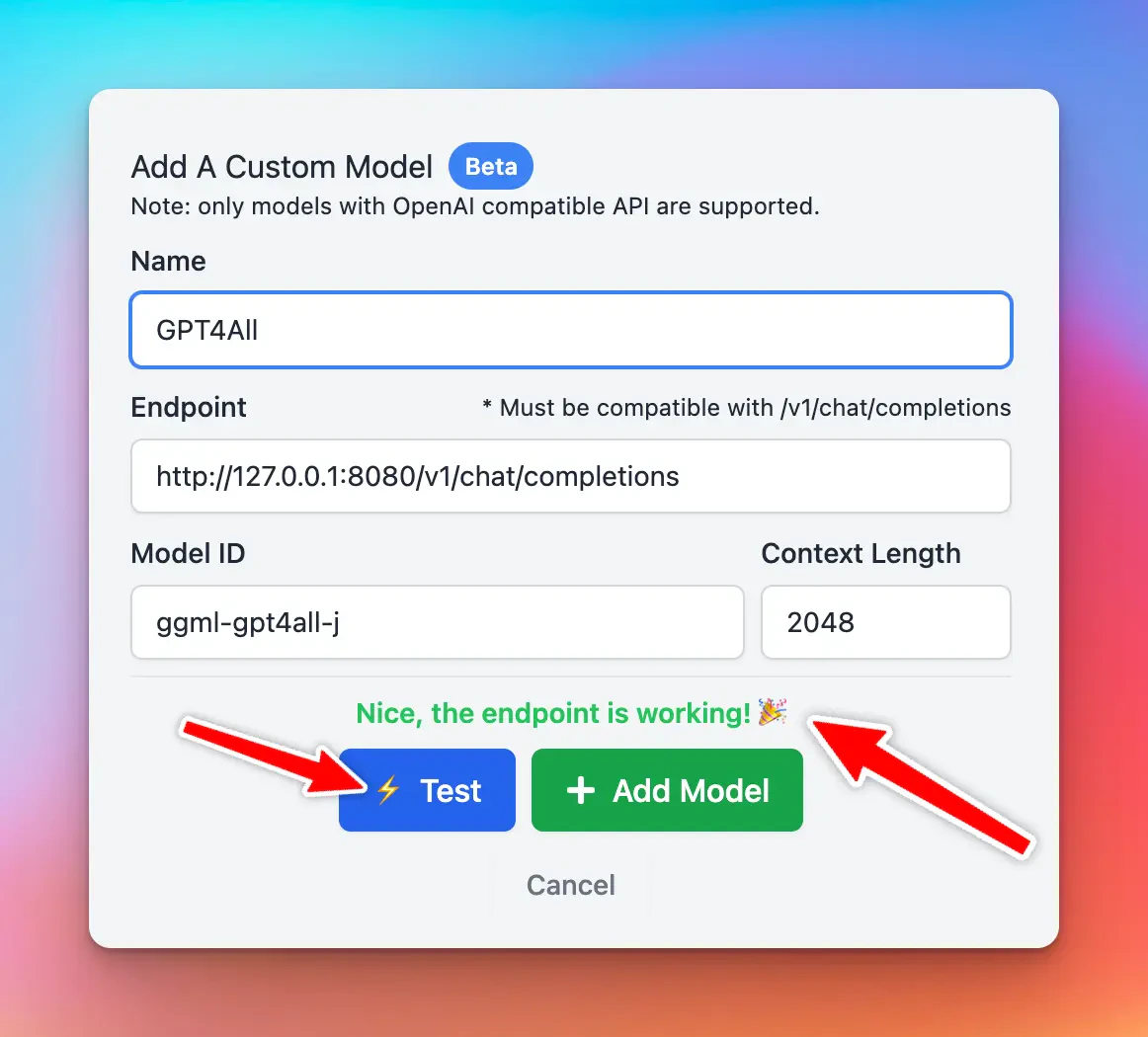
Popular problems at this step
Chat with the new Custom Model
Once the model is tested and added successfully, you can select the custom model and chat with it normally.