.svg?fit=max&auto=format&n=RaTUOQa09vPhW7_D&q=85&s=368f39de7ecc6605f73c43c2017546a3)
.svg?fit=max&auto=format&n=RaTUOQa09vPhW7_D&q=85&s=01a6eb27b4db3af8a1d5557525c579d3)
🚀 What’s New?
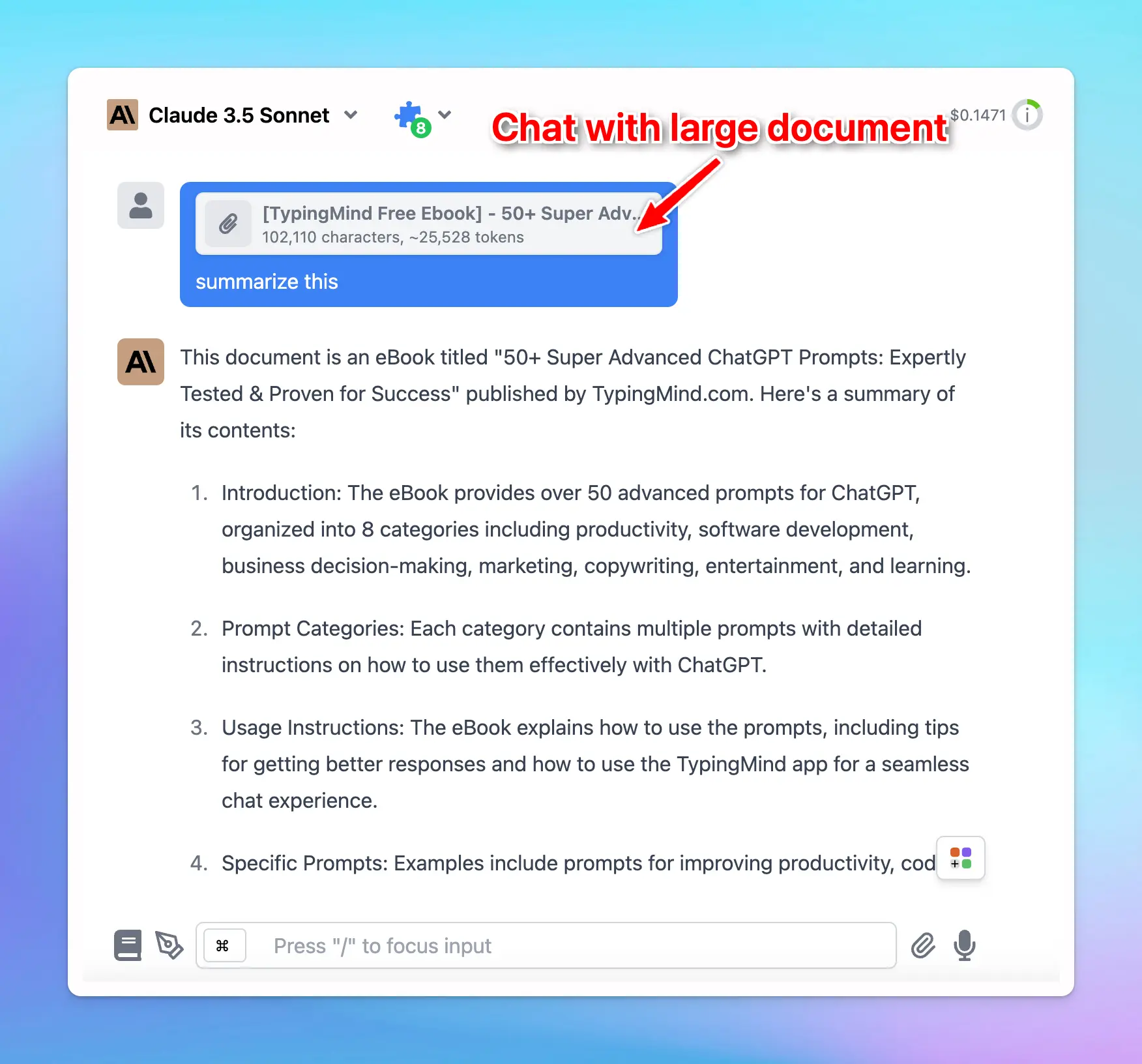
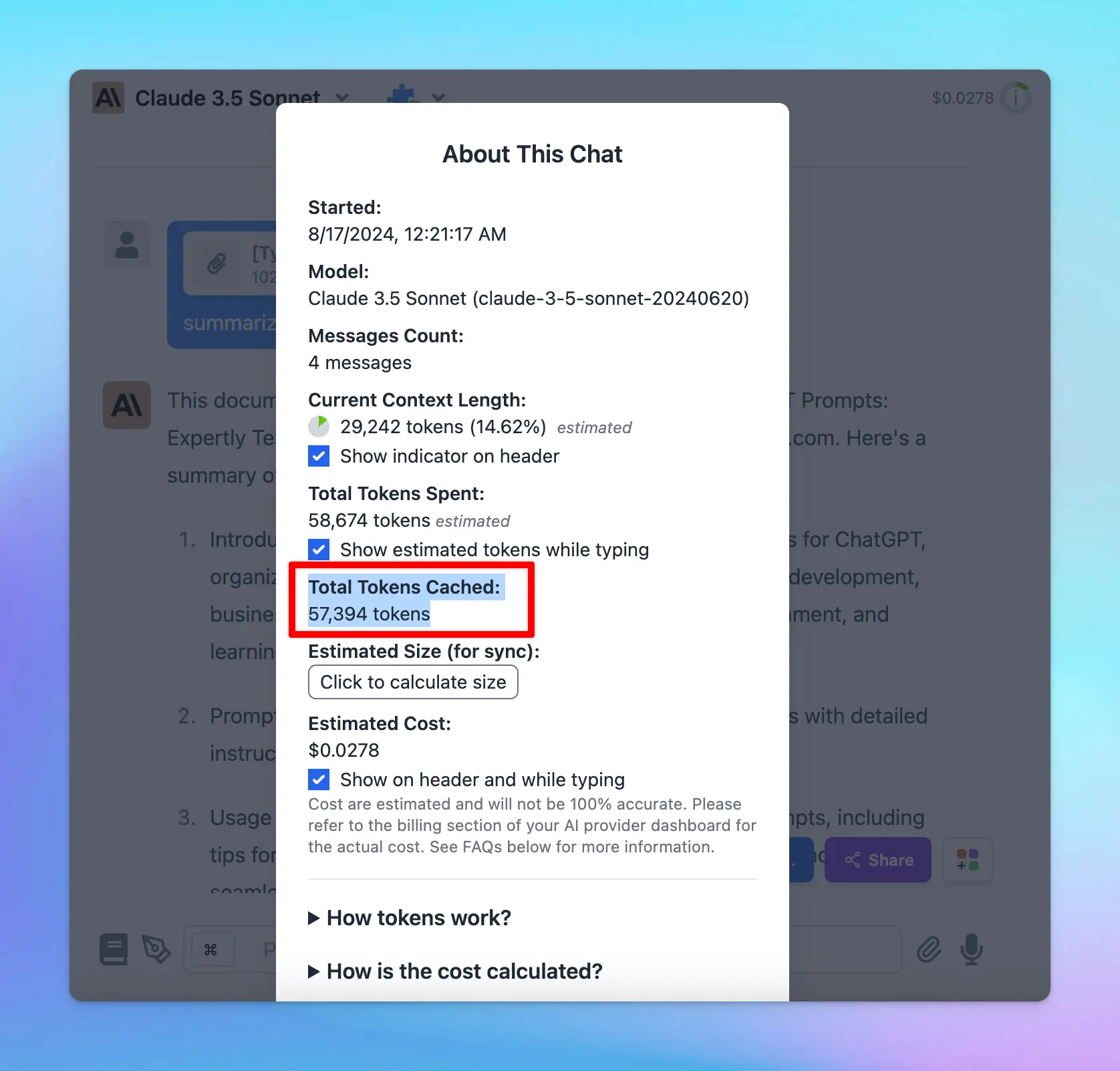
- Prompt Caching allows Claude models to store and reuse stable contexts, such as system instructions or background information.
- With this, you can provide Claude with more extensive background knowledge and example outputs – all while cutting costs by 90% and speeding up responses by 85%!
🏁 How it works:
- Go to Model Settings
- Expand the Advanced Model Parameter
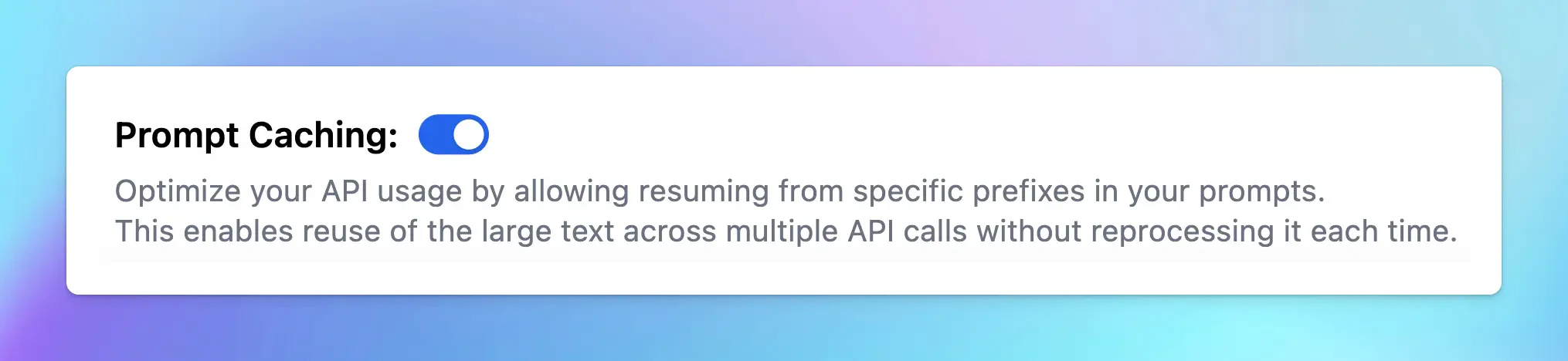
- Scroll down to enable the “Prompt Caching” option
- The cache has a 5-minute lifetime, refreshed each time the cached content is used.
- Avoid using Prompt Caching with Dynamic Context, as changing system prompts cannot be cached.
 To help you clearly understand about Prompt Caching, check out here:
https://docs.typingmind.com/prompts/automatic-prompt-caching
To help you clearly understand about Prompt Caching, check out here:
https://docs.typingmind.com/prompts/automatic-prompt-caching