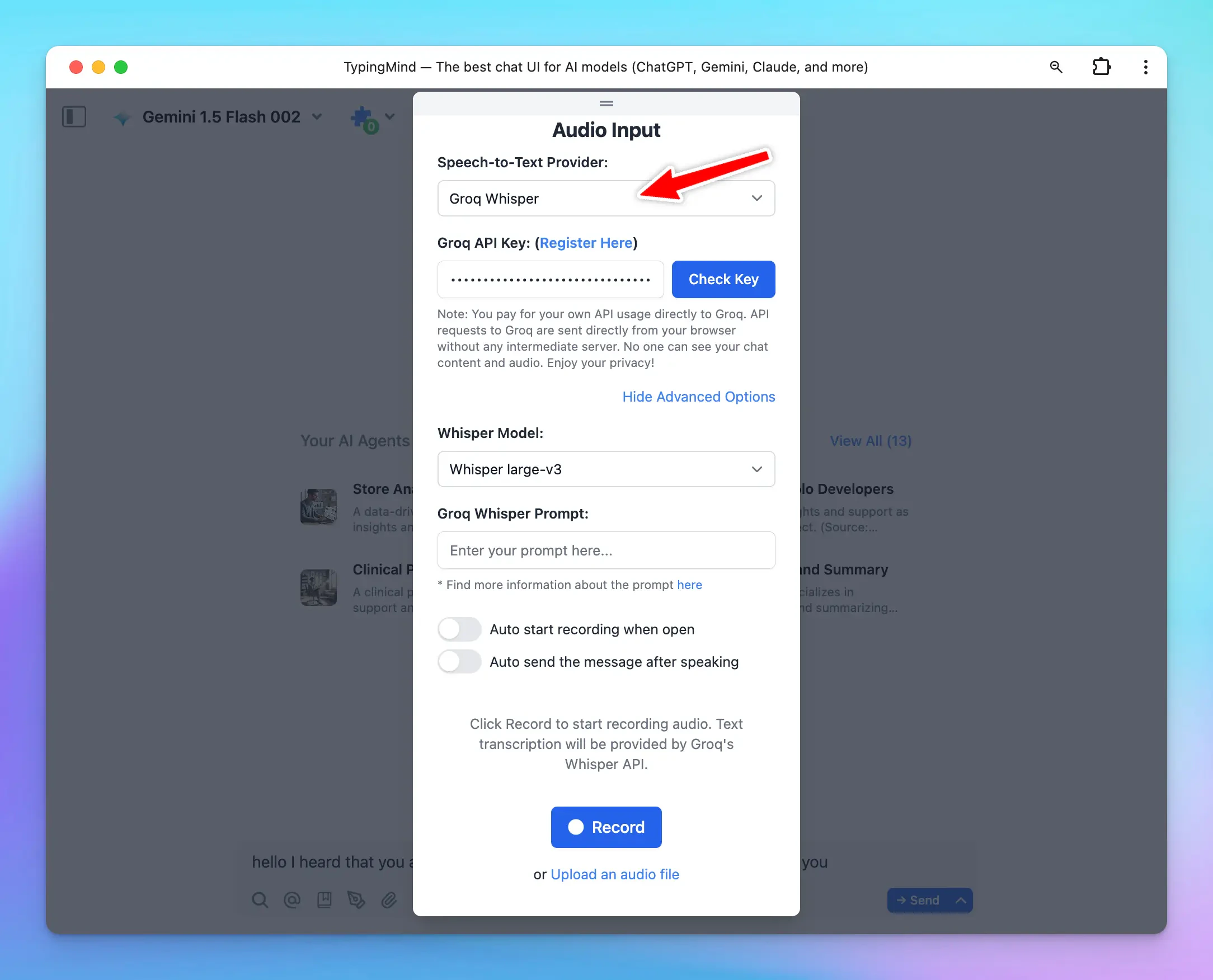
Groq Whisper for Speech-to-Text (Audio Input) is now available on TypingMind!Supported models:🔸Whisper large-v3: provide high accuracy for multilingual transcription tasks.🔸Distill-Whisper English: provide faster, lower cost English speech recognition while maintaining comparable accuracy.
.svg?fit=max&auto=format&n=RaTUOQa09vPhW7_D&q=85&s=368f39de7ecc6605f73c43c2017546a3)
.svg?fit=max&auto=format&n=RaTUOQa09vPhW7_D&q=85&s=01a6eb27b4db3af8a1d5557525c579d3)