.svg?fit=max&auto=format&n=RaTUOQa09vPhW7_D&q=85&s=368f39de7ecc6605f73c43c2017546a3)
.svg?fit=max&auto=format&n=RaTUOQa09vPhW7_D&q=85&s=01a6eb27b4db3af8a1d5557525c579d3)
🔥 What’s News?
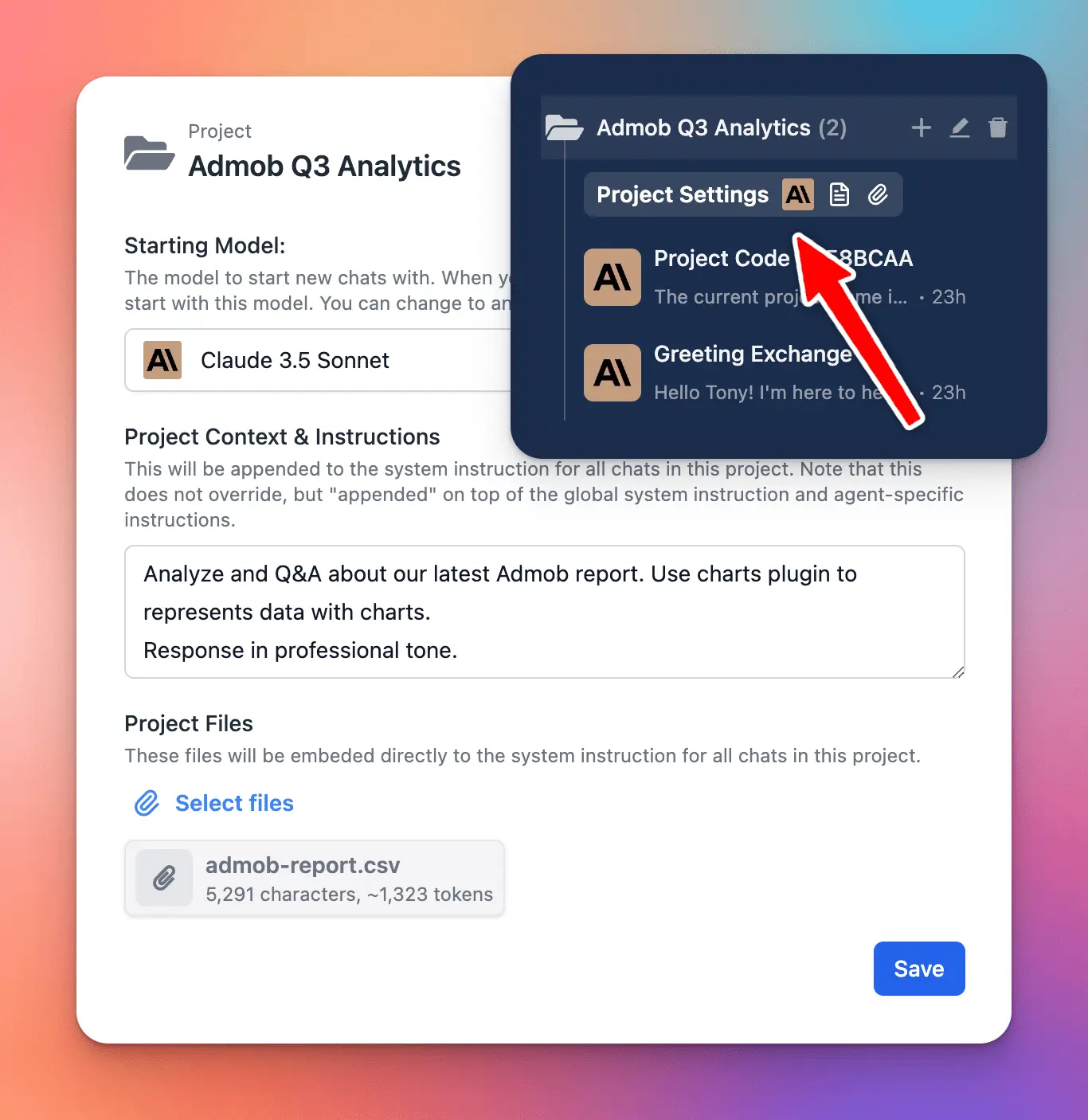
Project Folders are an improved version of the old “Folders” feature. This is built to help you better organize your projects by giving you a dedicated space to:- Assign a specific AI model to each project.
- Add custom system instructions.
- Upload relevant documents directly to the project.
🏁 How it works
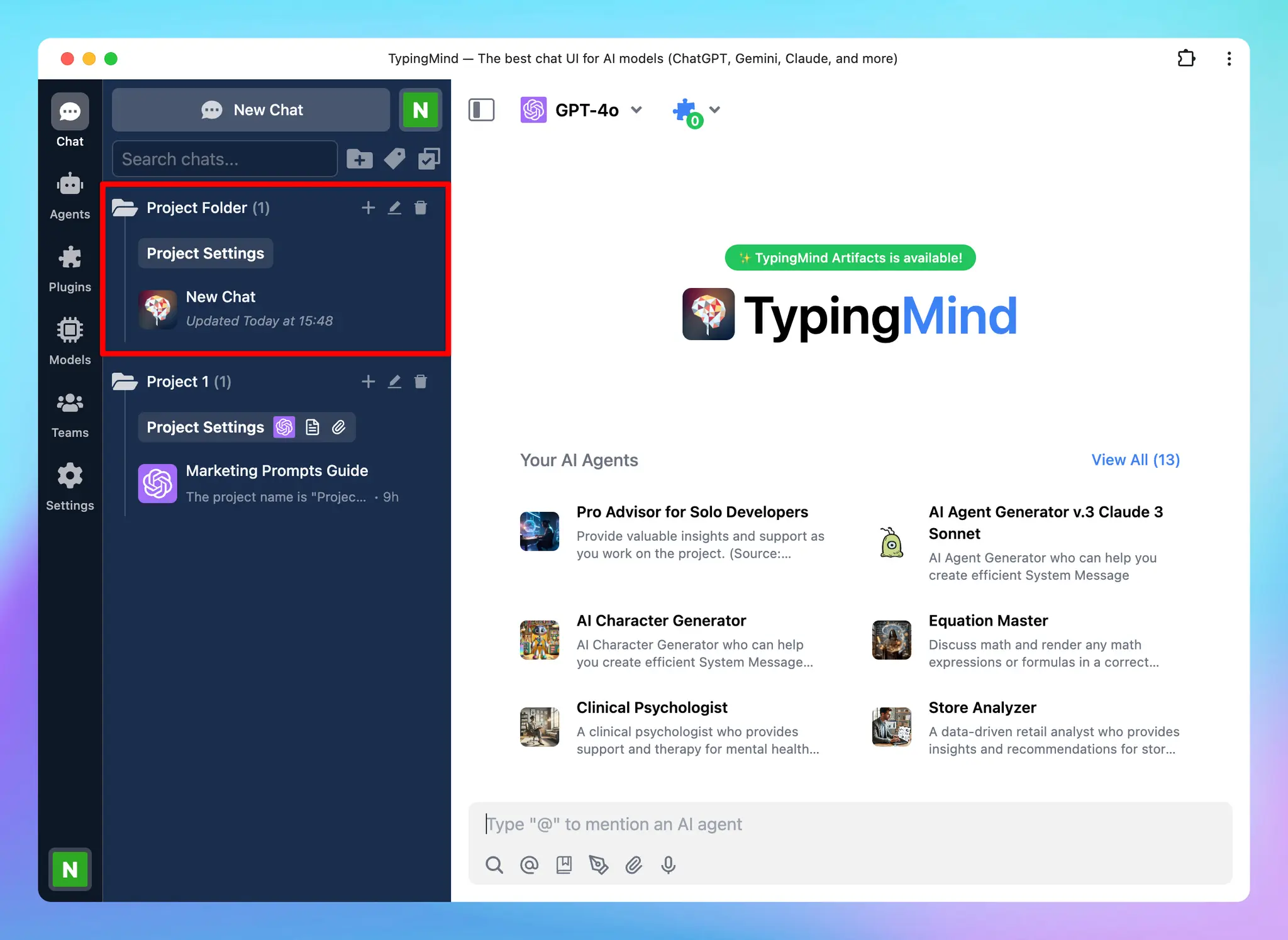
- Navigate your left sidebar and click on “+” icon to create a project folder
- Click on Project Settings to:
- Assign a chat model for your project
- Provide context and custom instructions
- Upload training files (if any)
 Learn more: https://docs.typingmind.com/chat-management/project-folders