.svg?fit=max&auto=format&n=RaTUOQa09vPhW7_D&q=85&s=368f39de7ecc6605f73c43c2017546a3)
.svg?fit=max&auto=format&n=RaTUOQa09vPhW7_D&q=85&s=01a6eb27b4db3af8a1d5557525c579d3)
Step 1: Sign up for a Firecrawl account
Go to https://www.firecrawl.dev/signin/password_signin to sign up for a Firecrawl account.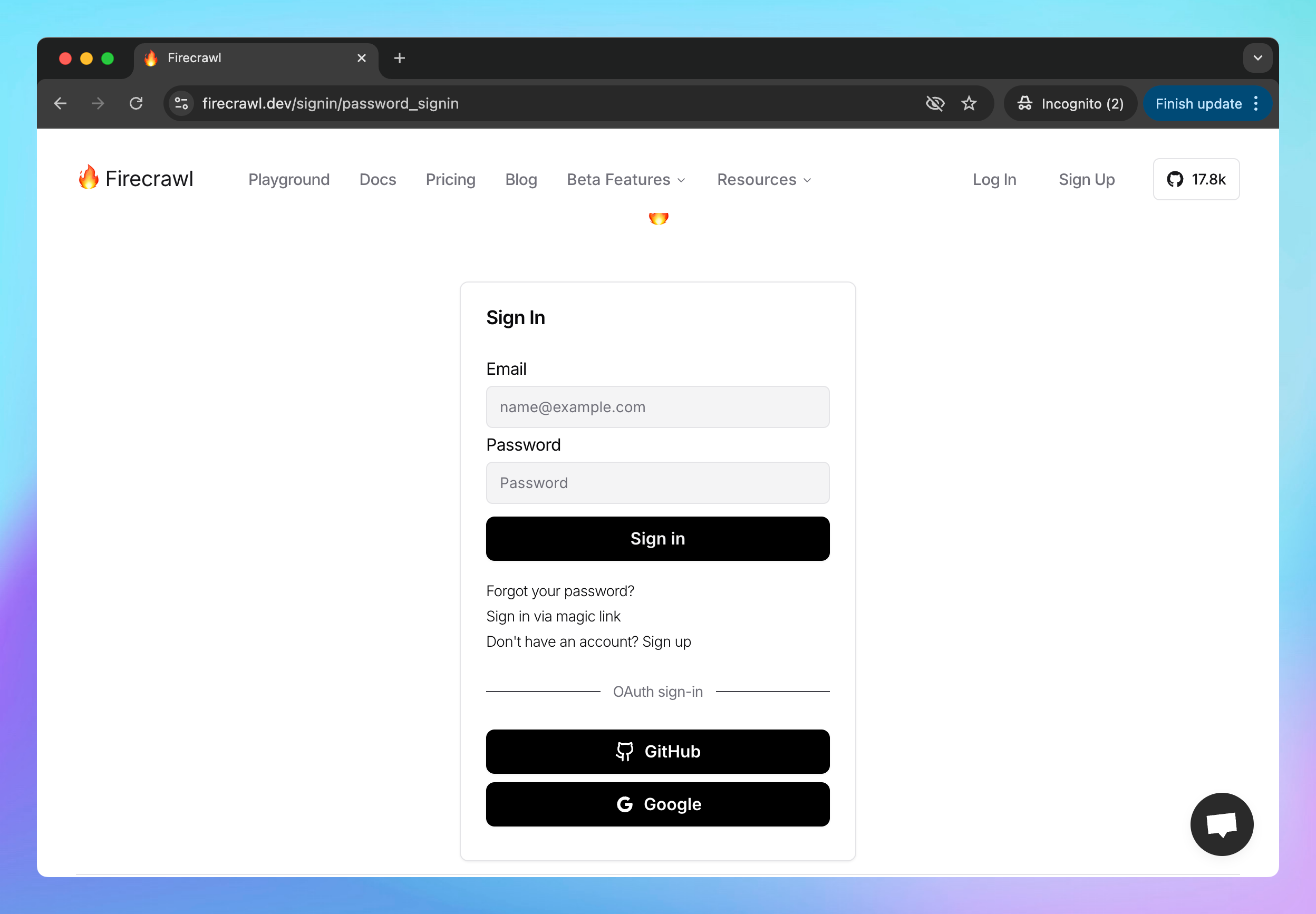
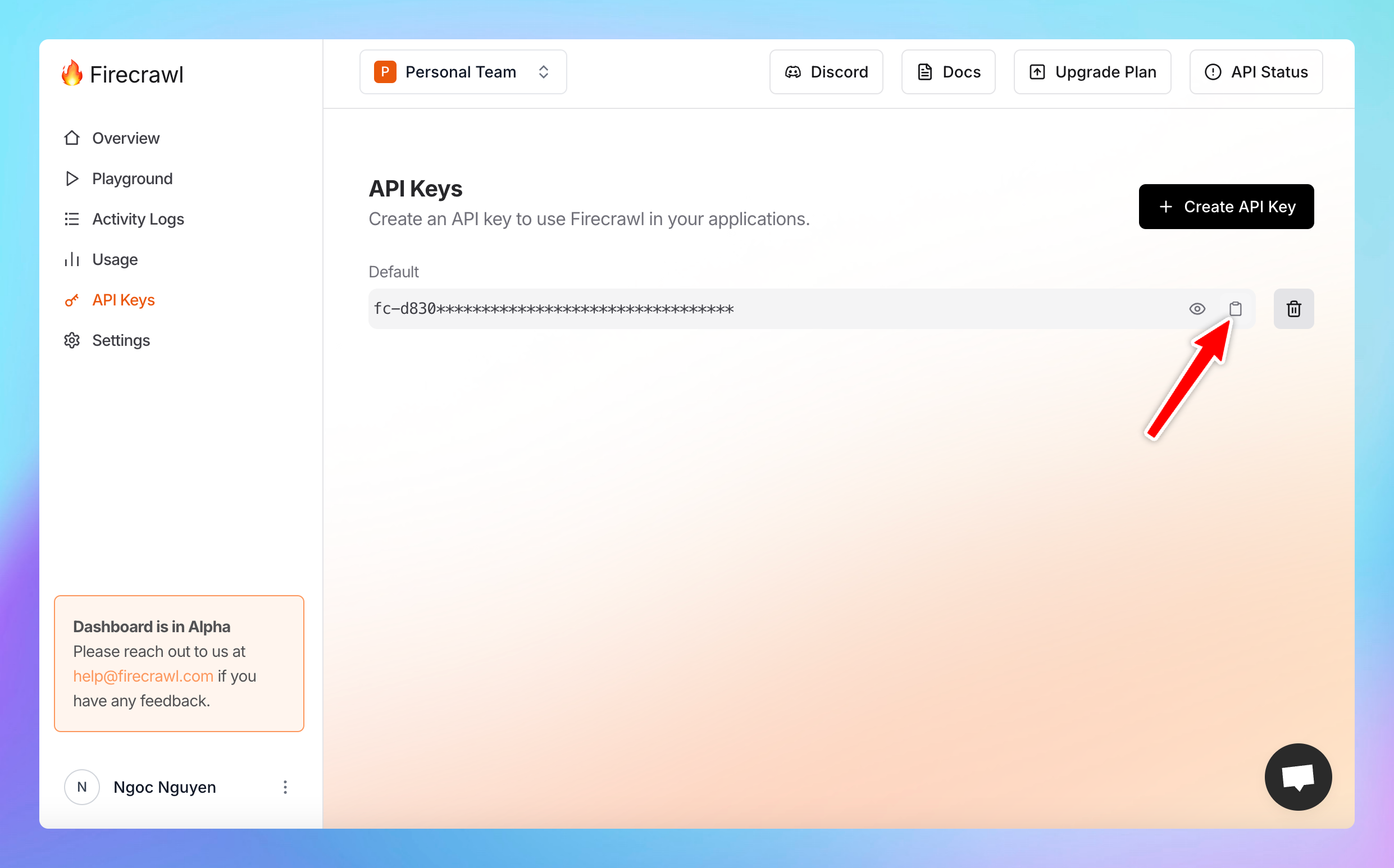
Step 2: Get the API key
- Once signed in, navigate to the API key section in your Firecrawl dashboard
- Copy your API key
- Save this key in a secure place, as you’ll need it to set it up on TypingMind.
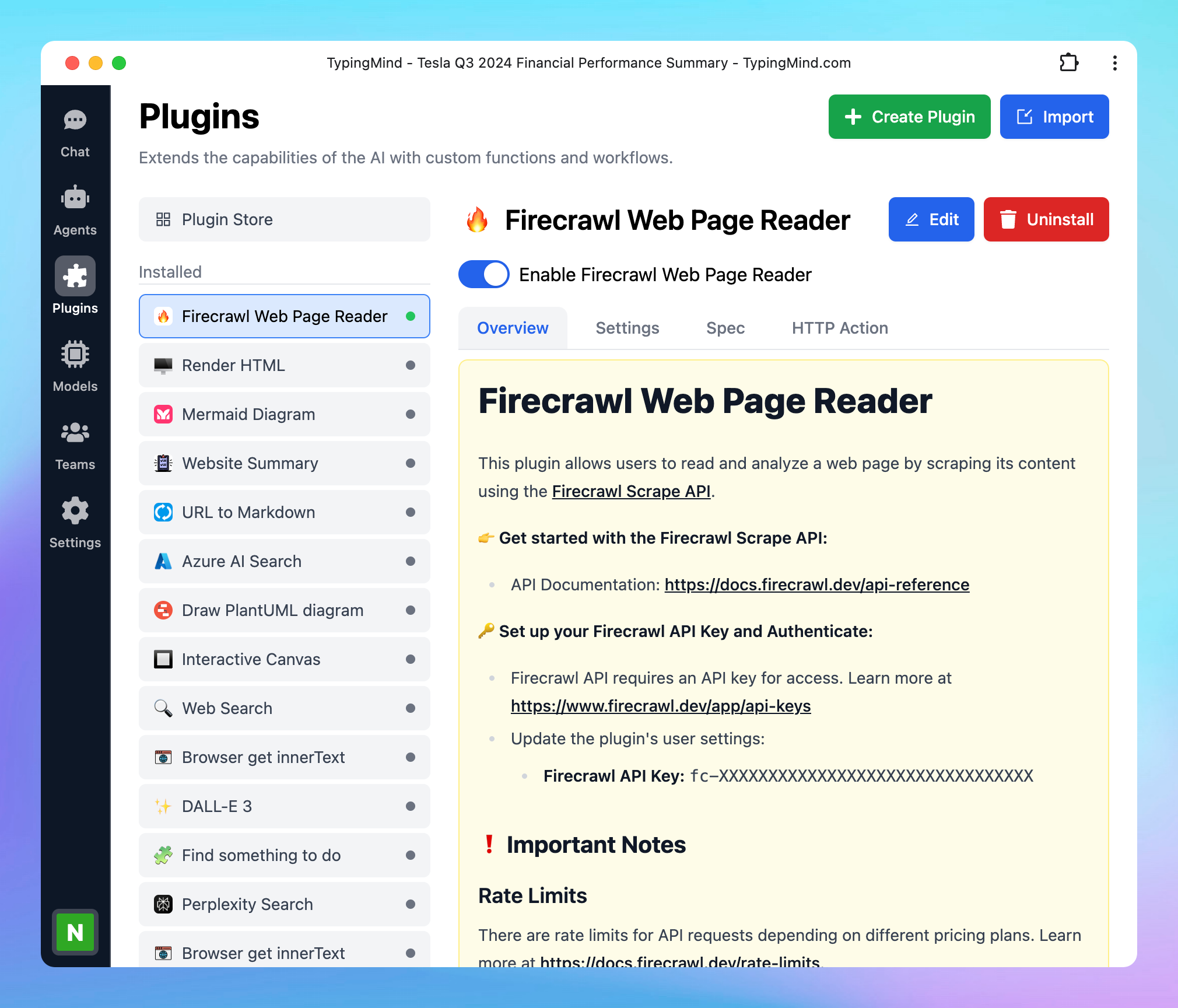
Step 3: Set up the plugin on TypingMind
- Go to typingmind.com
- Click on the Plugins menu on the left side panel
- Select the plugin Firecrawl Web Page Reader
- Switch to the settings tab to enter the copied API key.
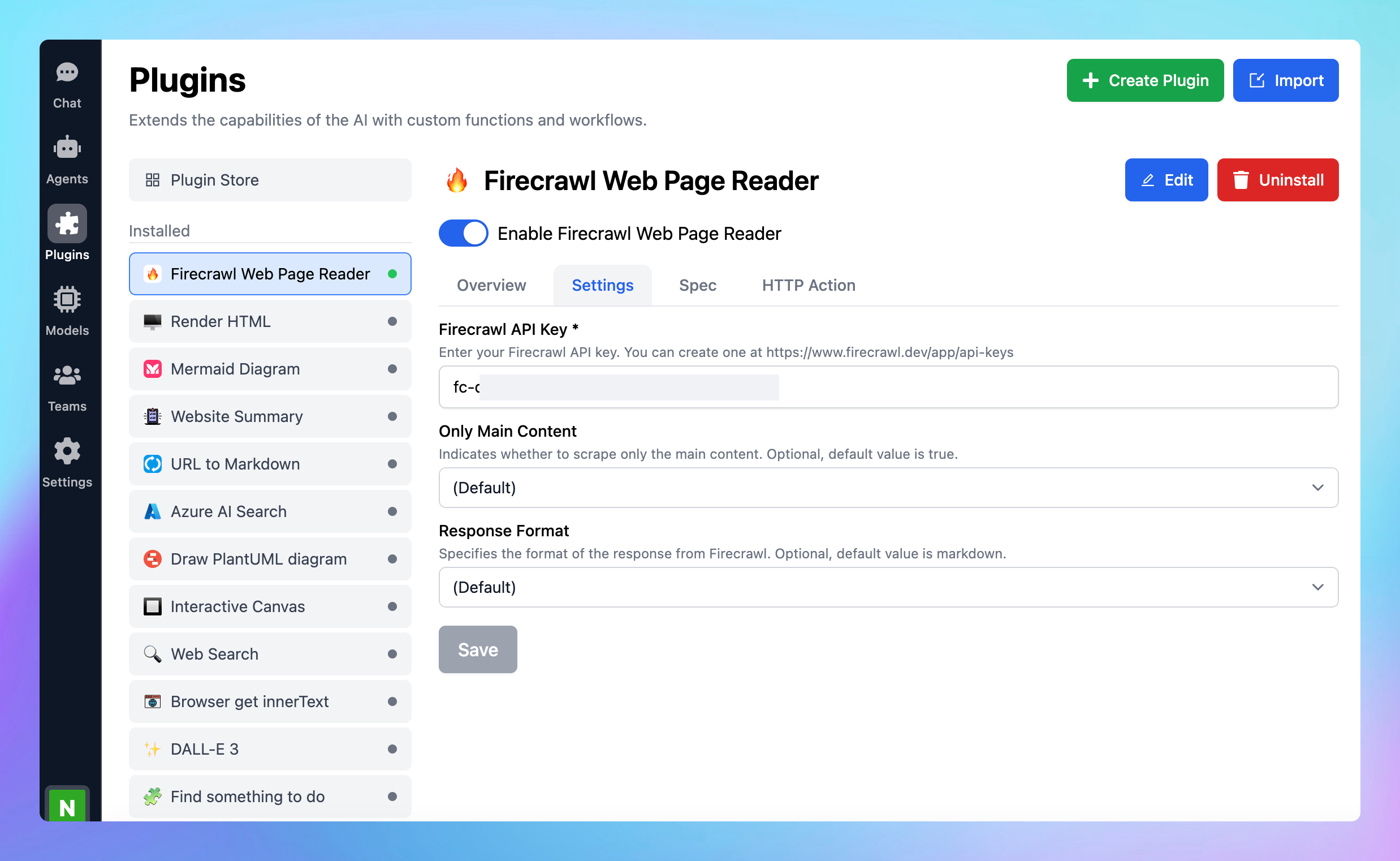
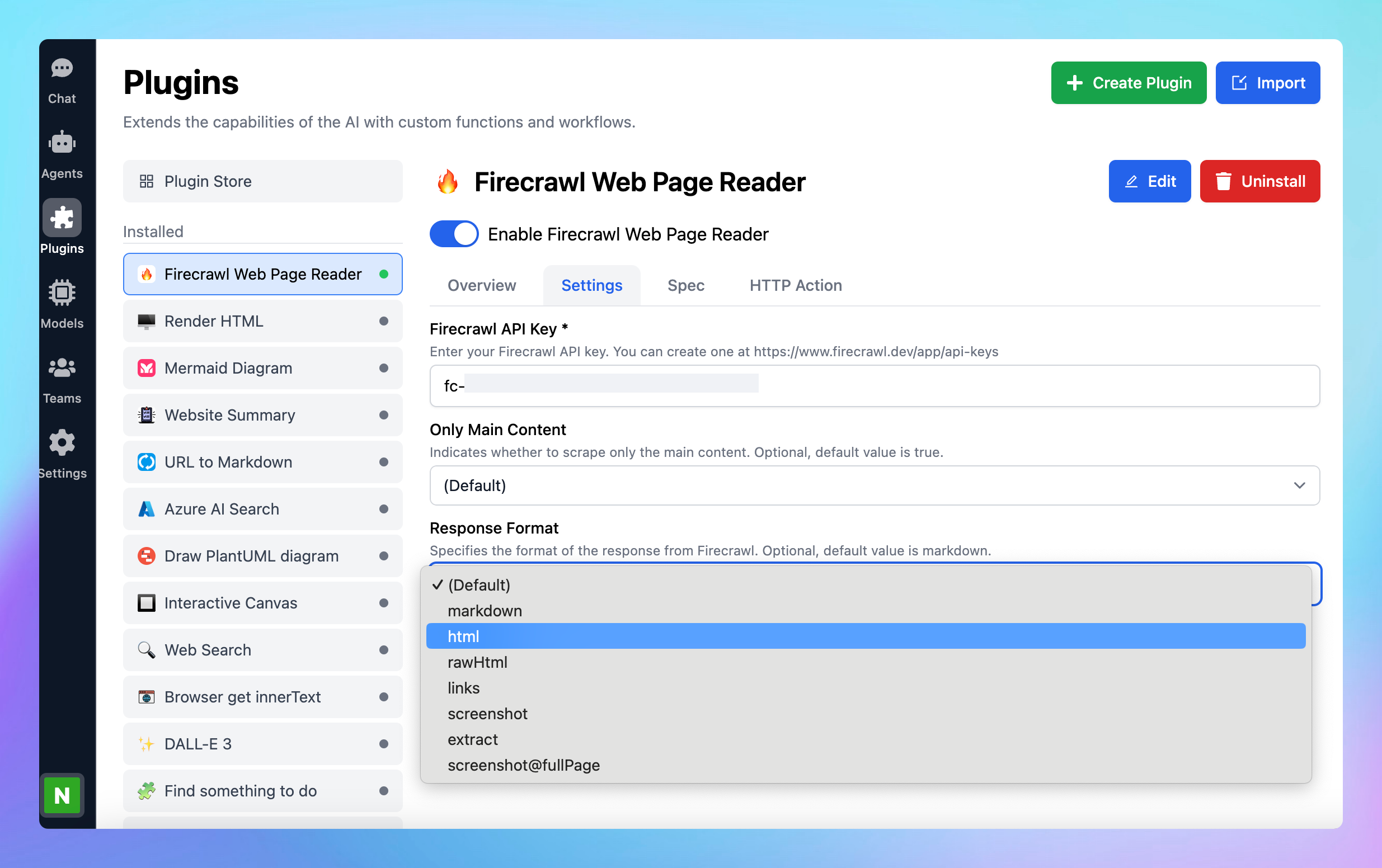
- You can also select the following options:
- Only main content: indicates whether to scrape only the main content. Optional, default value is true.
- Response format: specifies the format of the response from Firecrawl such as markdown, html, rawHtml, links, screenshot, extract, screenshot@fullPage. Optional, default value is markdown.
Step 4: Start chatting!
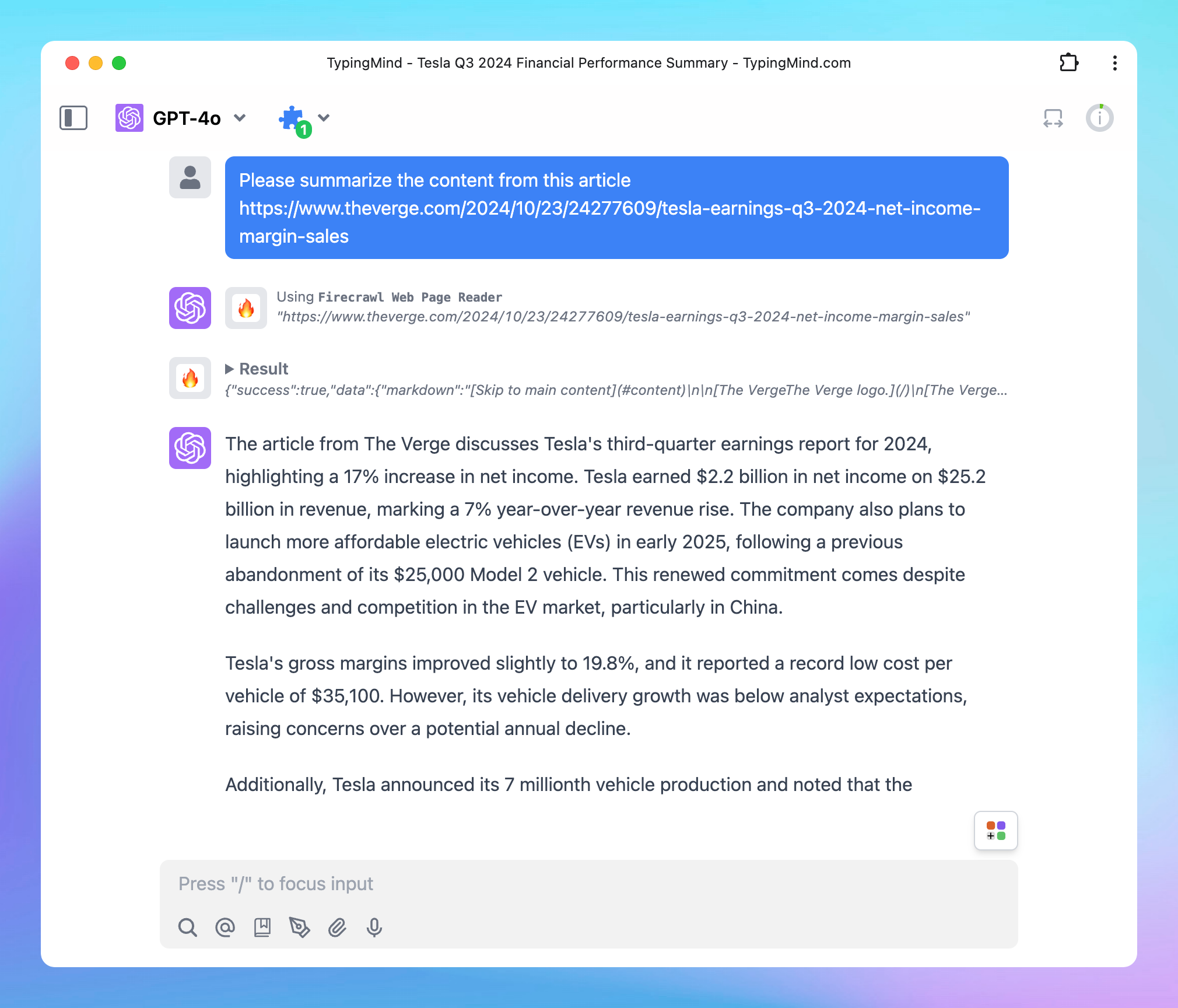
- Enter the URL of the web page you wish to scrape and analyze.
- The Firecrawl Web Page Reader will retrieve the content, allowing you to explore, read, and analyze data from that page.