.svg?fit=max&auto=format&n=RaTUOQa09vPhW7_D&q=85&s=368f39de7ecc6605f73c43c2017546a3)
.svg?fit=max&auto=format&n=RaTUOQa09vPhW7_D&q=85&s=01a6eb27b4db3af8a1d5557525c579d3)
Available Seats in a Chat Instance
By default, each chat instance comes with 5 available seats. The instance owner, who is the creator of the chat instance, automatically occupies one seat. This leaves a certain number of additional seats that the owner can utilize to invite other members.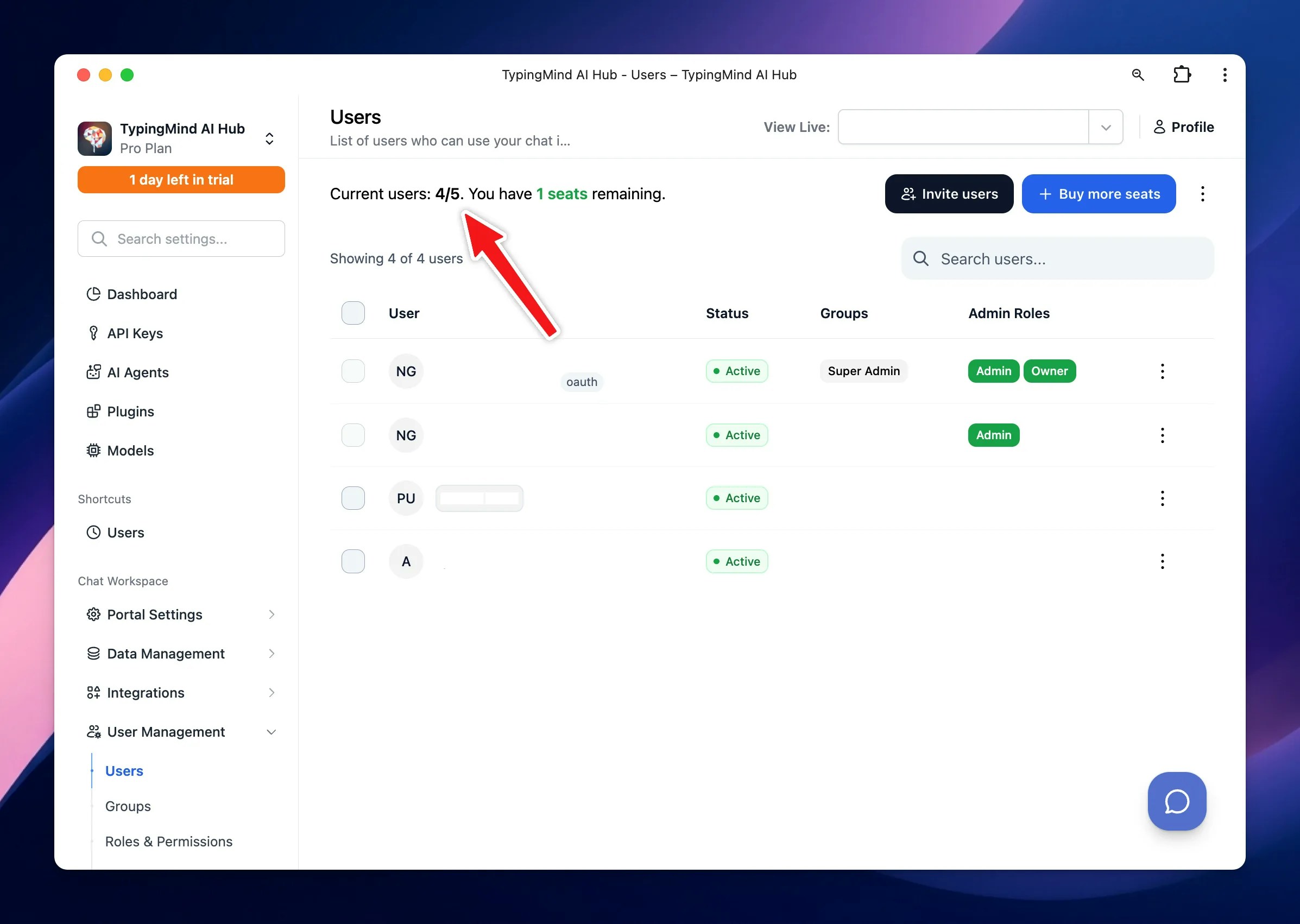
Invite Members
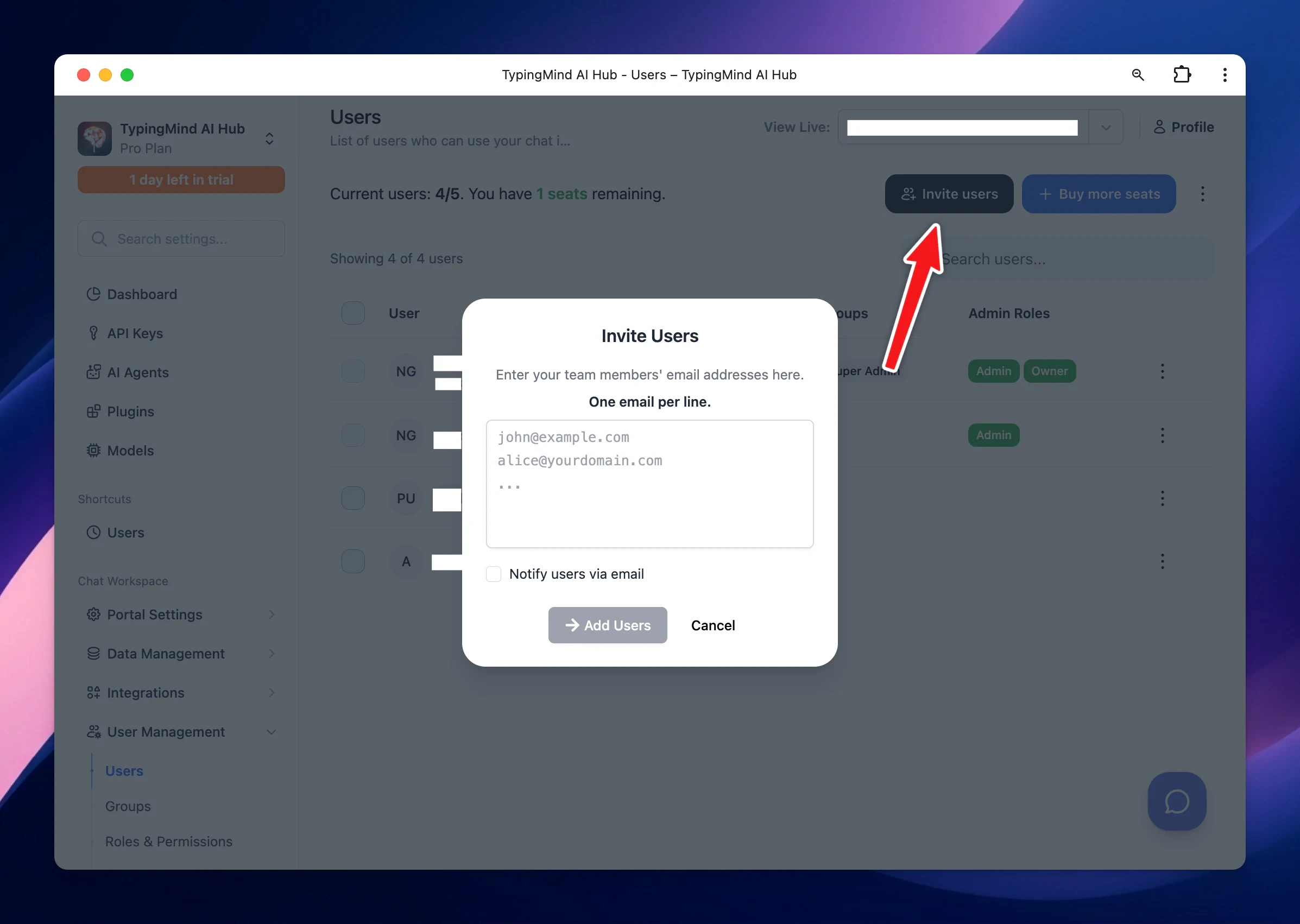
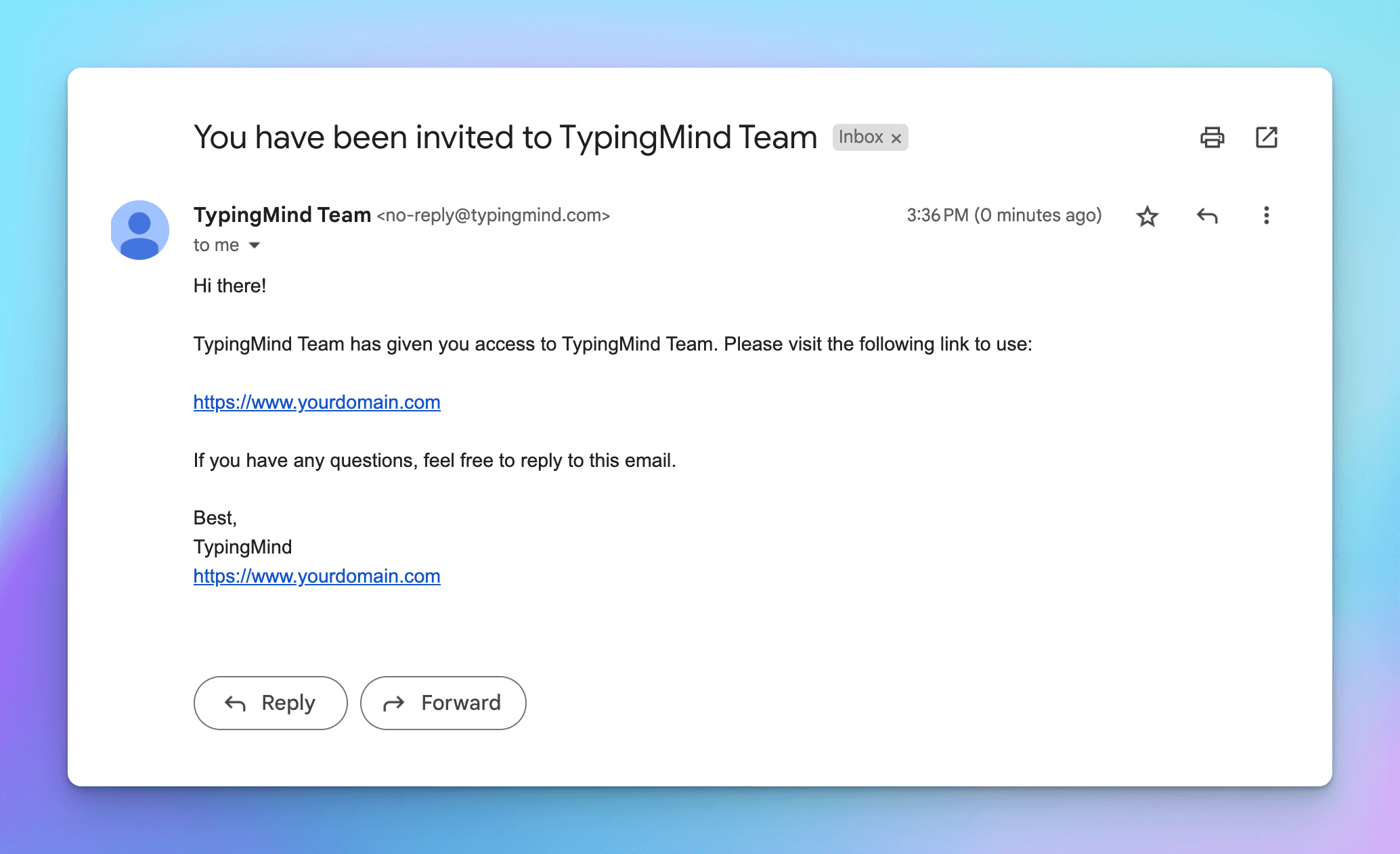
To invite new members, follow these steps:- Under the User Management section, go to Users page
- Click Invite users
- Enter the user email you want to add. One email per line
- Click Invite users.
Adding More Seats
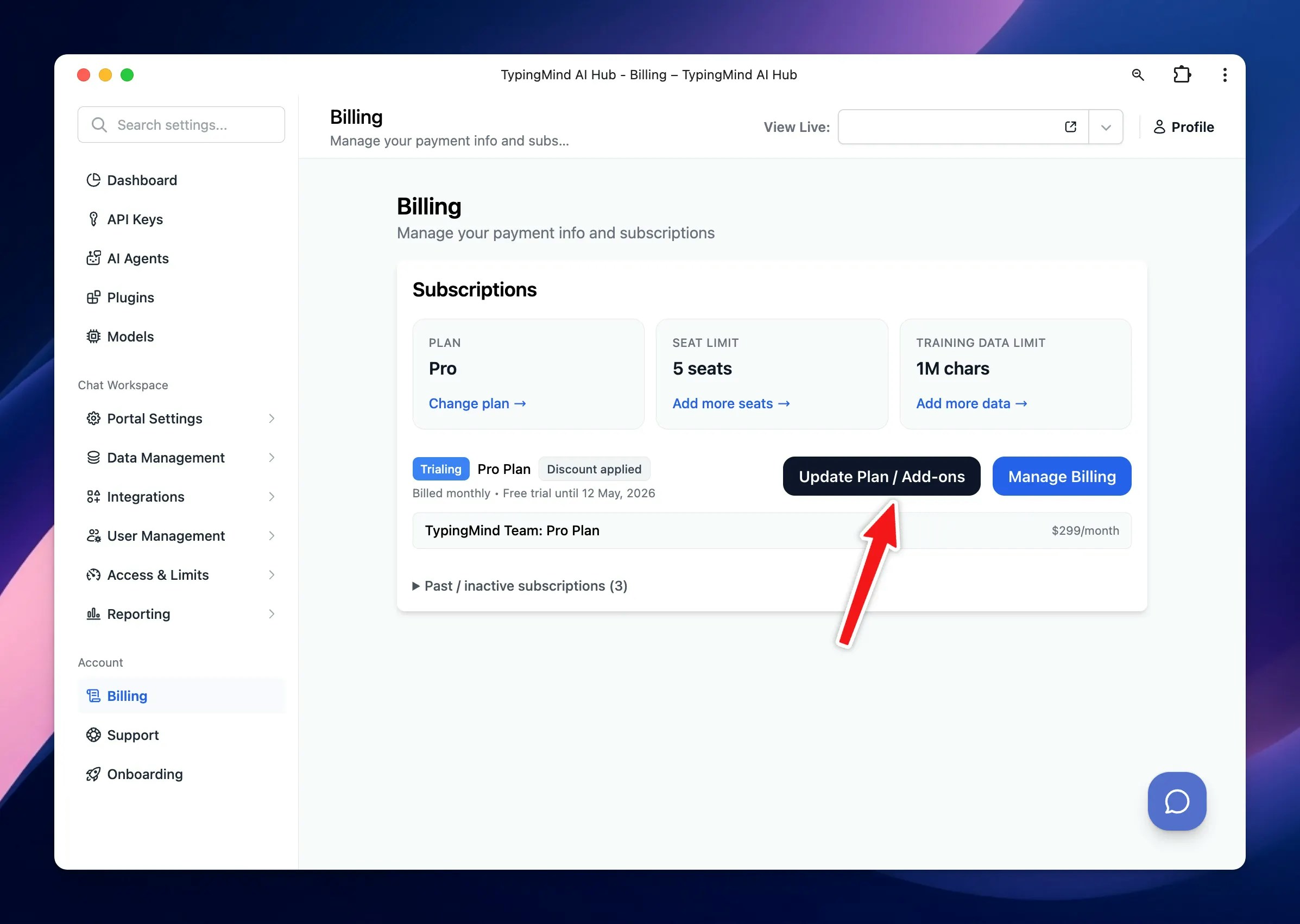
If your requirement exceeds the default number of seats provided in your plan, you can purchase additional seats by:- Navigate Billing page
- Click ‘Update Plan/Add-on’ button
- Choose the number of seats you want to buy. One email added will be counted as 1 seat.