.svg?fit=max&auto=format&n=RaTUOQa09vPhW7_D&q=85&s=368f39de7ecc6605f73c43c2017546a3)
.svg?fit=max&auto=format&n=RaTUOQa09vPhW7_D&q=85&s=01a6eb27b4db3af8a1d5557525c579d3)
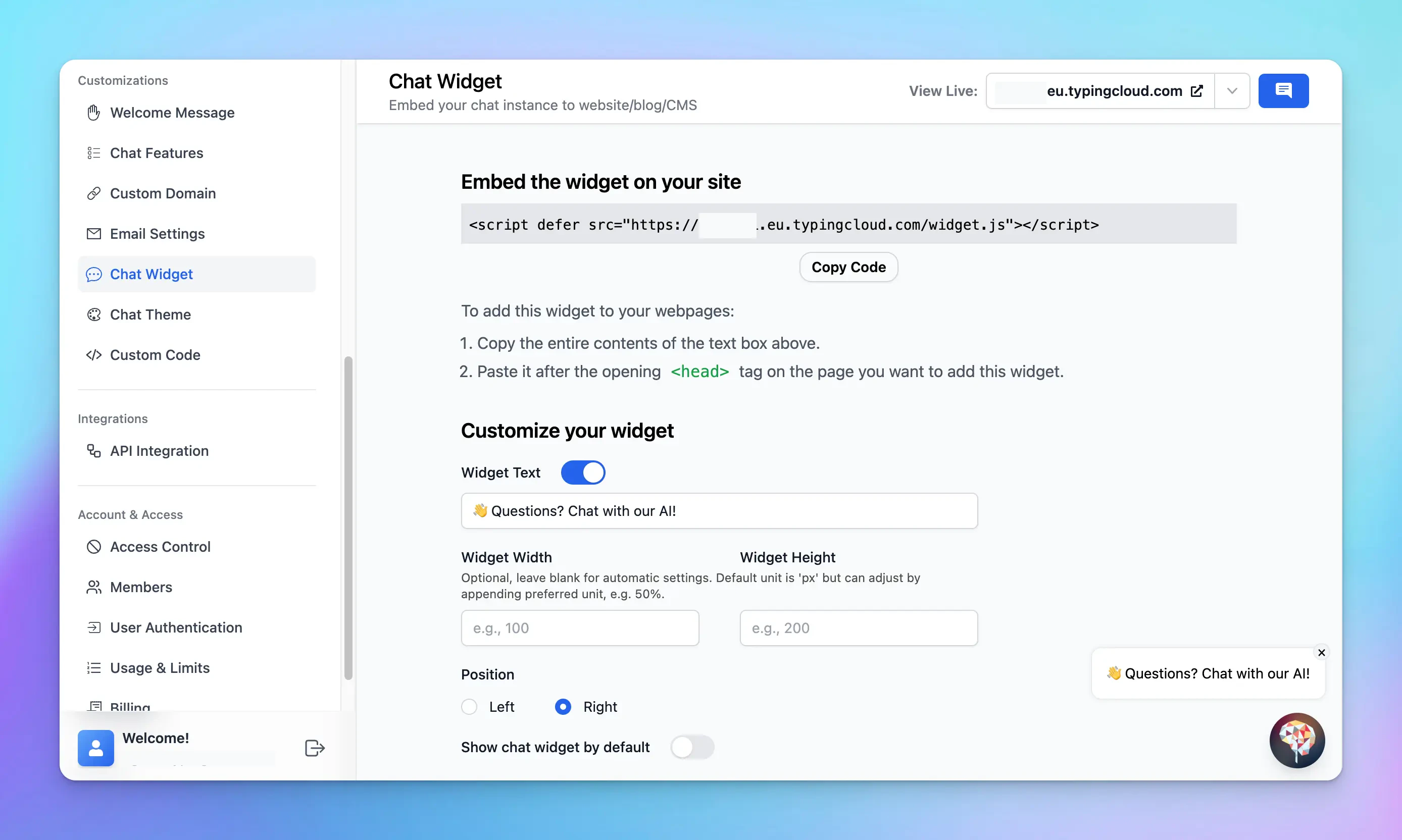
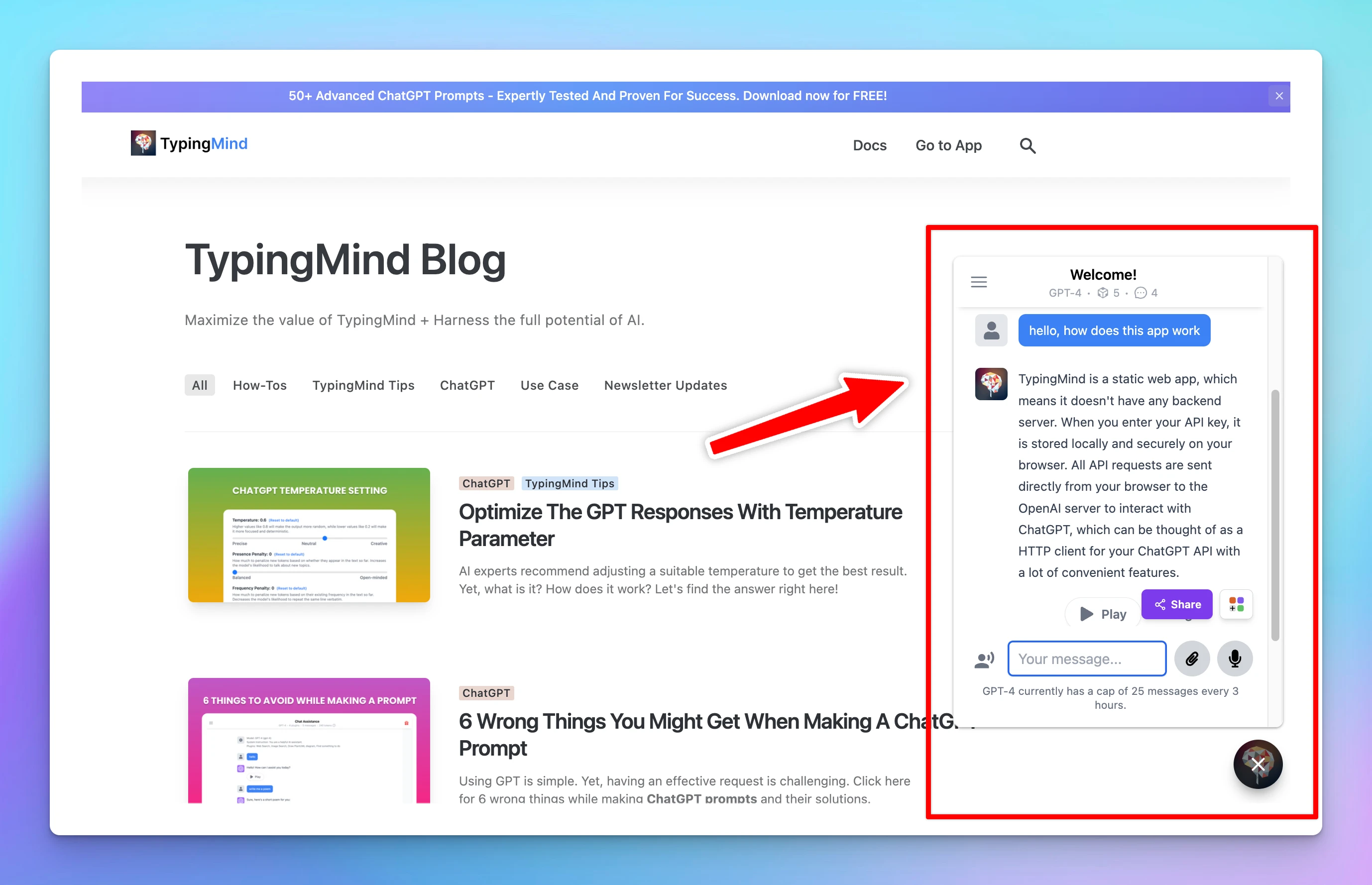
Step 1: Customize Your Chat Widget
- Log into your chat instance’s Admin Panel.
- Navigate to the “Chat Widget” section.
- Find the “Customize your widget” section to adjust the Welcome messages and the widget position
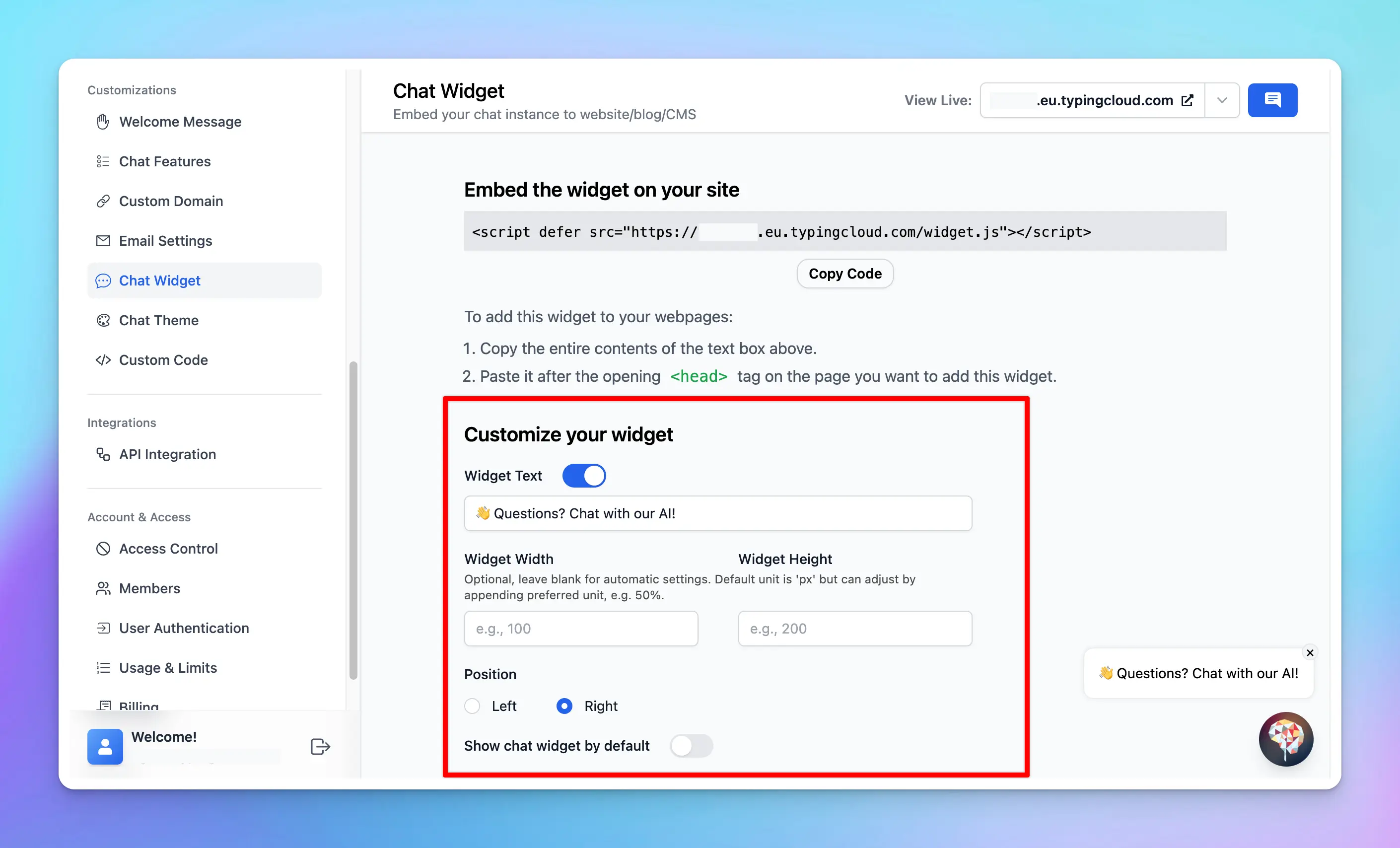
Step 2: Copy the Embed Code
Click on the “Copy Code” button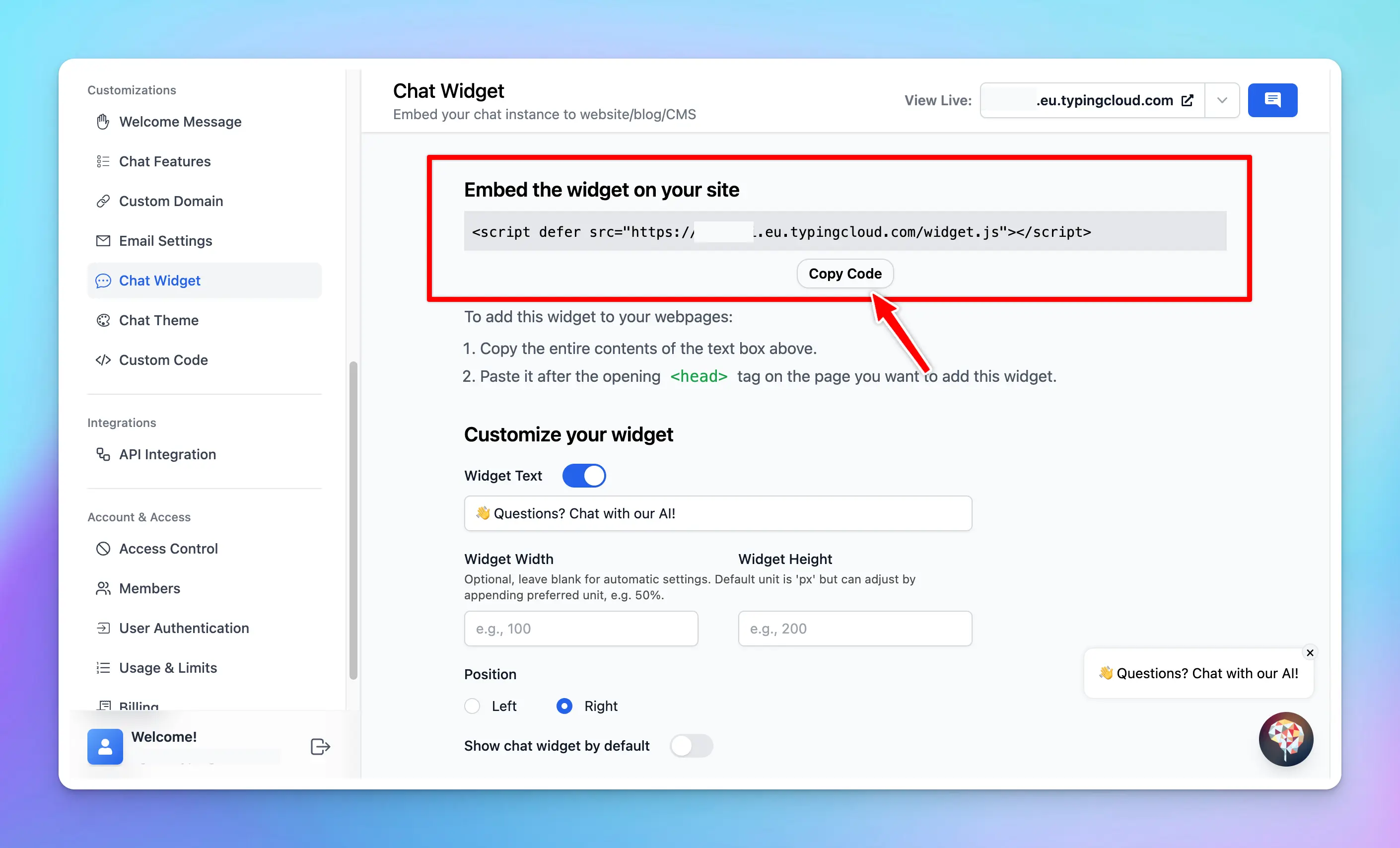
Step 3: Embed the Code into Your Website
Paste the code after the opening<head> tag on the page you want to add this widget.

Step 4: Test the Chat Widget
- Navigate to your website where the chat widget has been embedded.
- Interact with the chat widget to ensure it is functioning as expected.
Best Practices
- Control the chat features: you can hide some of elements / features on the chat interface. This can help eliminate potential distractions and guide users to interact with the chat UI in the way you intend. Example: hide prompt and AI agents library.
- Choose the right access mode: decide who should have access to your chat widget. If your widget is meant for customer support, you might want to make it publicly accessible to all visitors. However, if it’s intended for exclusive offers, limiting access to users who provide their email might be more appropriate.
- Test the chat widget and update your training data: regular testing allows you to spot any issues and fix them promptly. Moreover, updating your training data frequently ensures that the chat widget continues to improve and adapt to your users’ needs, providing them with accurate and relevant responses.