.svg?fit=max&auto=format&n=RaTUOQa09vPhW7_D&q=85&s=368f39de7ecc6605f73c43c2017546a3)
.svg?fit=max&auto=format&n=RaTUOQa09vPhW7_D&q=85&s=01a6eb27b4db3af8a1d5557525c579d3)
1. Update your plan/add-ons
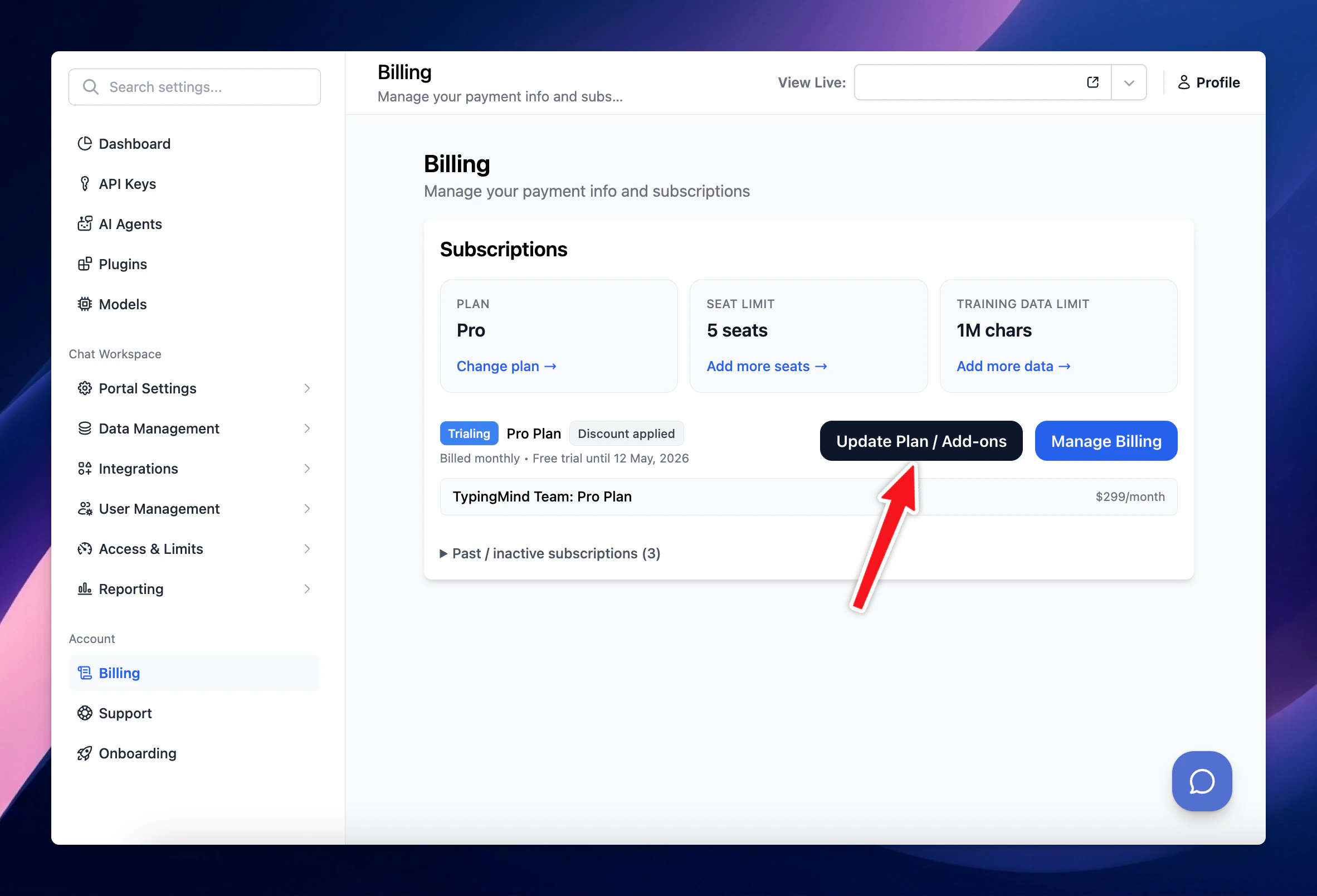
Upgrade your subscription / user seats / training characters as following:- Go to Billing
- Click on Update Plan / Add ons
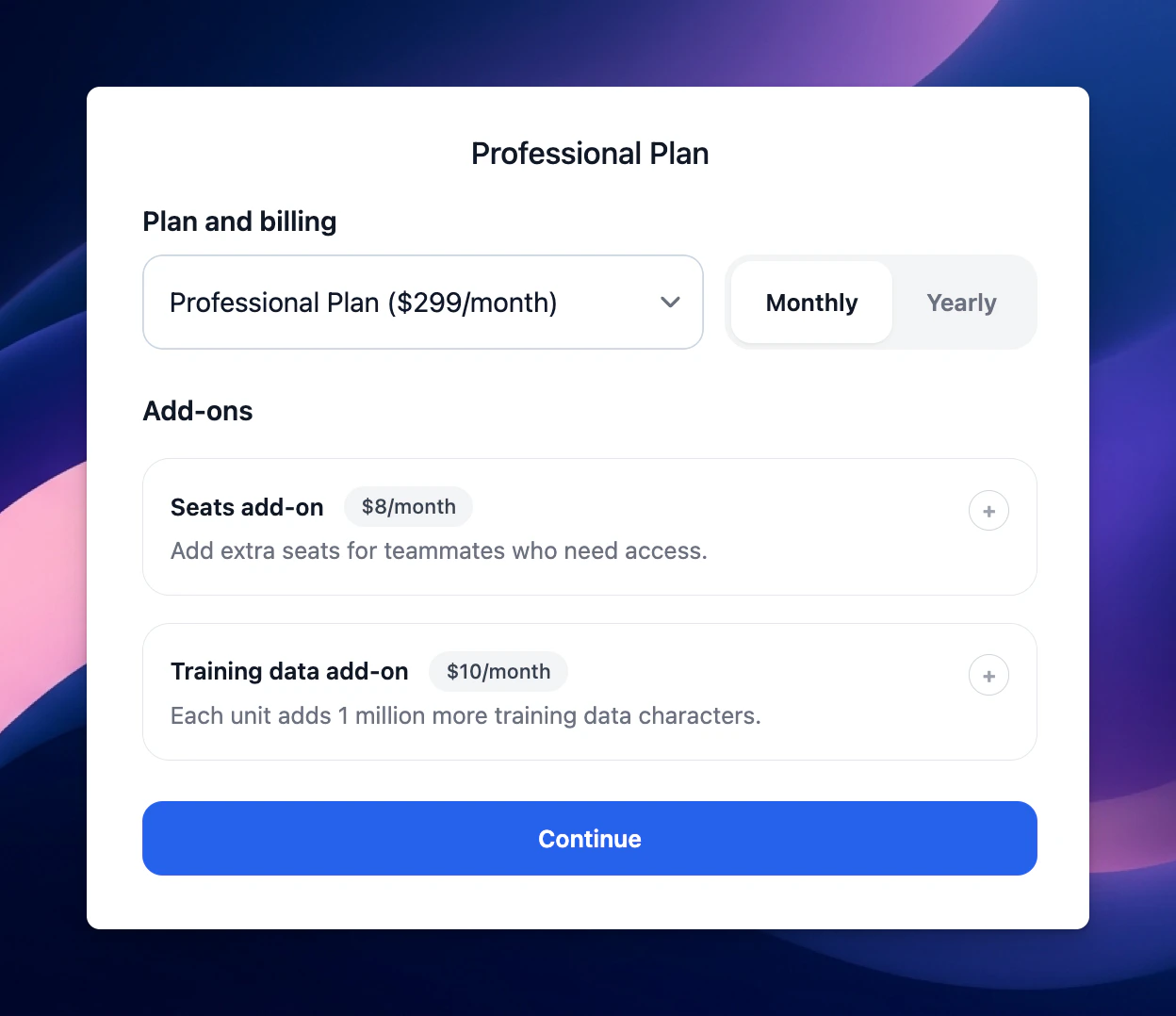
- Update to a new plan or increase/decrease the number of user seats or training characters.
2. Update payment method/View past invoices
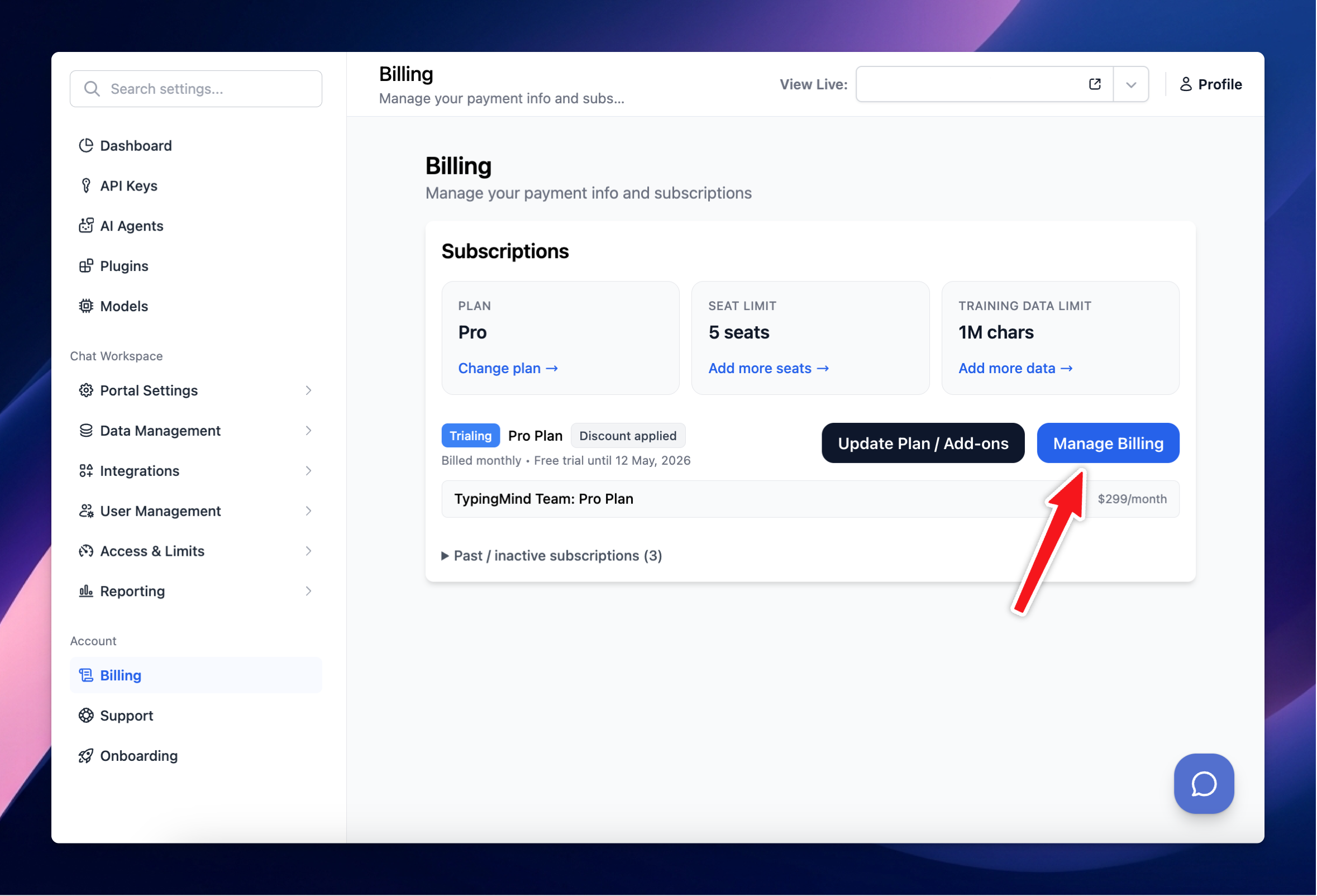
If you want to view past invoices, update your payment method, or add your business tax ID, go to the billing portal:- Go to Billing
- Click on Manage Billing
- Open Billing portal