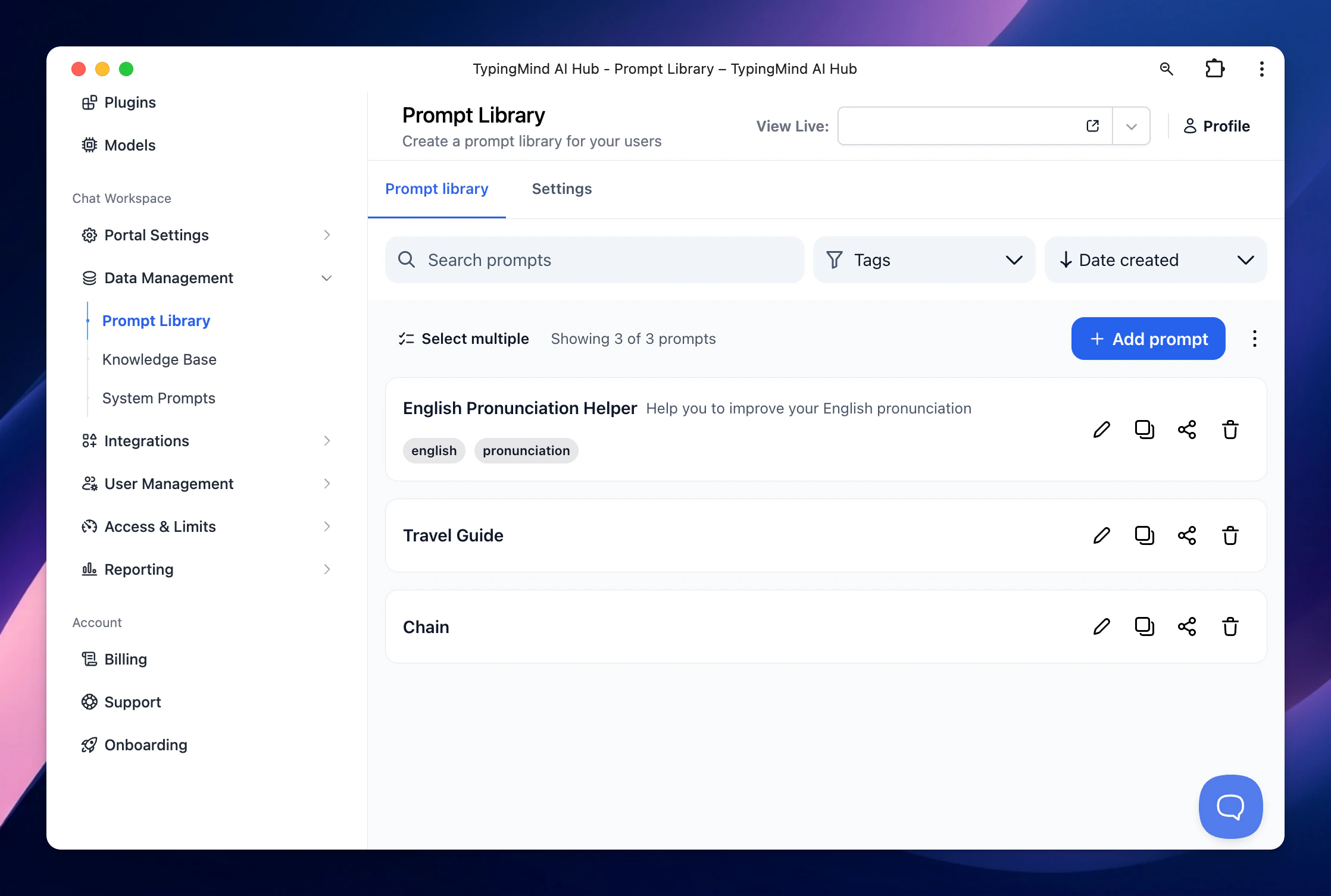
You can create an exclusive built-in prompt for your team members so they can quickly access to the resources without manual creating it from the chat interface.Go to Data Management → Prompts Library → Click ‘Add Prompt’
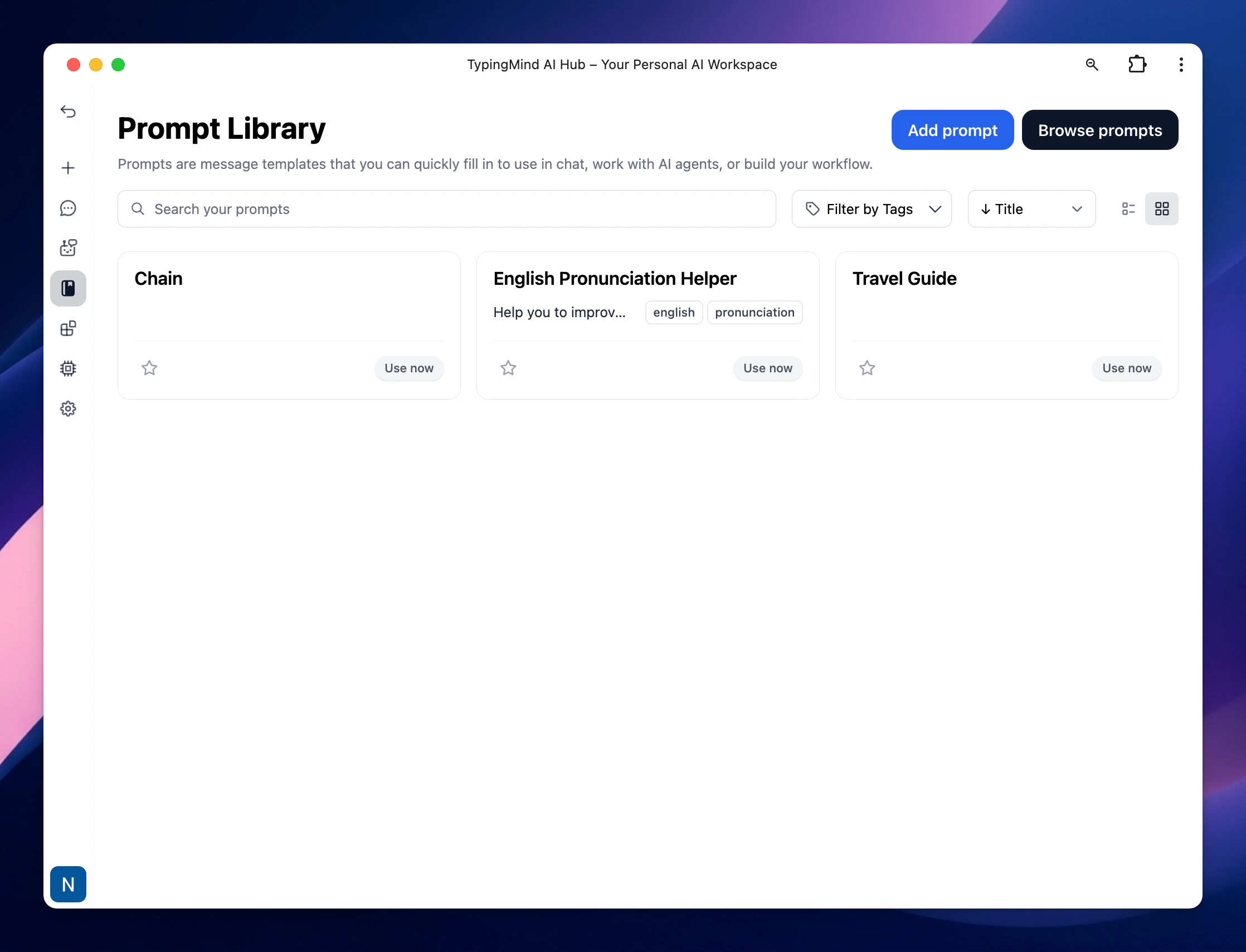
Your created prompts will be displayed on the chat interface as follow:
You have the option to control which users / groups can use the created Prompts, check it here: Restrict Prompt Access
.svg?fit=max&auto=format&n=RaTUOQa09vPhW7_D&q=85&s=368f39de7ecc6605f73c43c2017546a3)
.svg?fit=max&auto=format&n=RaTUOQa09vPhW7_D&q=85&s=01a6eb27b4db3af8a1d5557525c579d3)