> ## Documentation Index
> Fetch the complete documentation index at: https://docs.typingmind.com/llms.txt
> Use this file to discover all available pages before exploring further.
# Google Gemini
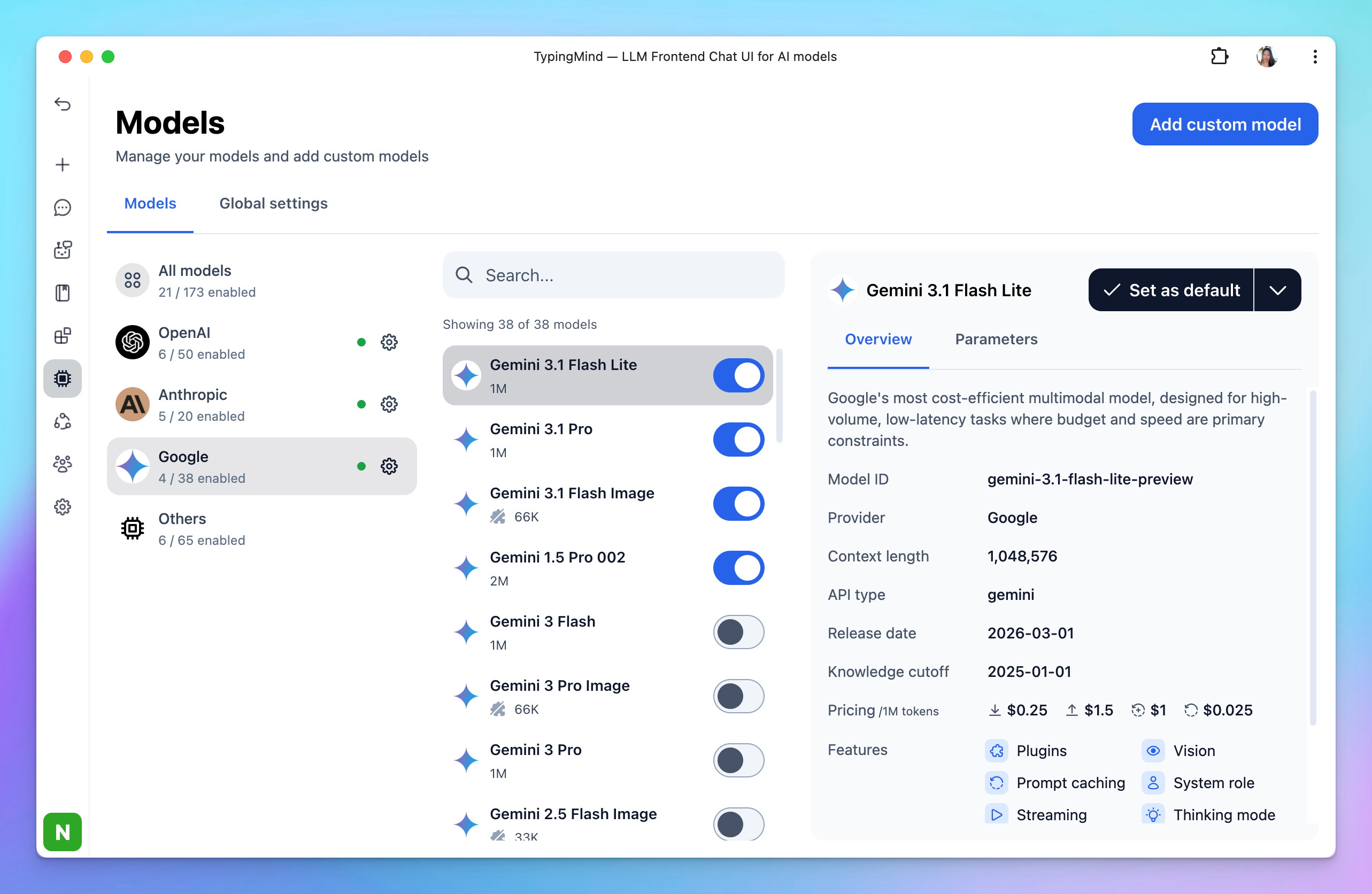
TypingMind offers access to Google's Gemini AI models, including:
* Gemini Pro
* Gemini Flash
* Nano Banana (Image model)
Here’s how to get the Gemini API key:
## Step 1: Log into your Google account
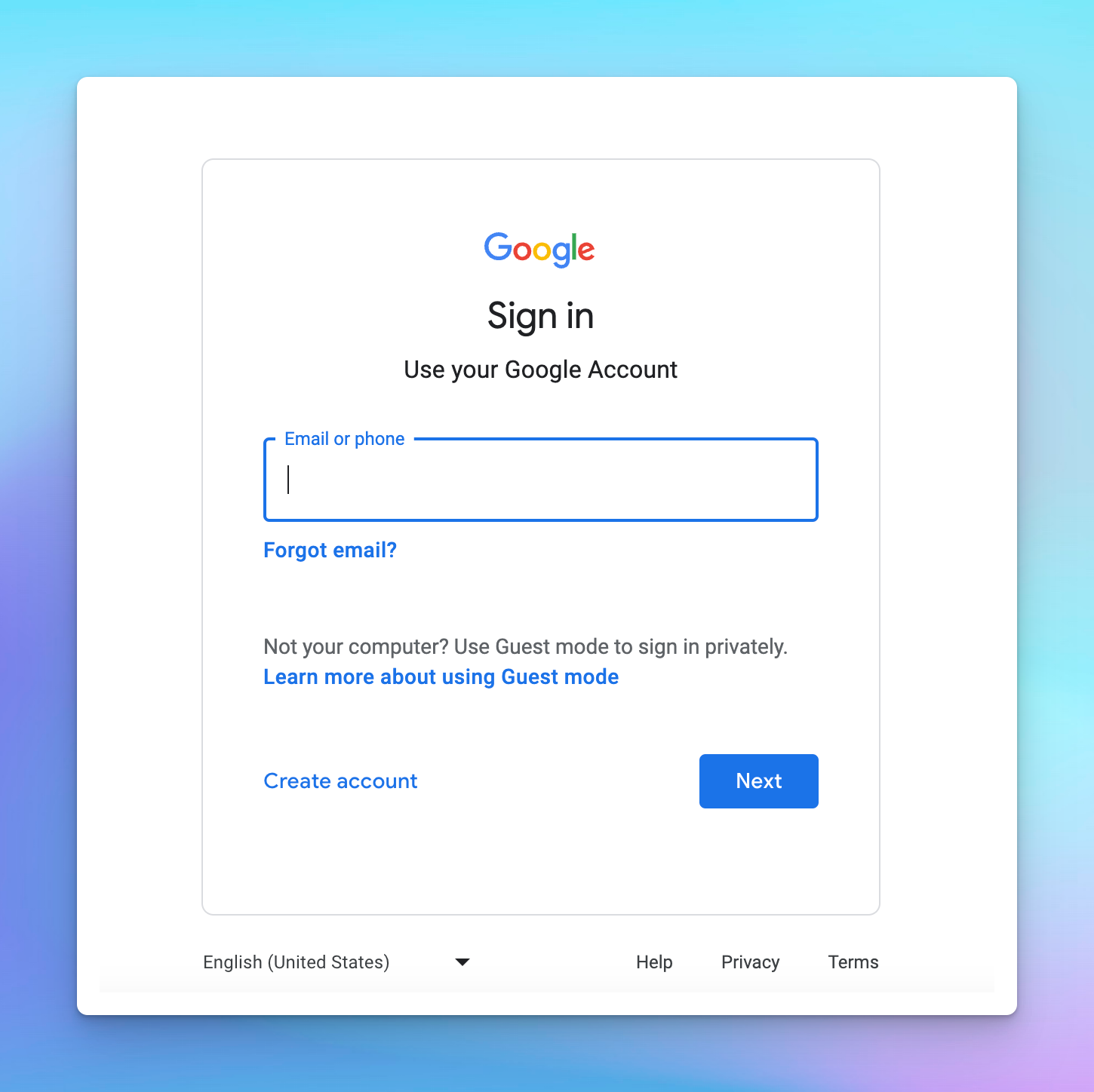
Go to [https://aistudio.google.com/app/apikey](https://aistudio.google.com/app/apikey), you will then be asked to log into your Google account first.
 ## Step 2: Create API key
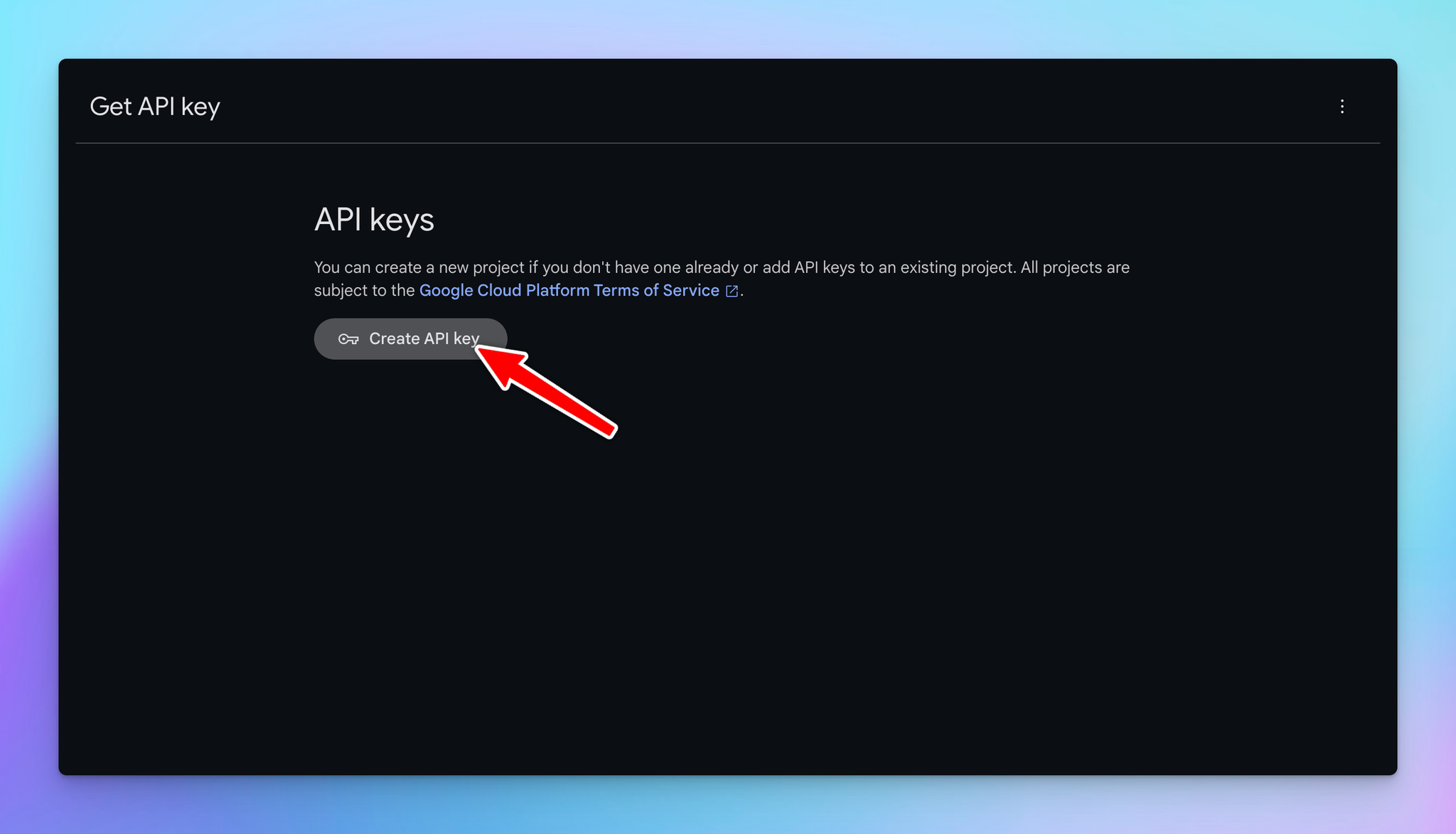
Click on "Get an API key" and then "Create API key in new project”.
## Step 2: Create API key
Click on "Get an API key" and then "Create API key in new project”.
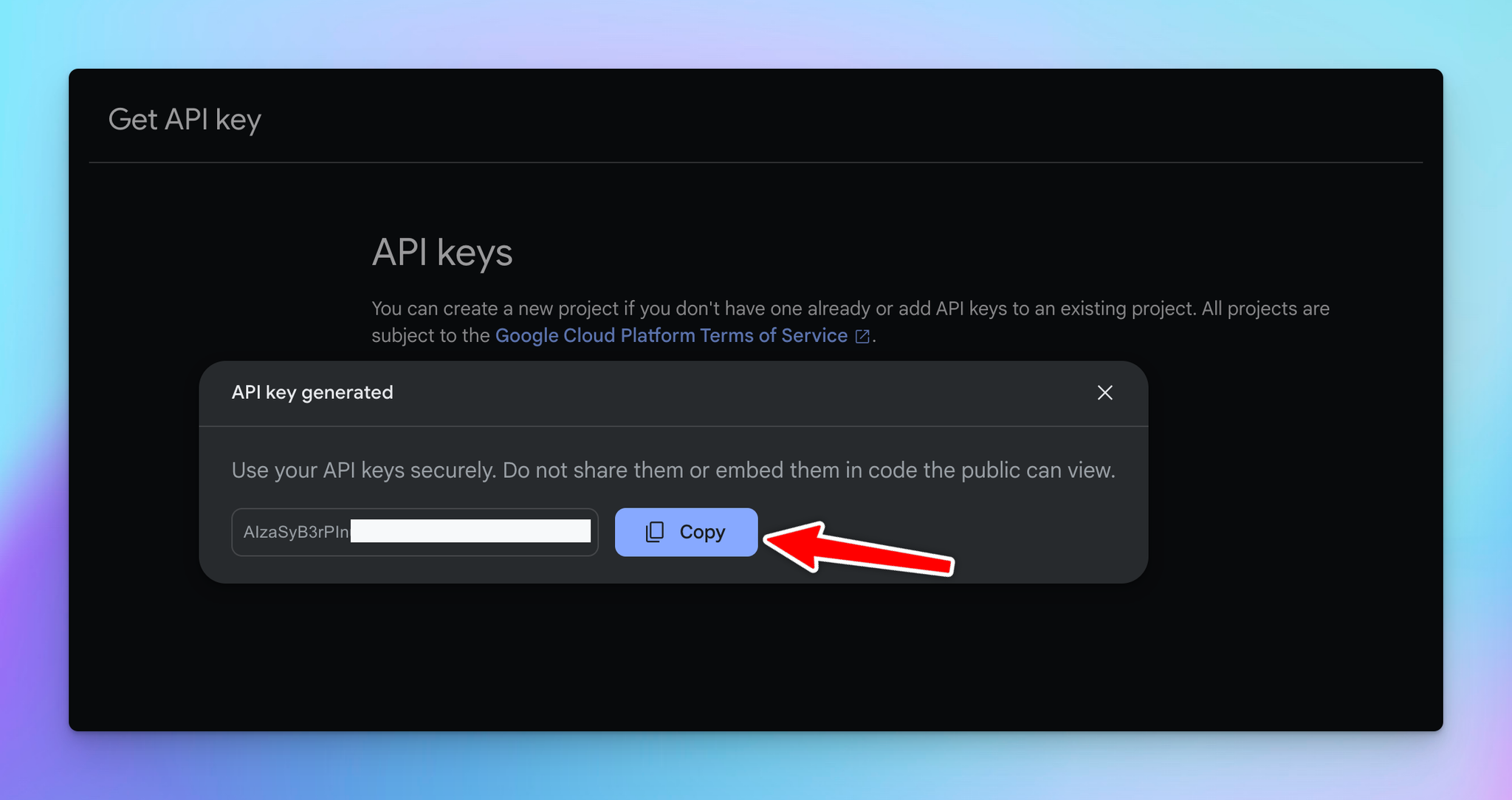
 Copy the generated API key.
 ## Step 3: Enter the API key to the app
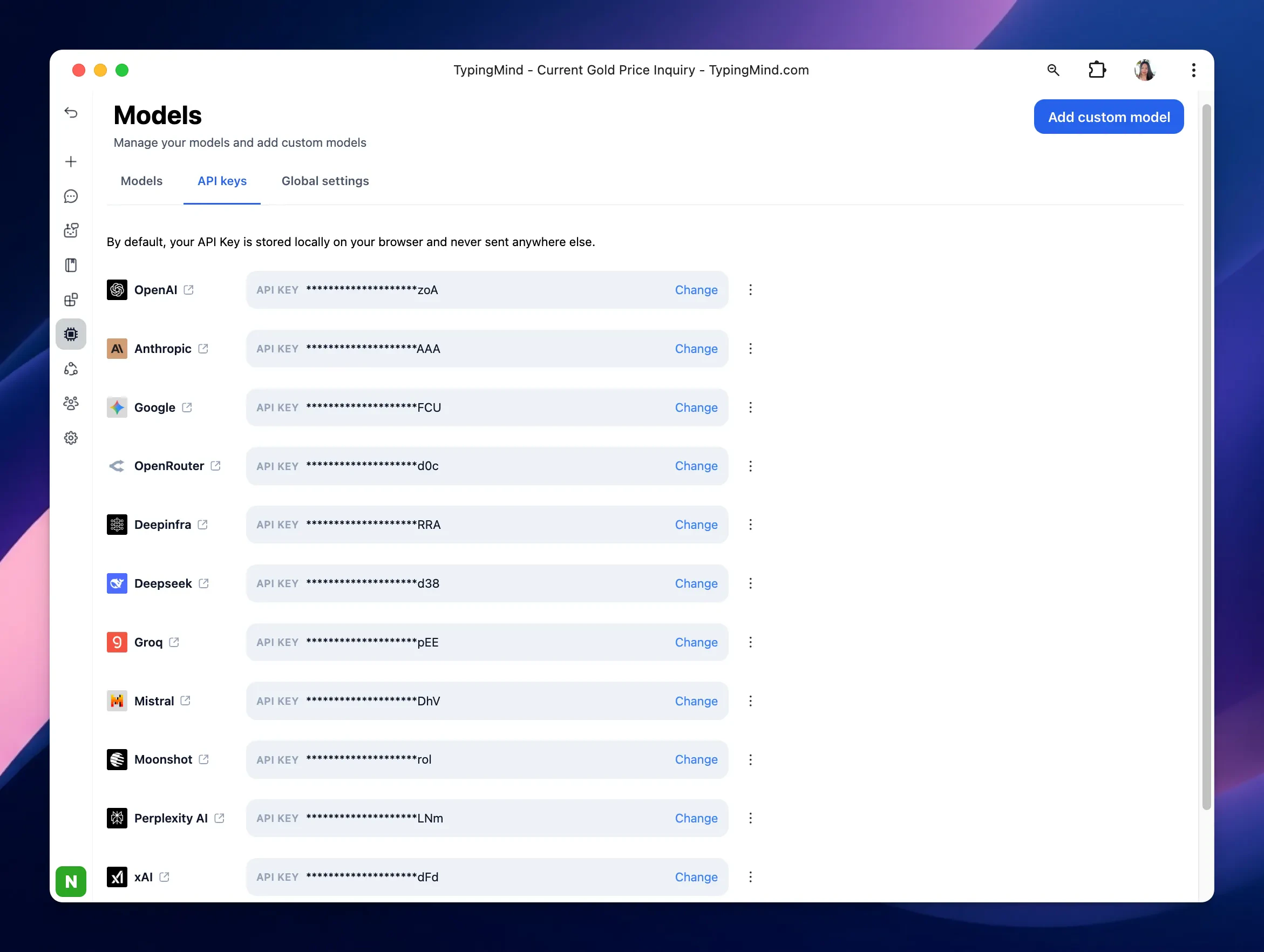
* Go to [**typingmind.com**](http://typingmind.com)
* Navigate the Models menu on the left sidebar → Switch to API key tab
* Input the copied API key
## Step 3: Enter the API key to the app
* Go to [**typingmind.com**](http://typingmind.com)
* Navigate the Models menu on the left sidebar → Switch to API key tab
* Input the copied API key
 ## Advanced settings
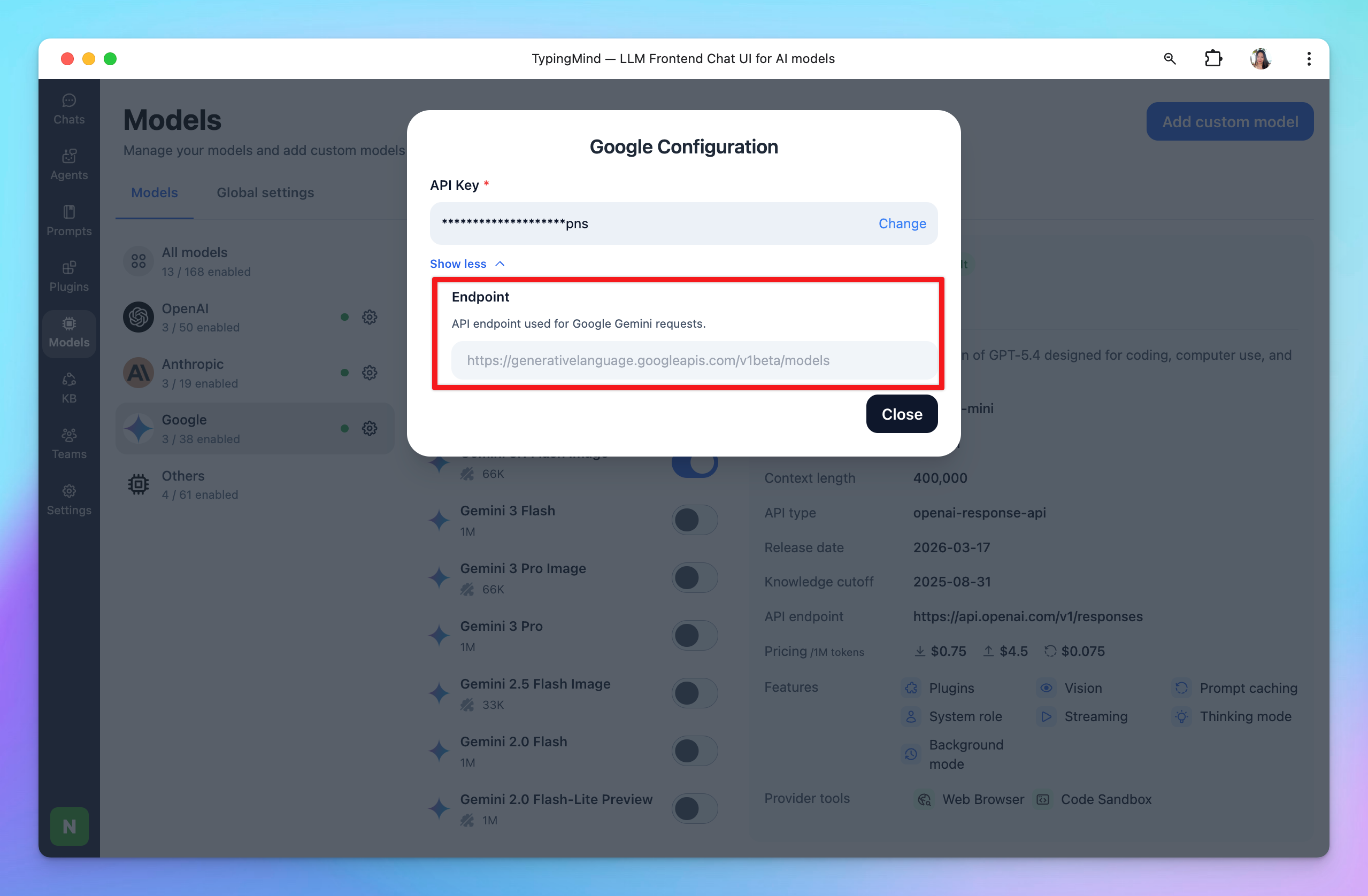
**Custom endpoint:** Use the direct endpoint from Google or configure your own custom chat completions endpoint.
## Advanced settings
**Custom endpoint:** Use the direct endpoint from Google or configure your own custom chat completions endpoint.