> ## Documentation Index
> Fetch the complete documentation index at: https://docs.typingmind.com/llms.txt
> Use this file to discover all available pages before exploring further.
# General settings
The General Settings allow you to enable or disable various enhanced features within the app to customize your experience.
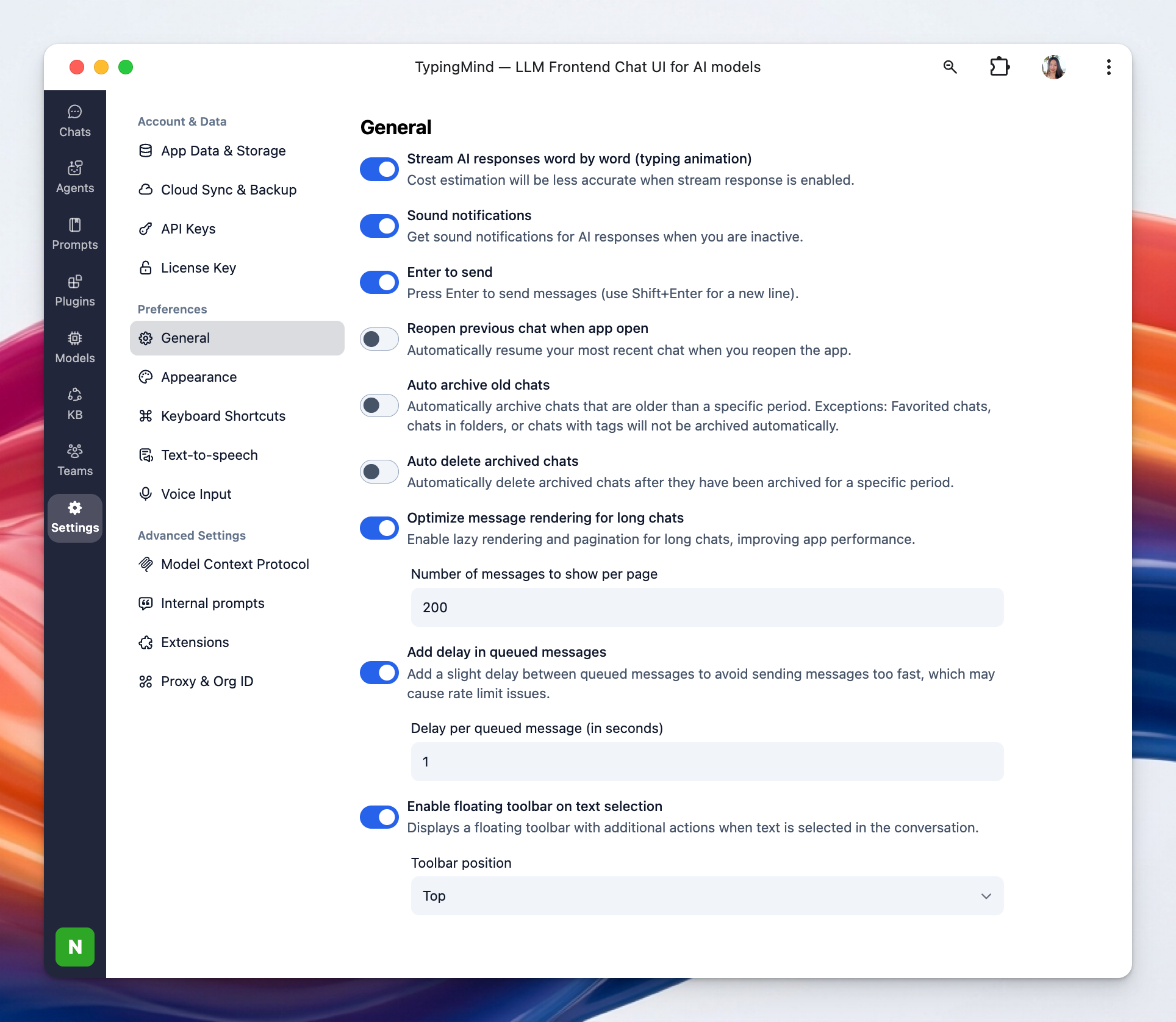
## Access General Settings
* Click on “Settings” on the left sidebar to access the app settings
* Click on the General tab
 ## Available options
### **1. Stream AI Responses:**
This option makes AI replies appear gradually, word by word, creating a typing-like effect. It can make the conversation feel more immediate, though cost estimation may be less accurate when it is enabled.
### **2. Sound Notifications:**
This setting plays a sound alert when AI responses arrive while you are inactive. It helps you notice new replies without needing to keep the app in focus.
### **3. Enter to Send:**
With this option enabled, pressing **Enter** sends your message immediately. You can use **Shift+Enter** to insert a new line instead of sending.
You can disable this to use Enter to insert a new line and Cmd + Enter to send the message.
### **4. Reopen Previous Chat When App Open:**
This setting automatically restores your most recent chat when you relaunch the app. It is useful if you want to continue where you left off without manually reopening a conversation.
### **5. Auto Archive Old Chats:**
This option automatically moves chats older than a chosen time period into the archive. Chats in folders, favorited chats, and chats with tags are excluded from automatic archiving.
## Available options
### **1. Stream AI Responses:**
This option makes AI replies appear gradually, word by word, creating a typing-like effect. It can make the conversation feel more immediate, though cost estimation may be less accurate when it is enabled.
### **2. Sound Notifications:**
This setting plays a sound alert when AI responses arrive while you are inactive. It helps you notice new replies without needing to keep the app in focus.
### **3. Enter to Send:**
With this option enabled, pressing **Enter** sends your message immediately. You can use **Shift+Enter** to insert a new line instead of sending.
You can disable this to use Enter to insert a new line and Cmd + Enter to send the message.
### **4. Reopen Previous Chat When App Open:**
This setting automatically restores your most recent chat when you relaunch the app. It is useful if you want to continue where you left off without manually reopening a conversation.
### **5. Auto Archive Old Chats:**
This option automatically moves chats older than a chosen time period into the archive. Chats in folders, favorited chats, and chats with tags are excluded from automatic archiving.
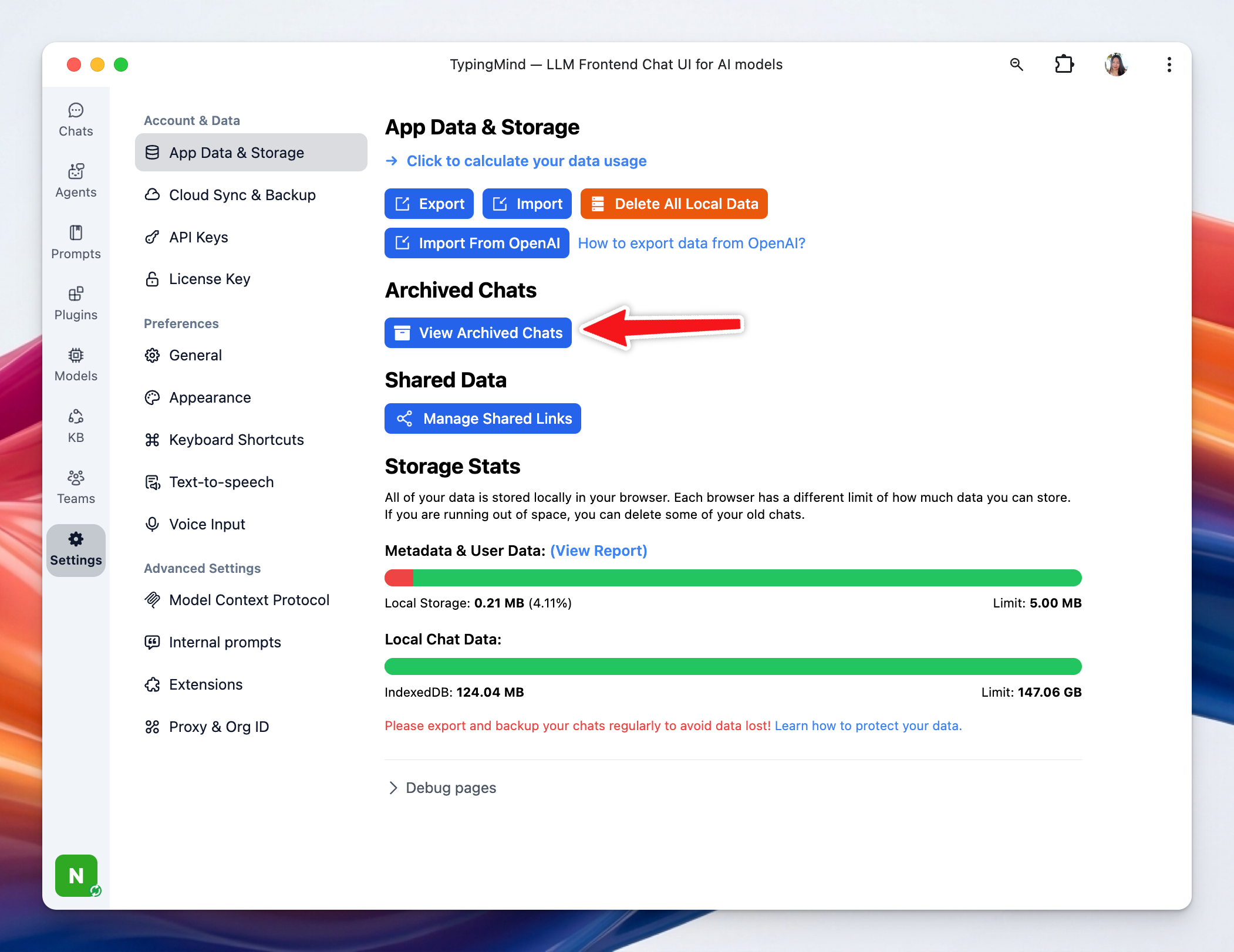
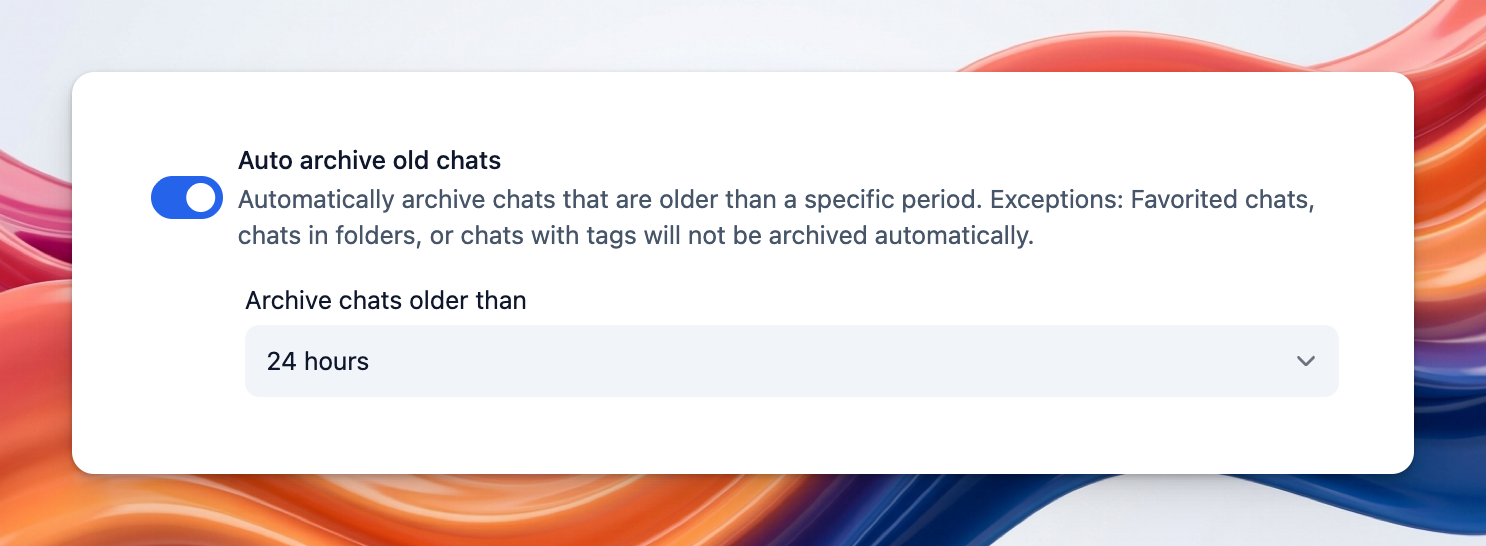 You can find archived chats by going to Settings → App Data & Storage → View archived chats:
 ### **6. Auto Delete Archived Chats:**
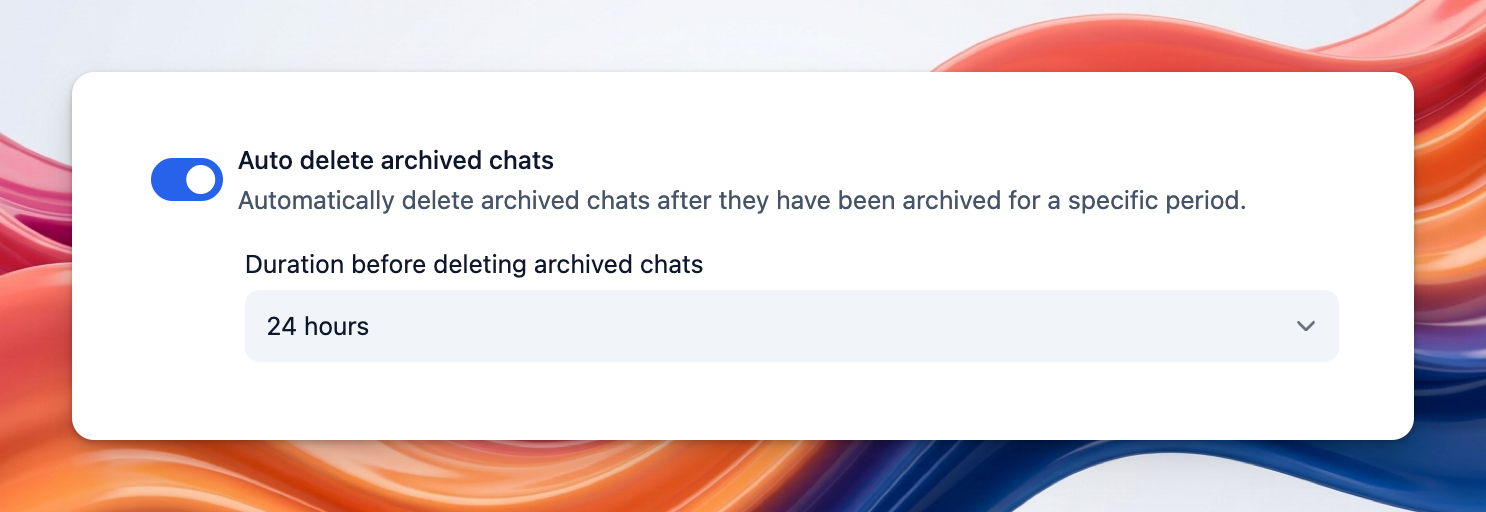
This setting automatically removes archived chats after they have remained archived for a specified period. It helps keep old conversations from accumulating indefinitely.
### **6. Auto Delete Archived Chats:**
This setting automatically removes archived chats after they have remained archived for a specified period. It helps keep old conversations from accumulating indefinitely.
 ### **7. Optimize Message Rendering for Long Chats:**
This option improves performance in long conversations by using lazy rendering and pagination. It helps the app stay responsive when chats contain many messages.
### **7. Optimize Message Rendering for Long Chats:**
This option improves performance in long conversations by using lazy rendering and pagination. It helps the app stay responsive when chats contain many messages.
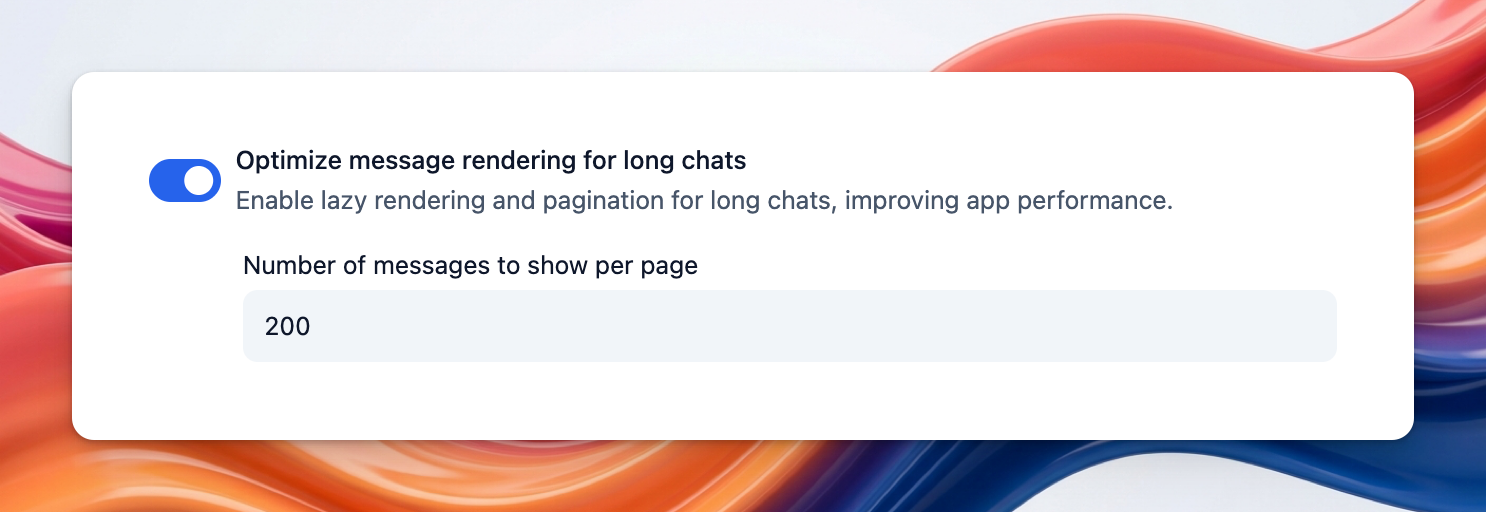 **Number of Messages to Show Per Page: t**his controls how many messages are loaded at a time in long chats. A larger number shows more history per page, while a smaller number can make loading faster.
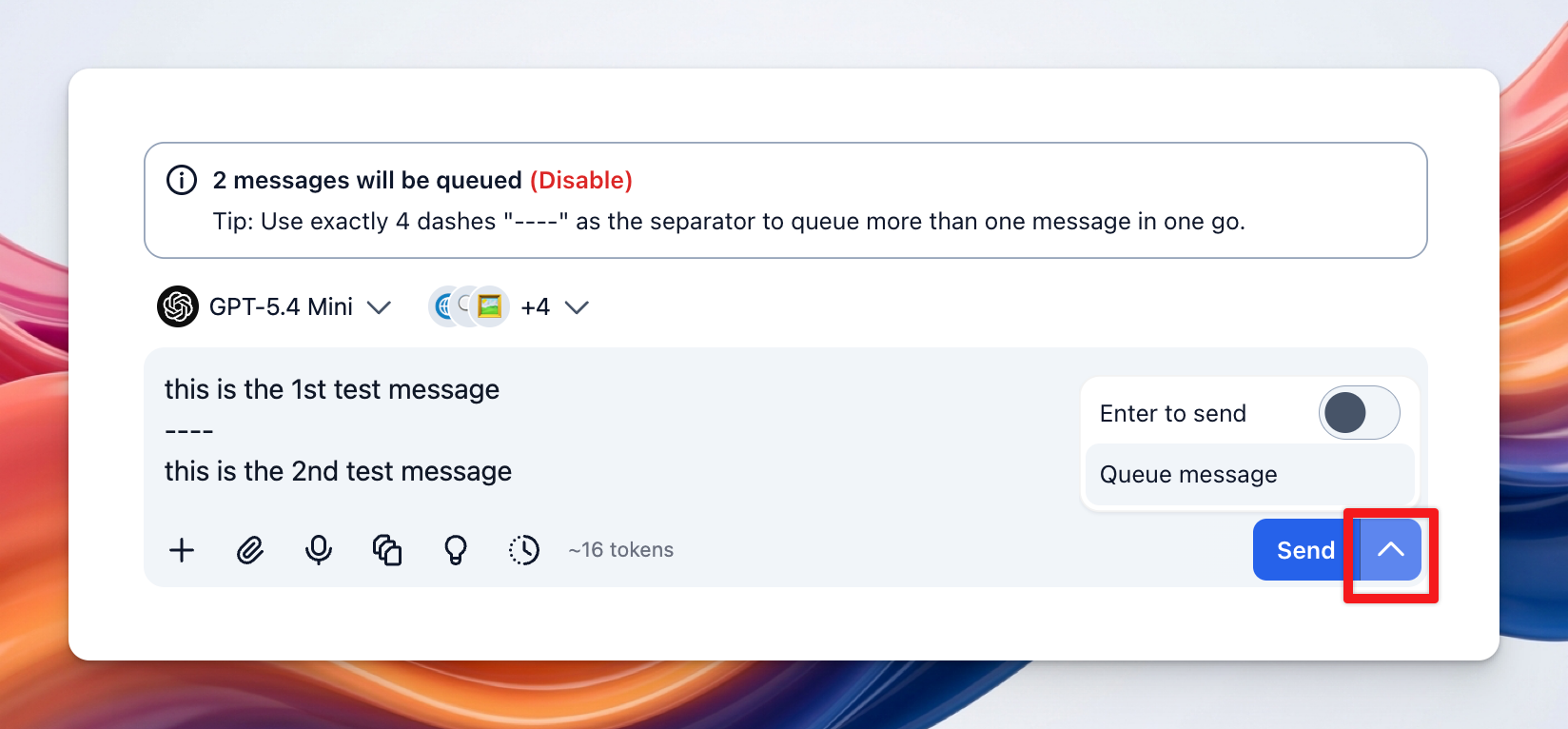
### **8. Add Delay in Queued Messages:**
This setting adds a small pause between queued messages before they are sent. It helps reduce the chance of sending messages too quickly and running into rate limit issues.
**Number of Messages to Show Per Page: t**his controls how many messages are loaded at a time in long chats. A larger number shows more history per page, while a smaller number can make loading faster.
### **8. Add Delay in Queued Messages:**
This setting adds a small pause between queued messages before they are sent. It helps reduce the chance of sending messages too quickly and running into rate limit issues.
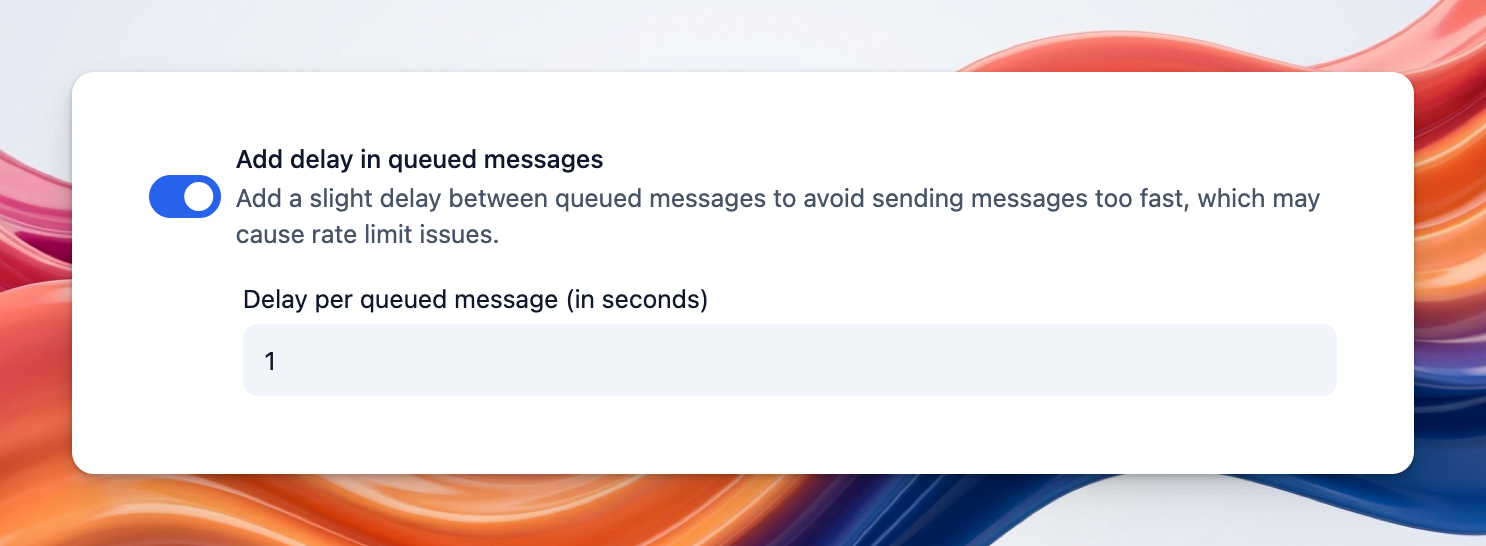 **Delay per Queued Message:** This defines how many seconds to wait between each queued message. A longer delay spaces messages out more.
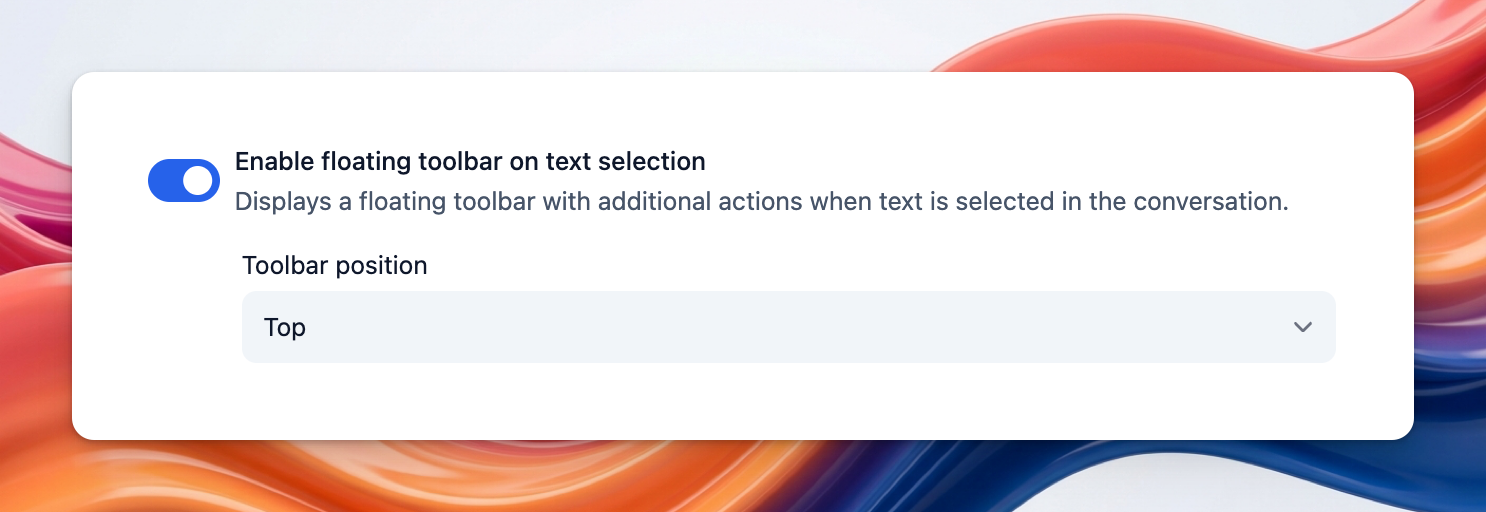
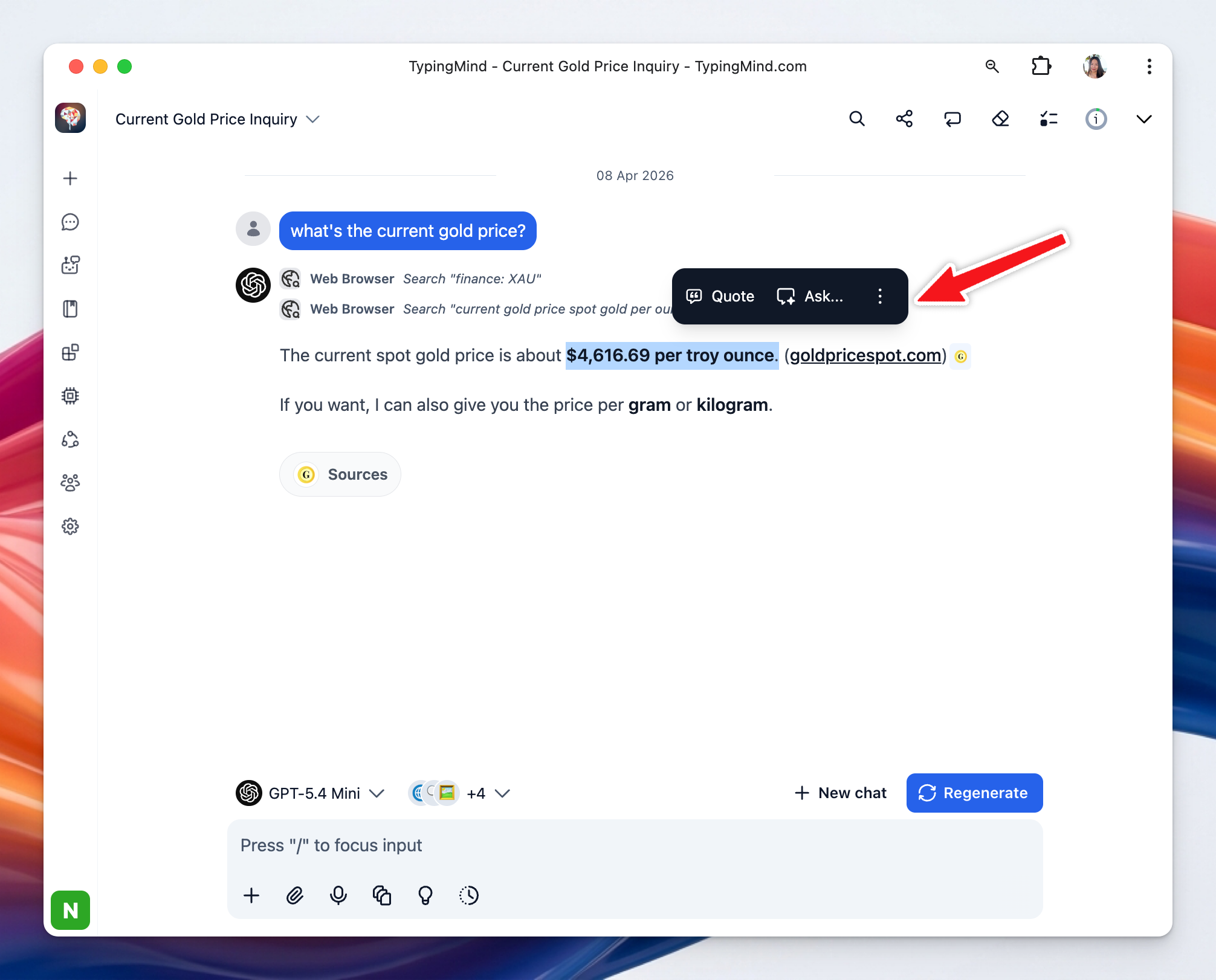
 ### **9. Enable Floating Toolbar on Text Selection:**
This option shows a floating toolbar whenever you select text in a conversation. It gives quick access to extra actions without leaving the message view.
### **9. Enable Floating Toolbar on Text Selection:**
This option shows a floating toolbar whenever you select text in a conversation. It gives quick access to extra actions without leaving the message view.