> ## Documentation Index
> Fetch the complete documentation index at: https://docs.typingmind.com/llms.txt
> Use this file to discover all available pages before exploring further.
# Share / Export Chats
Have a cool conversation and want to:
* Share it with your friends and your community?
* Export it for later reference?
**TypingMind sharing/exporting chat feature** allows you to share/export a specific chat with different formats such as:
* A unique link
* PDF
* Markdown
* JSON
* HTML
 ## How to use the sharing/exporting chat feature on TypingMind
1. Click on **New Chat** and start a conversation
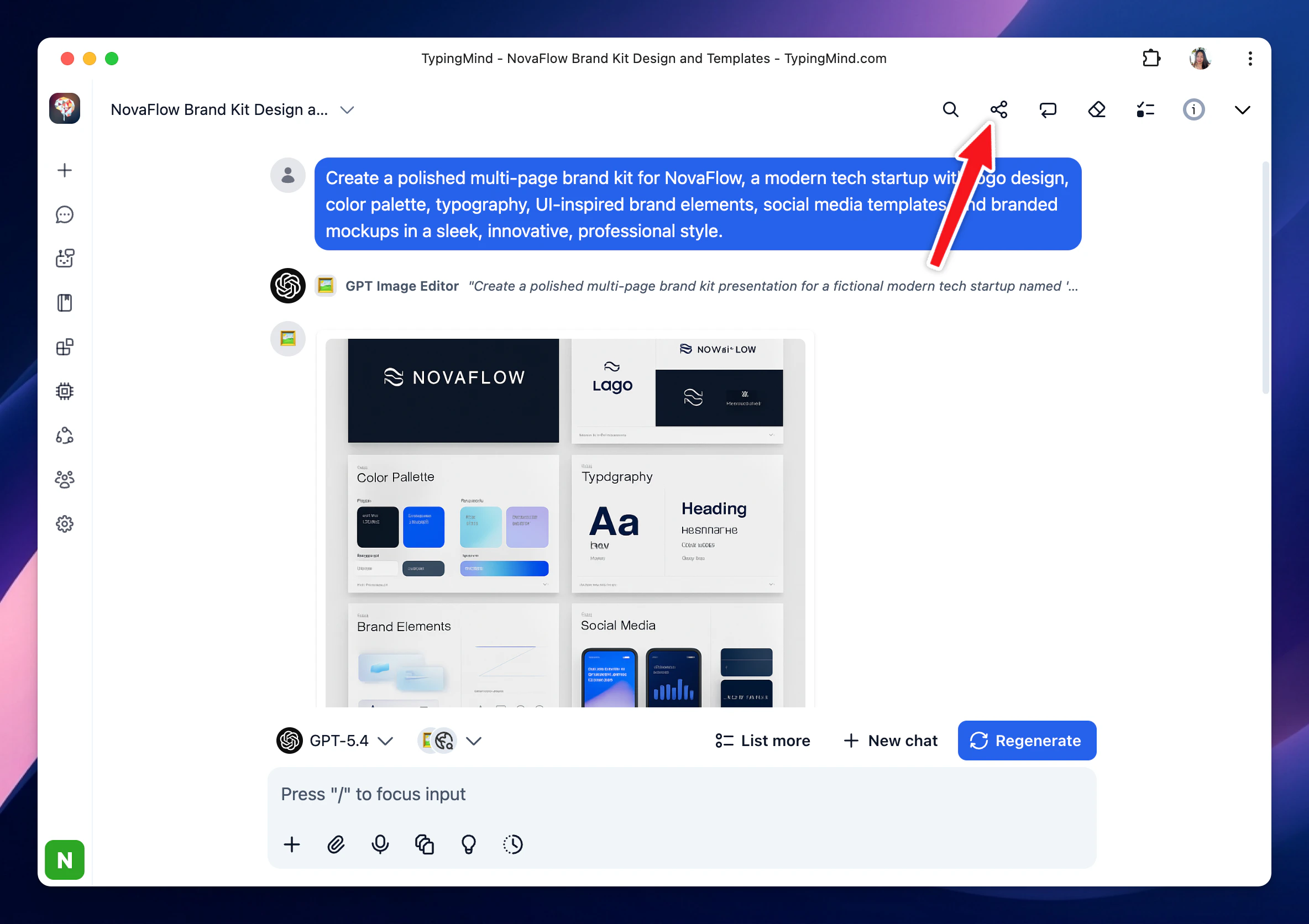
2. Right above the message area, click “**Share**” button
## How to use the sharing/exporting chat feature on TypingMind
1. Click on **New Chat** and start a conversation
2. Right above the message area, click “**Share**” button
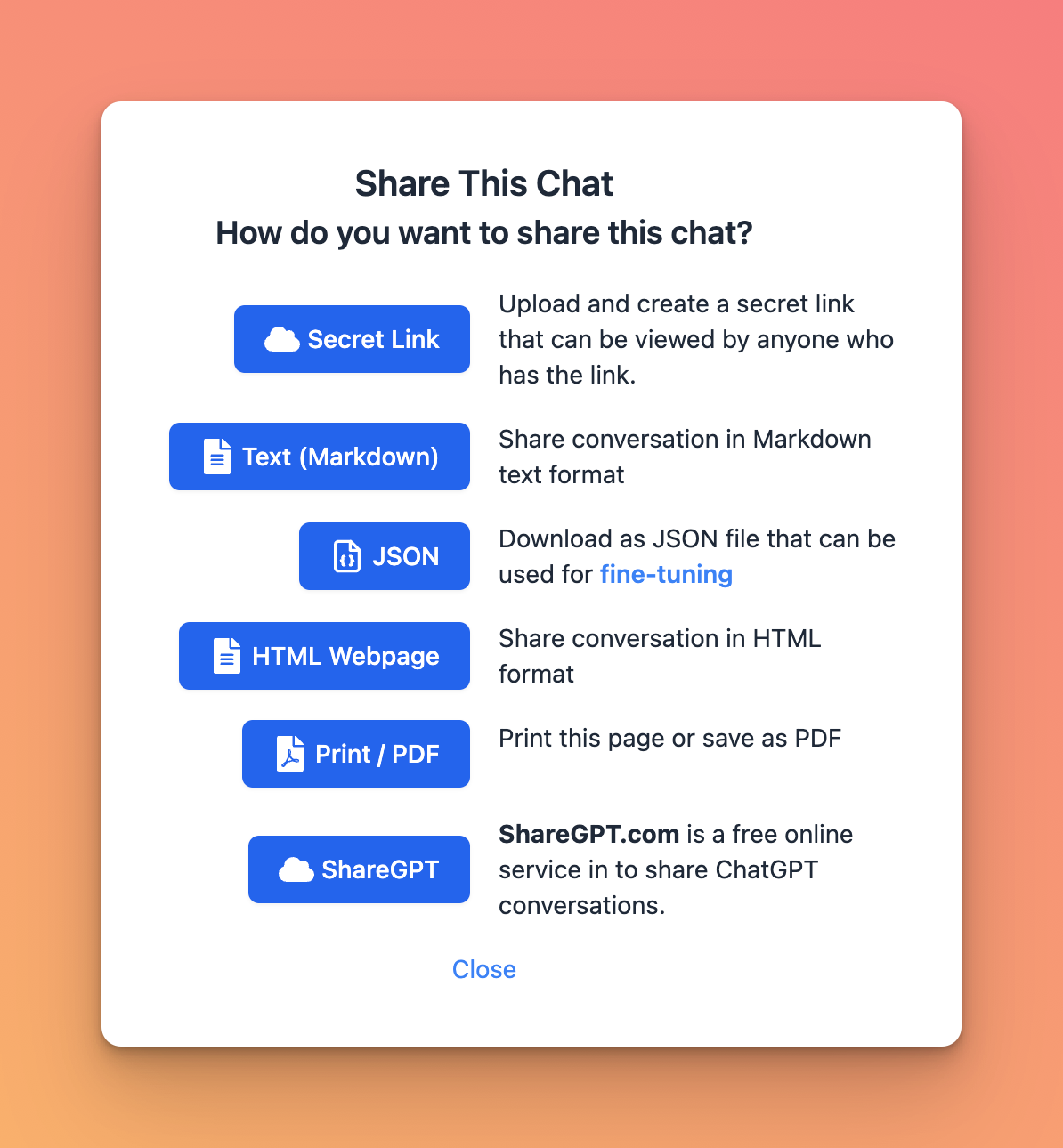
 3. Choose your **expected sharing/exporting format**:
* Unique link via Secret Link (TypingMind Cloud) or ShareGPT
* Text, HTML, PDF
* JSON (used to build fine-tuning model)
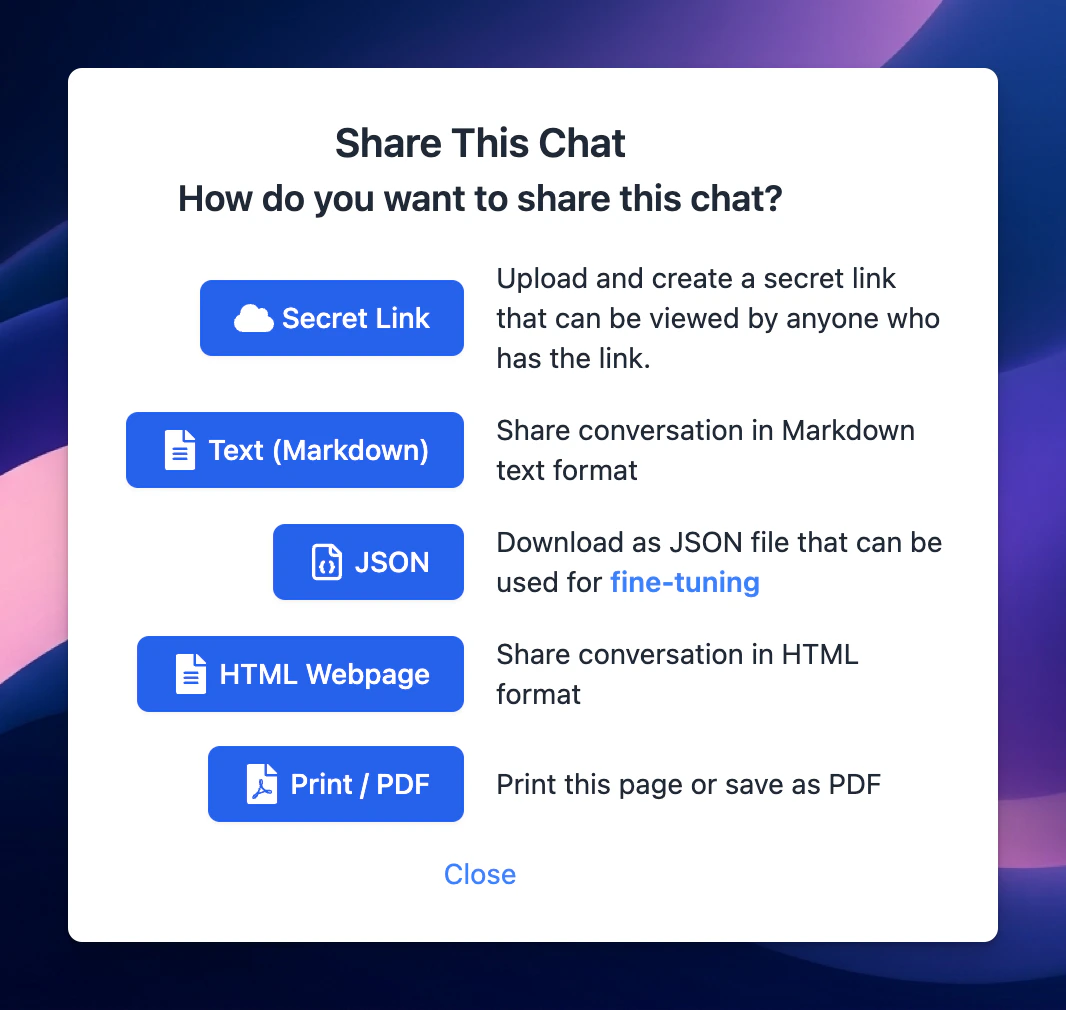
3. Choose your **expected sharing/exporting format**:
* Unique link via Secret Link (TypingMind Cloud) or ShareGPT
* Text, HTML, PDF
* JSON (used to build fine-tuning model)
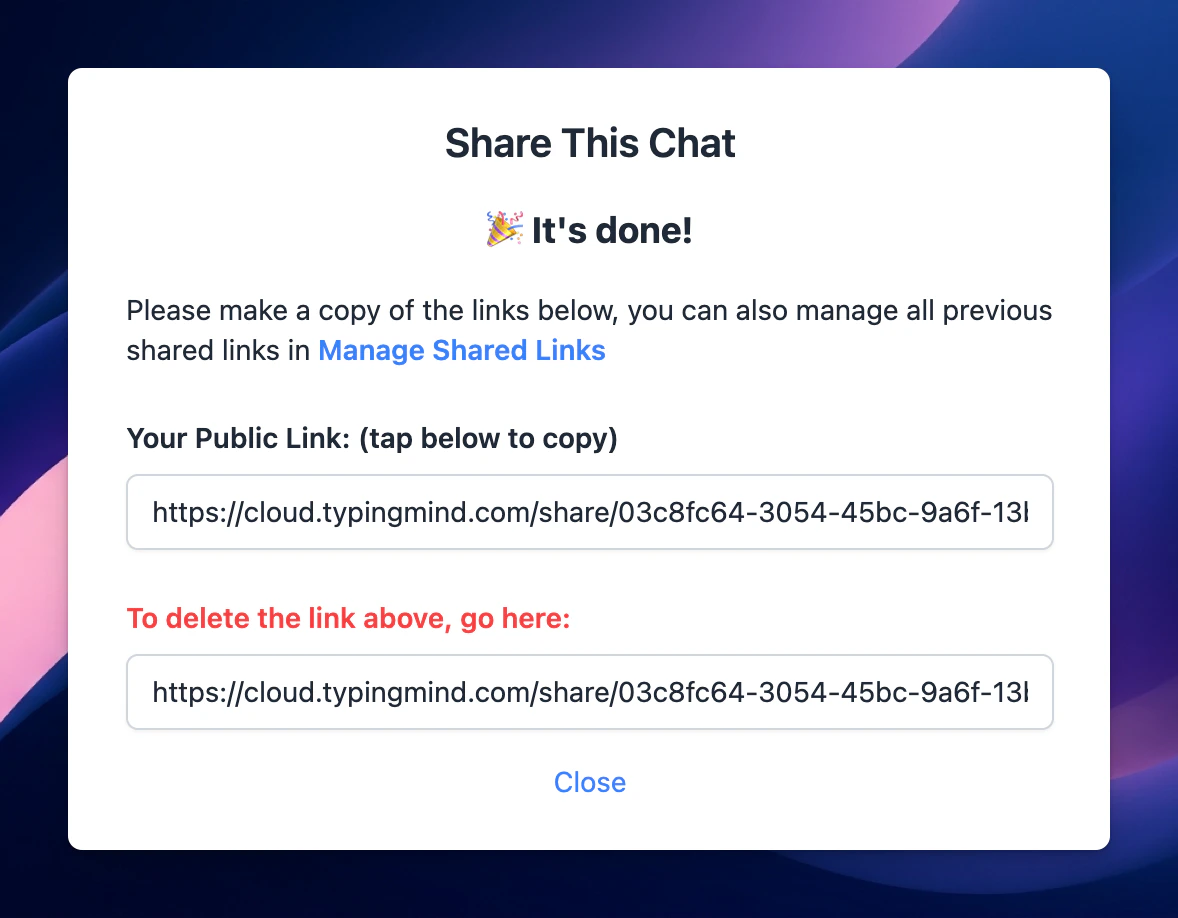
 4. If you share your chat via a unique link, just simply copy the link and share with everyone!
If you share with other formats, just copy and download the file based on different formats.
4. If you share your chat via a unique link, just simply copy the link and share with everyone!
If you share with other formats, just copy and download the file based on different formats.