> ## Documentation Index
> Fetch the complete documentation index at: https://docs.typingmind.com/llms.txt
> Use this file to discover all available pages before exploring further.
# Gemini Context Caching
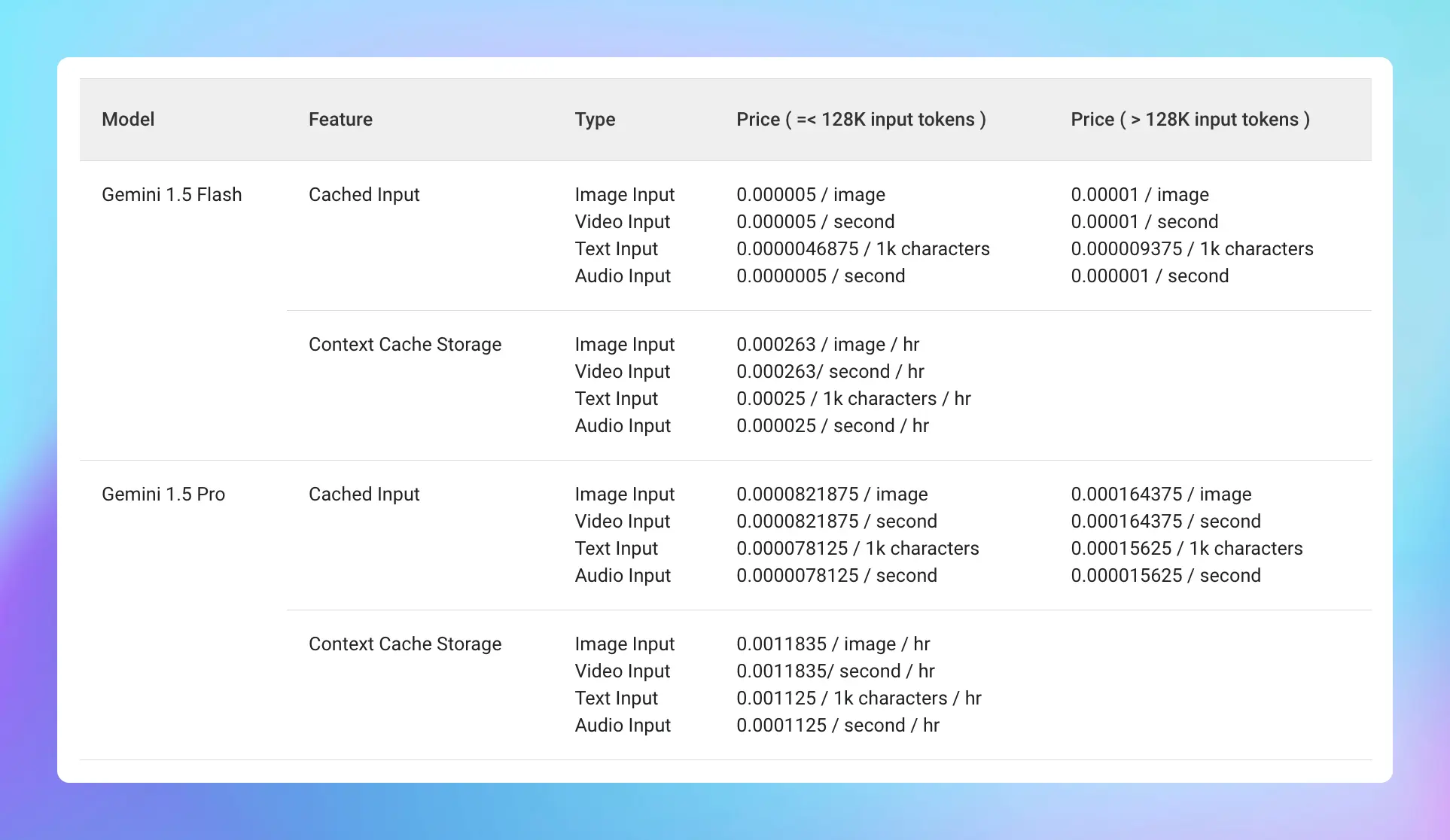
Gemini Context Caching is now available on TypingMind! 🔥
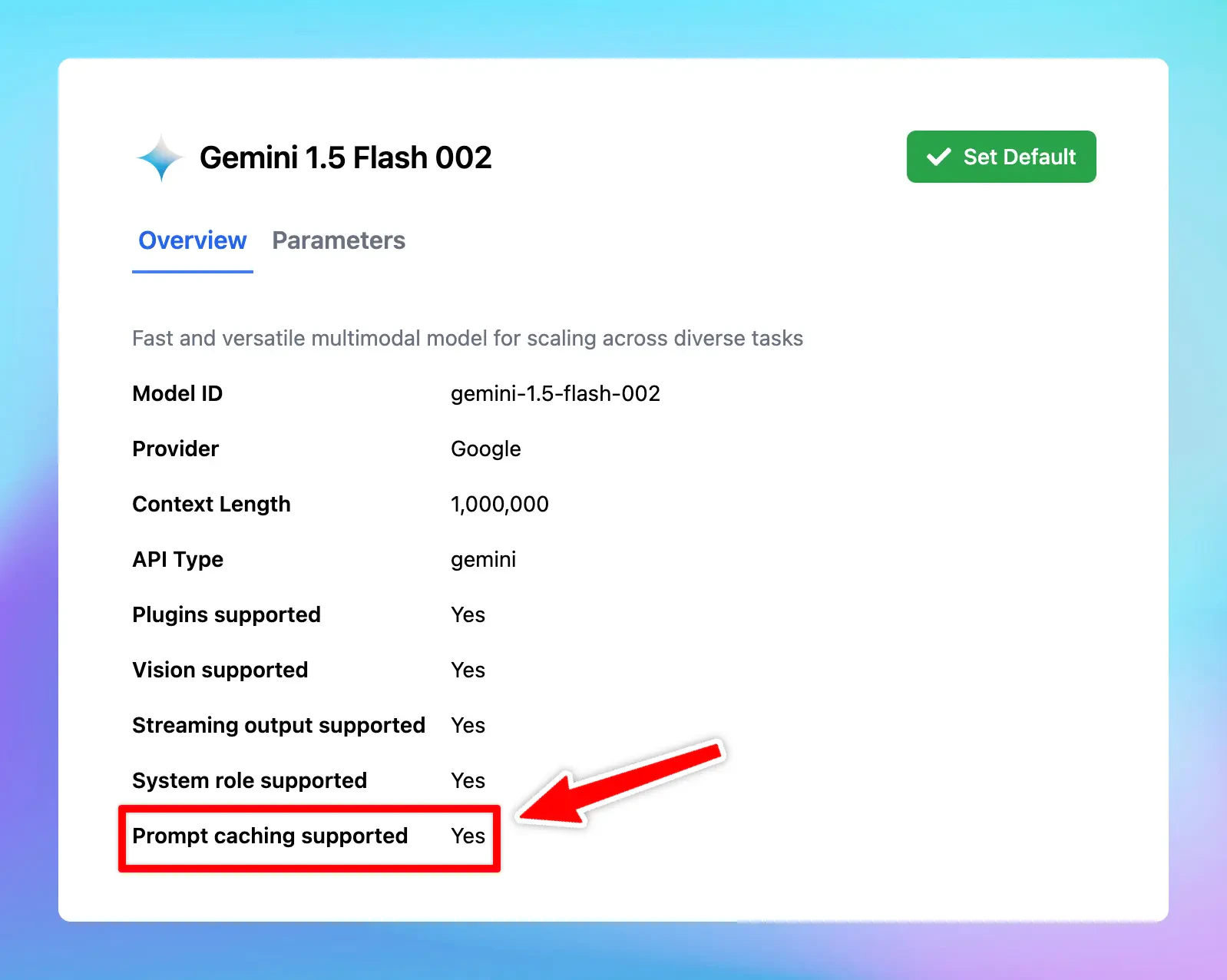
Supported models:
* Gemini 1.5 Pro
* Gemini 1.5 Flash
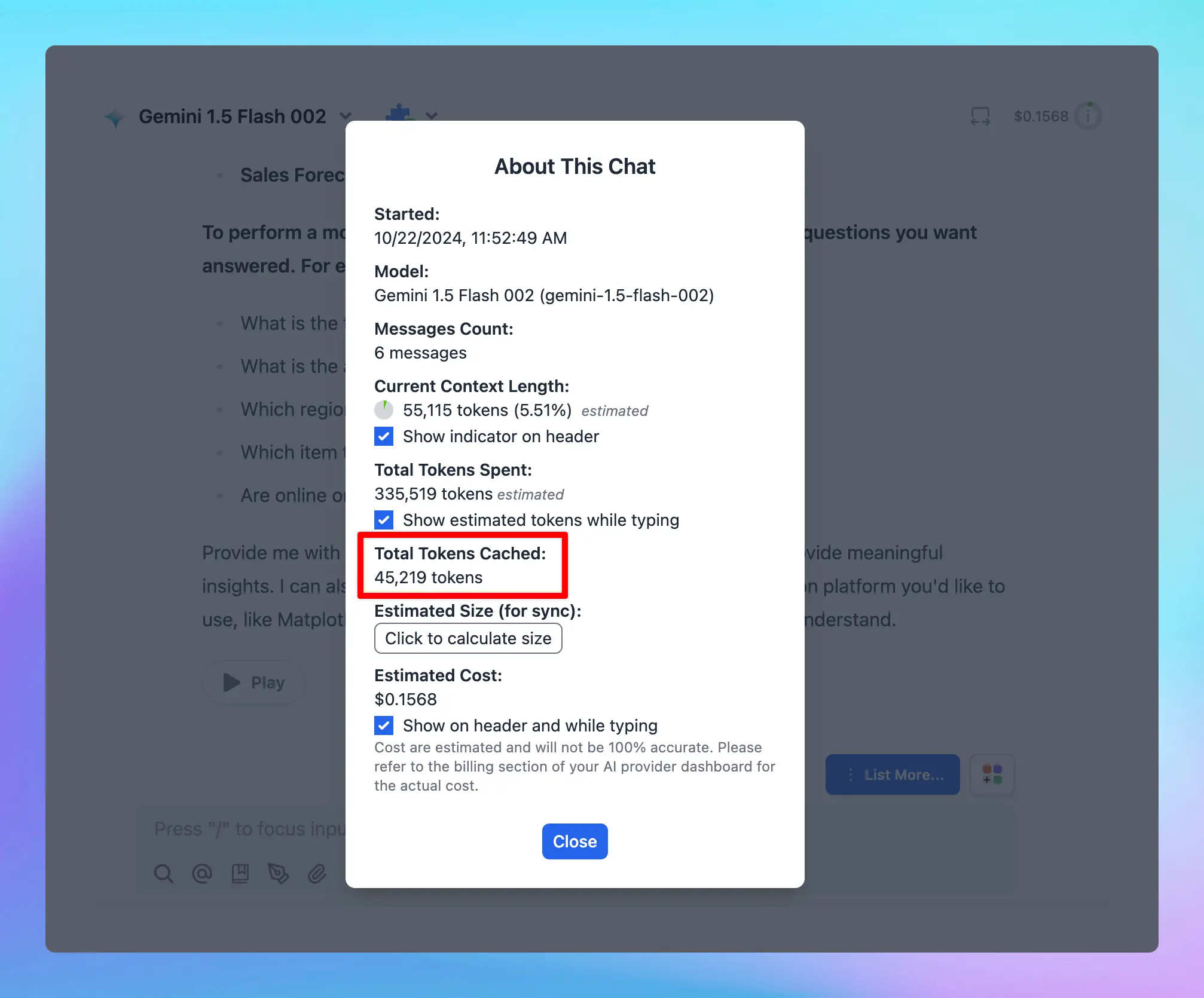
The minimum input token count for context caching is 32,768.
## **🏁 How it works**
* Go to **Model Settings**
* Expand the **Advanced Model Parameter**
* Scroll down to enable the “**Prompt Caching**” option
Learn more [https://docs.typingmind.com/prompts/automatic-prompt-caching](https://docs.typingmind.com/prompts/automatic-prompt-caching)
### 📌 Stay updated
Follow us on [Twitter](https://x.com/TypingMindApp) to stay informed about the latest updates, tips, and tutorials:
[https://x.com/TypingMindApp/status/1848660063898243266](https://x.com/TypingMindApp/status/1848660063898243266)
 ### 📌 Stay updated
Follow us on [Twitter](https://x.com/TypingMindApp) to stay informed about the latest updates, tips, and tutorials:
[https://x.com/TypingMindApp/status/1848660063898243266](https://x.com/TypingMindApp/status/1848660063898243266)
### 📌 Stay updated
Follow us on [Twitter](https://x.com/TypingMindApp) to stay informed about the latest updates, tips, and tutorials:
[https://x.com/TypingMindApp/status/1848660063898243266](https://x.com/TypingMindApp/status/1848660063898243266)